tencent cloud

Cloud Contact Center

Announcement
What's New
Cloud Contact Center Terminology Update
What is Tencent Cloud Contact Center
Overview
Feature List
Terms Introduction
Handling Firewall Restrictions
AI Voicebot
Billing Guide
Voice Call Billing Overview
Desk Billing Overview
View Billing
Refund Policy
New User Guide
Voice Guide
Desk Guide
Use Case
Inbound: Customer Experience
Outbound: Telemarketing
Auto Dialer: Voice Notification
Integration Use Case (SDK)
Administrator Guide
Voice Guide
Desk Guide
Member Guide
Voice Guide
Desk Guide
AI Voice Agent Guide
Introducing AI Voice Agent
AI Voice Agent Practical Tutorial
Set Up Your AI Voice Agent
Activate AI Voice Agent Call
AI Voice Agent Call Logs
Developer Guide
SDK Development Guide
Data Push
Voice API Reference
History
Introduction
API Category
Making API Requests
Agent APIs
Skill Group APIs
Number APIs
Dual Call APIs
Predictive Outbound Call APIs
SIP Phone APIs
Call Service Record APIs
Billing APIs
Other APIs
Outbound Call APIs
Speech Intelligent Agent APIs
Data Types
Error Codes
Desk API Reference
API Reference
Callback Configuration
FAQs
Data Deletion Guide
Legal
Privacy Policy
Data Processing And Security Agreement
Service Level Agreements
TENCENT CLOUD CONTACT CENTRE TERMS OF USE
Glossary
Contact Us

Management Panel

PDF
Modo Foco
Tamanho da Fonte
Última atualização: 2025-01-08 15:23:08
Note:
Cloud Console: uses CAM, where you can use Console Account to login for application resource management: Create application, SIP Trunk Connection, Package Subscription, Recording Storage and Data Push
Management Panel: is for administrators and managers to monitor call records, view agent performance dashboards, and configure general settings for calls, IVRs, and agent accounts.
Agent Workstation: is for agents to make and receive calls.

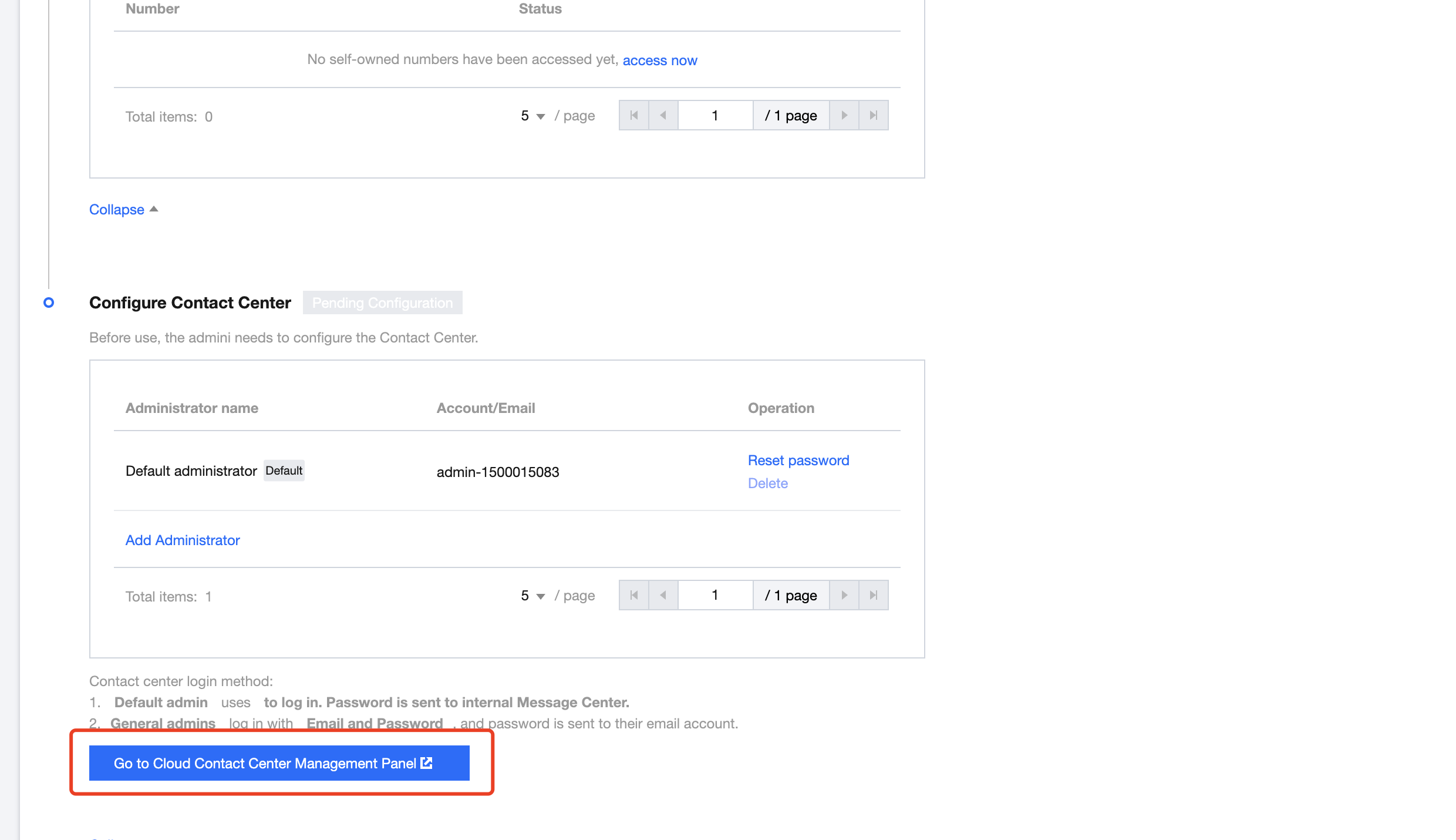
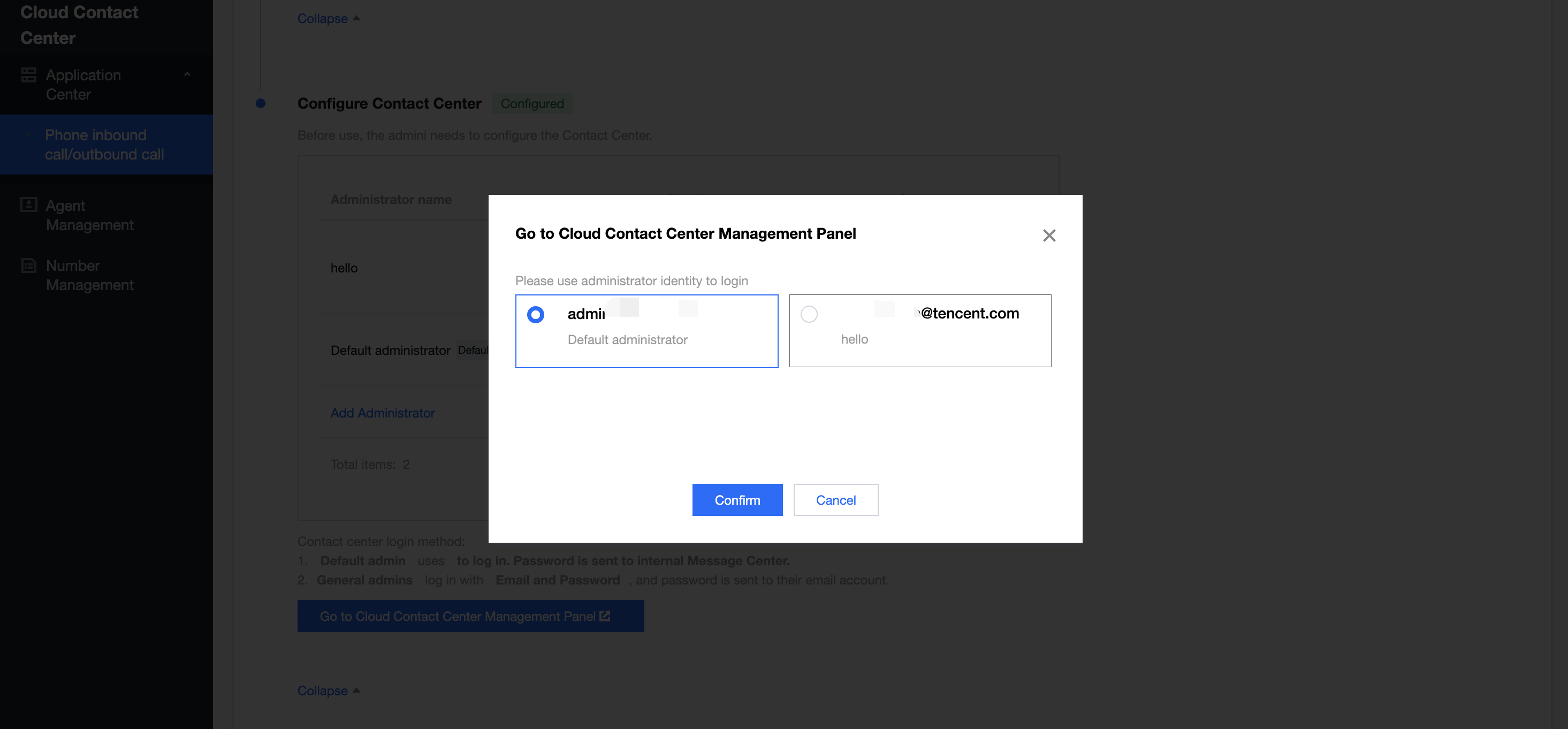
Fast Login Management Console

You can use the default admin account to log in to the Cloud Contact Center Management Console without a password. To view the default admin password, you can check the site message in the Console.


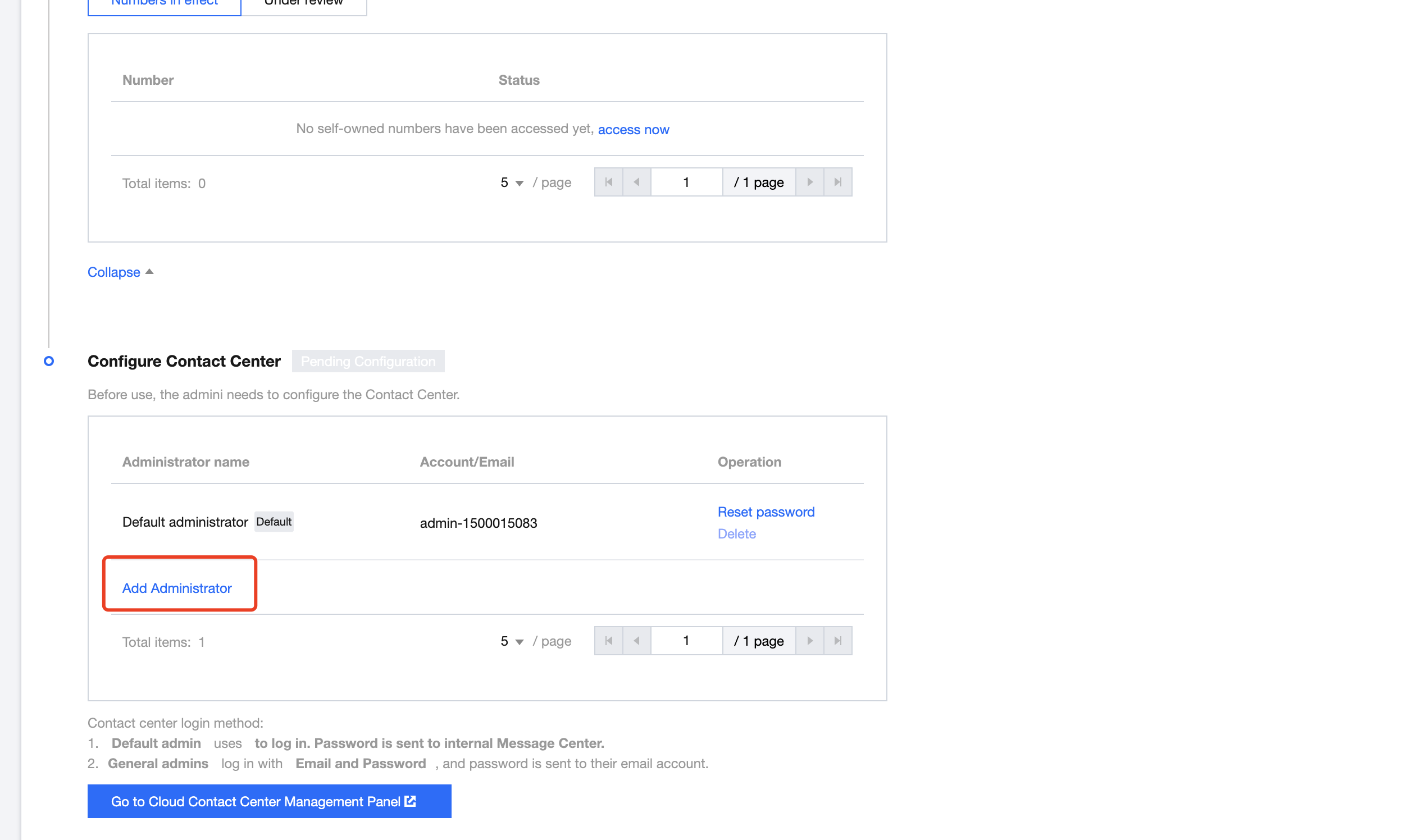
Adding Admins

You can create more admin account:

1.Create an admin account

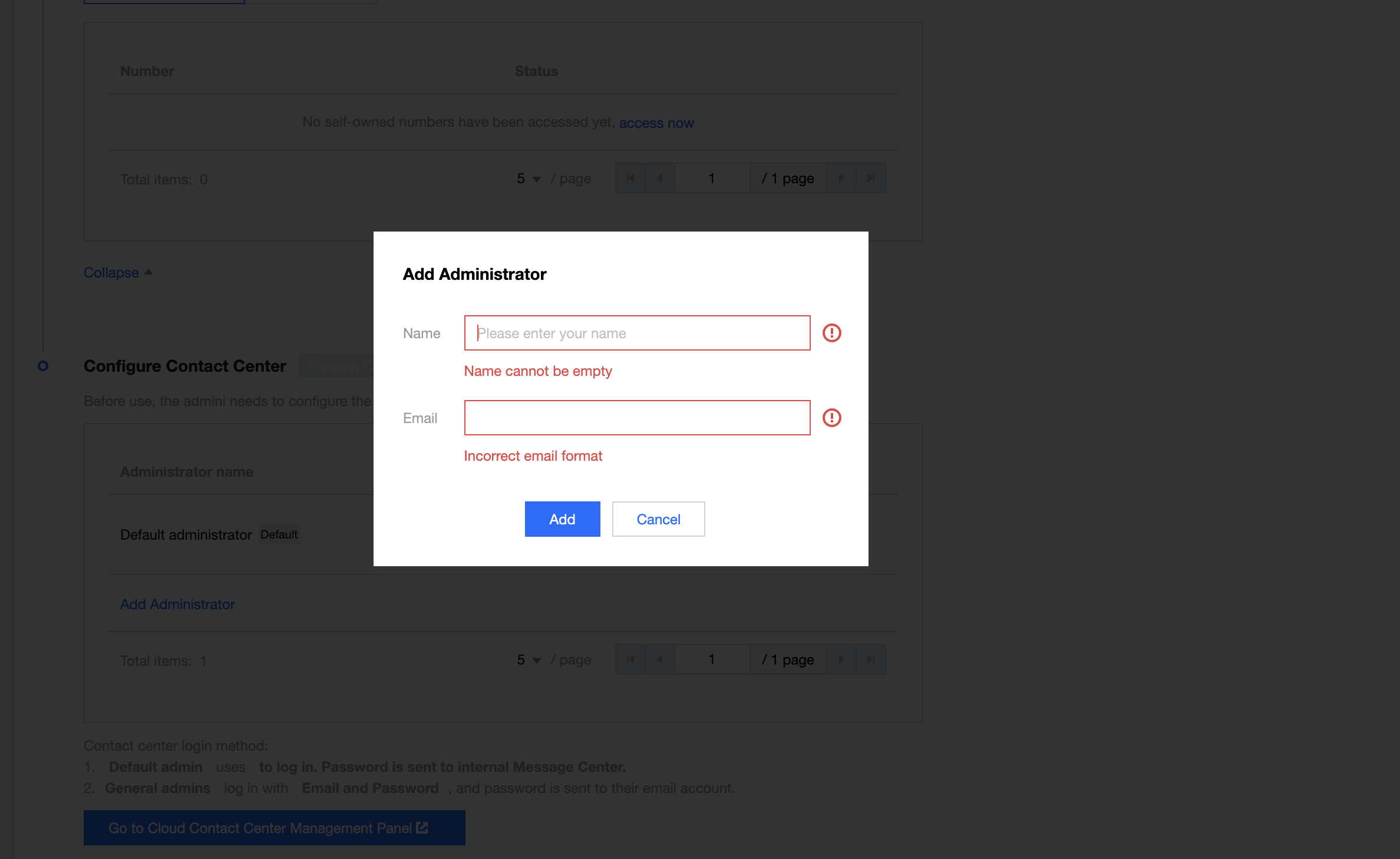
Click Add Administrator and fill in the name and login email


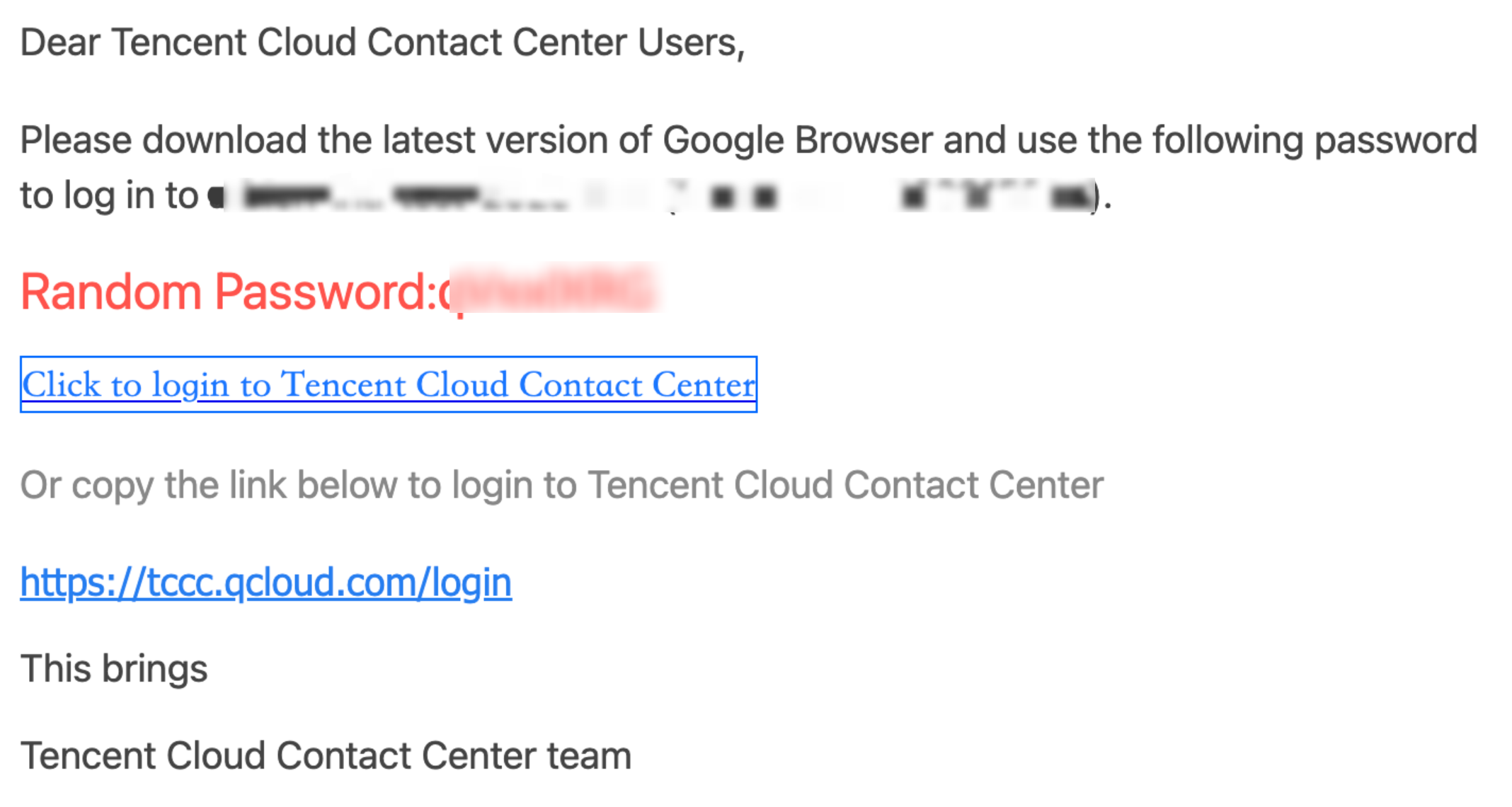
After submission, the system will automatically send a random password to the email address.

2.View login password

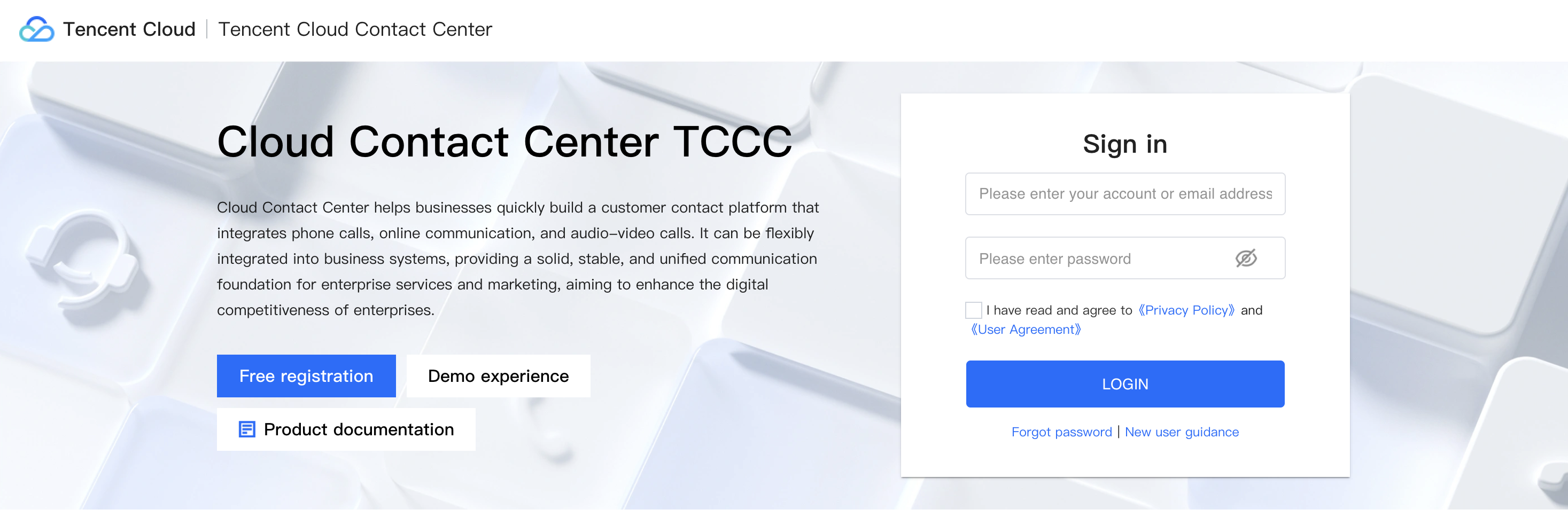
Click the login link in the email to go to the Management Console login page.


Step 3: Go to the Management Console to log in

On the Management Console login page, select account login. The account is the admin email, and the password is the random password from the email. Click Login.
Next: The administrator goes to the Cloud Contact Center Management Console to create an agent.


Ajuda e Suporte

Esta página foi útil?

comentários