Query Analysis
Download
Mode fokus
Ukuran font
On the Query Analysis page, you can analyze query details of those with the Profile feature enabled. On this page, you can view SQL details, query plan, and execution details, presented in both graphical and textual format.
With these capabilities, developers can understand query execution in finer detail and carry out targeted debugging and optimization.
Operation Guide
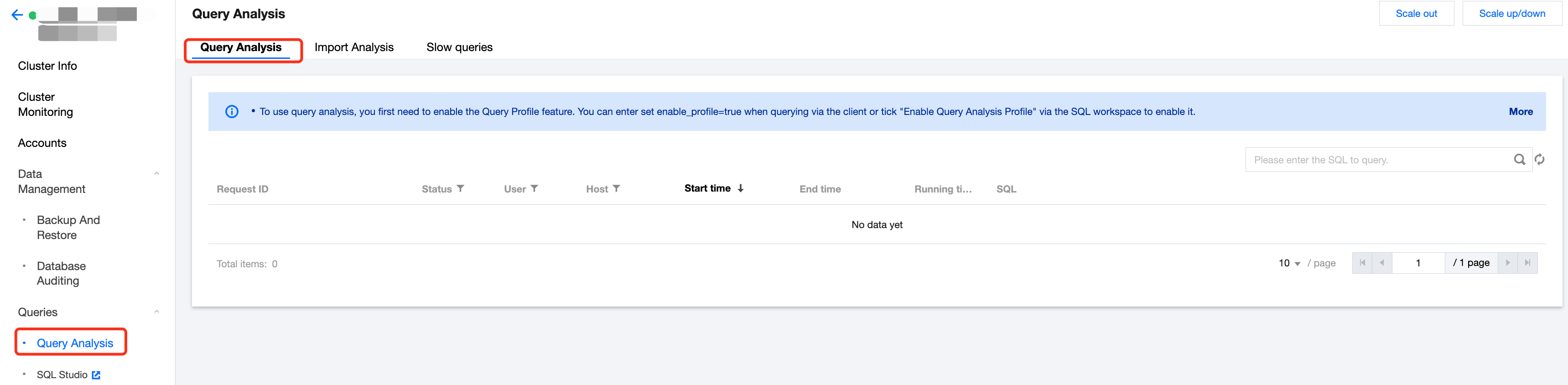
1. Log in to Tencent Cloud TCHouse-D Console, select the target Cluster ID/Name from the cluster list, and switch to the Query Analysis page.
2. The queries that you want to analyze need to have the Profile feature enabled in advance. The enabling methods include SQL workspace enabling and client enabling:
Enable SQL Studio: When using SQL Studio for queries, you can check Enable query profile while editing the query.
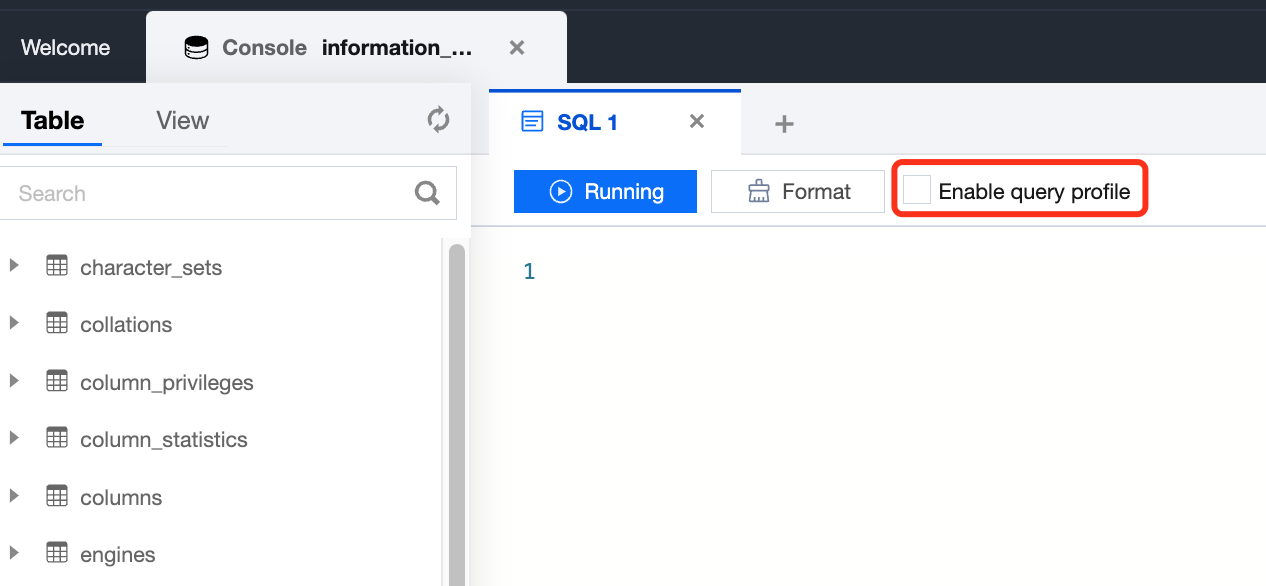
Enable Client: When using other methods for queries, enter set enable_profile=true in the command line to enable the Profile feature.
Note:
Query and Analysis only applies to SQL with the Profile feature enabled. This feature may have some impact on query performance.
3. For profile enabled queries, you can view Request ID, Query Status, Operation Time, etc. in the Query and Analysis list. By clicking Request ID or Details button in the SQL column, you can proceed with detailed analysis.
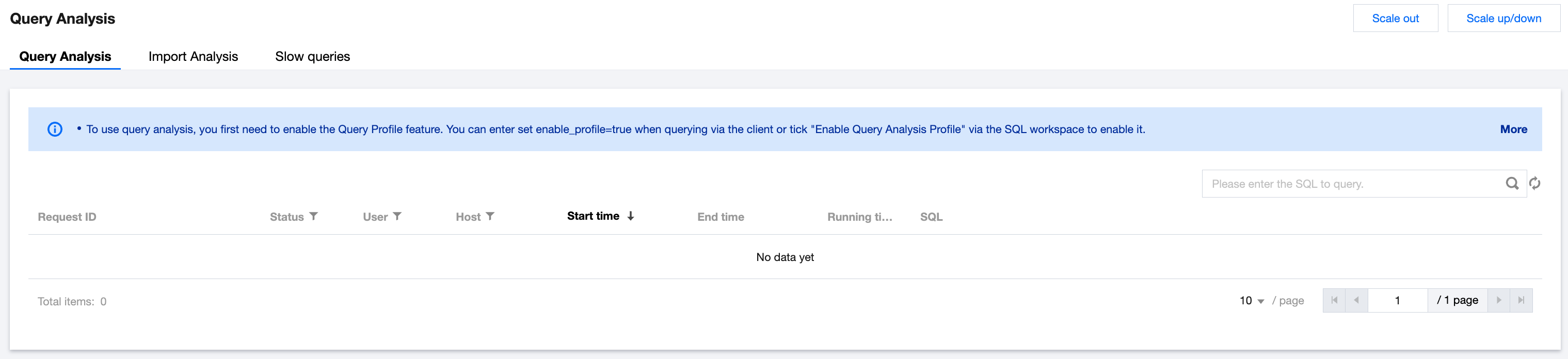
4. On the Query Analysis detail page, you can view into the SQL Details, Query Plan, and Execution Details of the corresponding Request ID:
SQL Details: You can view the specific statement of the executed SQL, with support for copying with a single click.
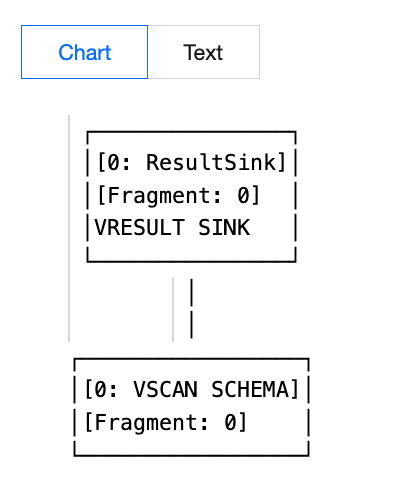
Query Plan: It presents the current query plan in graphic or text format.
Execution Details: It presents the execution details of a query in graphic or text format.
Bantuan dan Dukungan
Apakah halaman ini membantu?
Anda juga dapat Menghubungi Penjualan atau Mengirimkan Tiket untuk meminta bantuan.
masukan