Prompt Management allows you to upload pre-recorded files and provides options to add, edit, play, download, and delete them.
Add Prompt
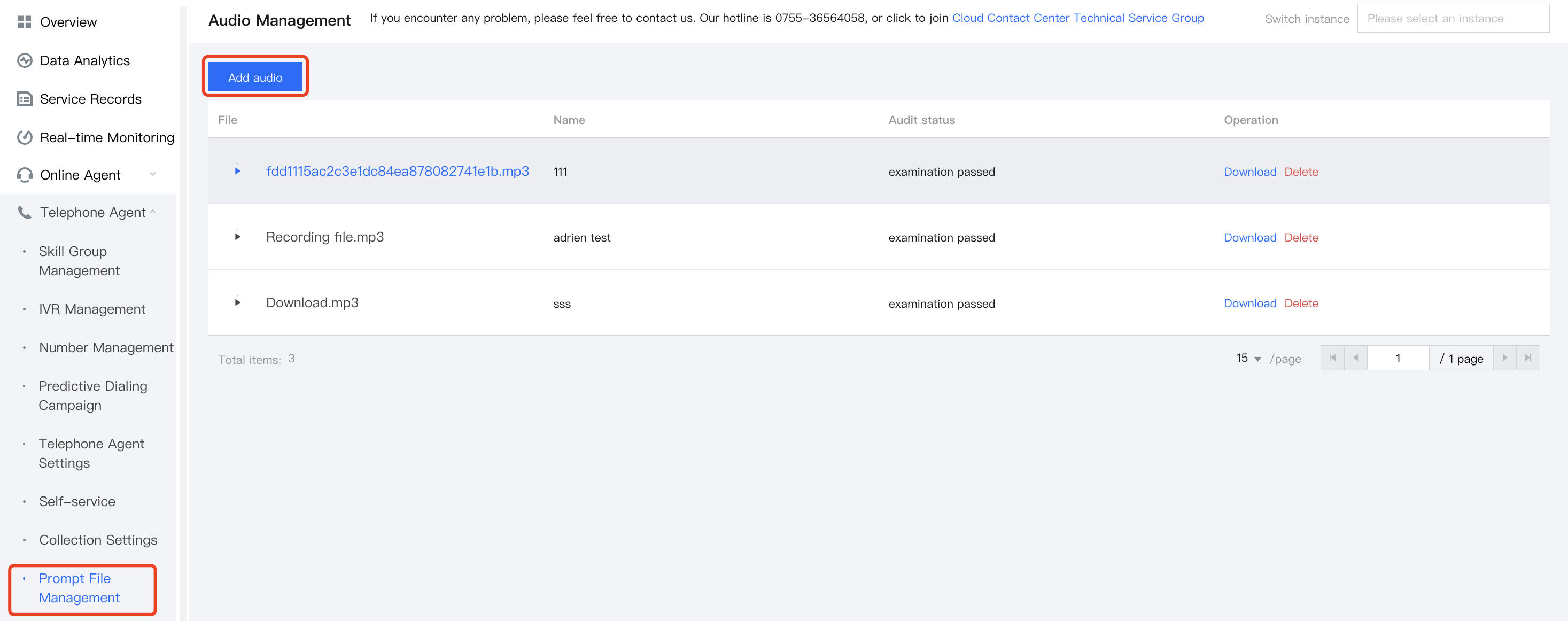
1. Go to the Management Panel, choose Management Panel> Voice Agent> Prompt File Management in the left navigation bar to enter the audio file management page. Click Add audio in the upper right corner of the audio file management page.
2. Enter the following information in the Add Audio dialog box:
Name: You can define it as needed. Fill in the name before uploading the file.
Audio File: Select an audio file to upload. After uploading, you need to wait for review, and after review, you can use it.
Note
The audio file supports mp3 and wav formats, and must not exceed 5 MB.
Play Prompt
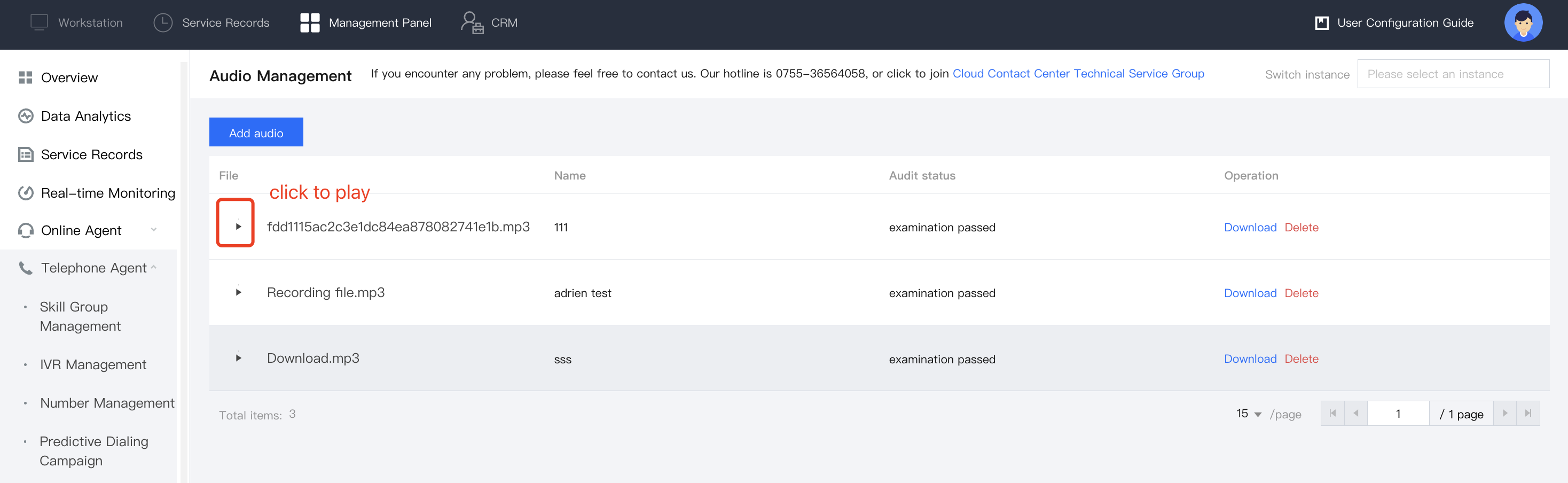
To play audio, simply click the Play button next to the desired file in the list to stream it online.