Make and Answer Call (Via Web Page)
Download
Modo Foco
Tamanho da Fonte
Manual Answer Calls
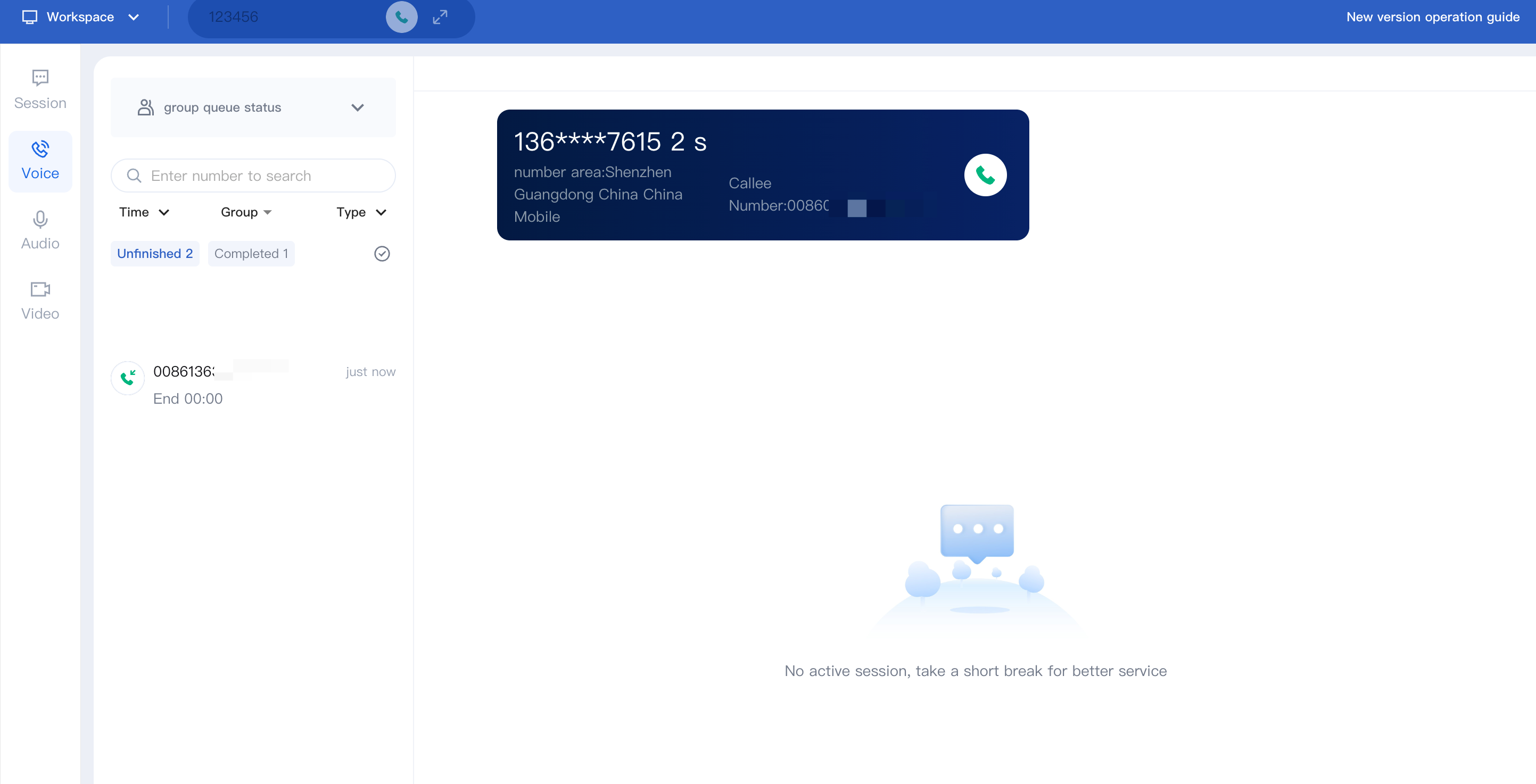
When there is a user incoming call, the workbench will pop up a prompt bar to answer the call as well as an incoming call ringtone to notify the employee of a new incoming call. The employee can click the green button to answer the call. The employee status changes from idle to busy.
Notes:
The countdown will be shown in the call tool bar. If the staff does not click to answer before the countdown ends, the call will be transferred to another staff within the same group.
Automatic Answering Calls
With automatic answering enabled, incoming calls are answered instantly without a prompt. Staff status changes from idle to in-line until the call ends.
Calls Hungup
With automatic answering enabled, incoming calls are answered instantly without a prompt. The employee's status changes from idle to busy until the call ends.
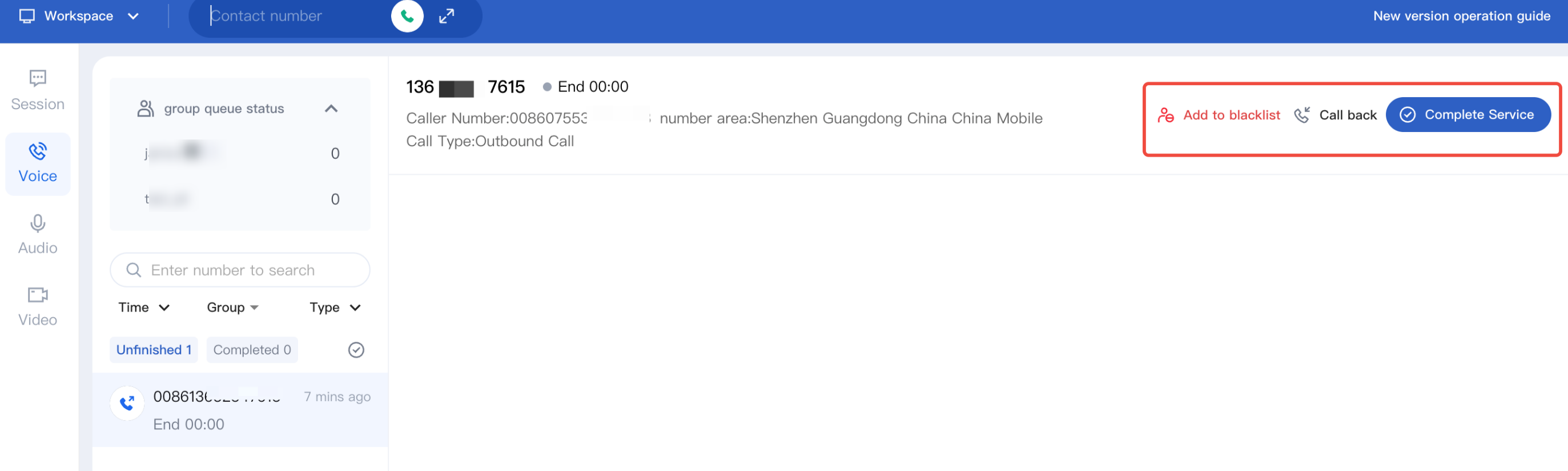
Before the countdown ends, staff can click Back to Reception to go idle or Continue After-Call Work to stay in the current status.
Make Outbound Calls
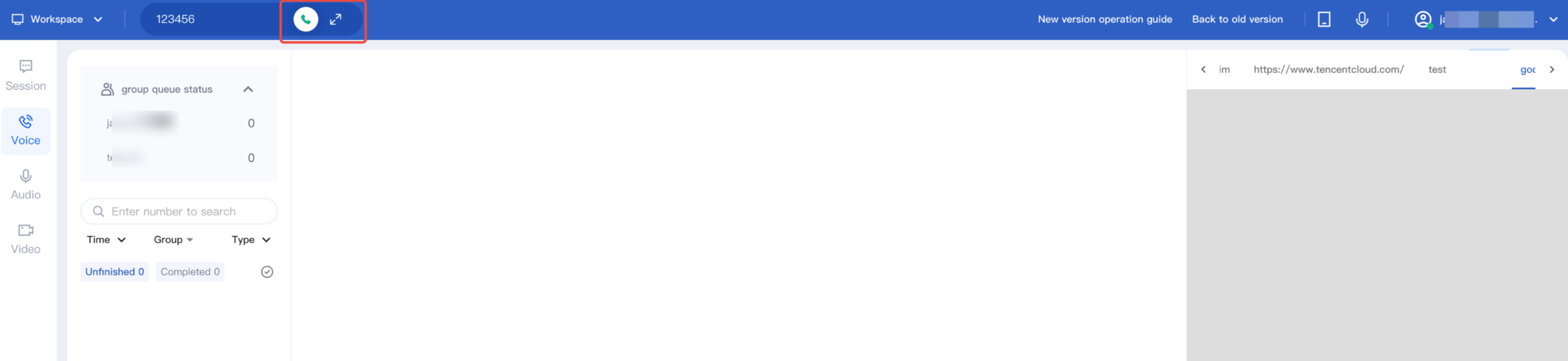
Staff can click Outbound Call icon, enter the phone number, and click the icon again to place the call.
Ajuda e Suporte
Esta página foi útil?
Você também pode entrar em contato com a Equipe de vendas ou Enviar um tíquete em caso de ajuda.
comentários