Link Viber to Desk
Download
Modo Foco
Tamanho da Fonte
The international site supports Rakuten Viber integration. After access, it will manage messages sent to Viber by users.
Note:
When your business has multiple channels for user inquiries, it is recommended that you choose this method to unify the hosting of user inquiries from multiple channels (such as in-APP customer service, WhatsApp, Facebook Messenger, Viber) to our workspace. The final effect is: agents can handle inquiries from multiple channels within a single workspace, improving response efficiency.
Prerequisite
Make sure you have a Viber enterprise account home page link. If not, you can apply through the link.
Desk Operation Guide
Step 1: Add Viber Message Channel to Desk Management Console
1. Log in to Desk management console > Client Configuration.
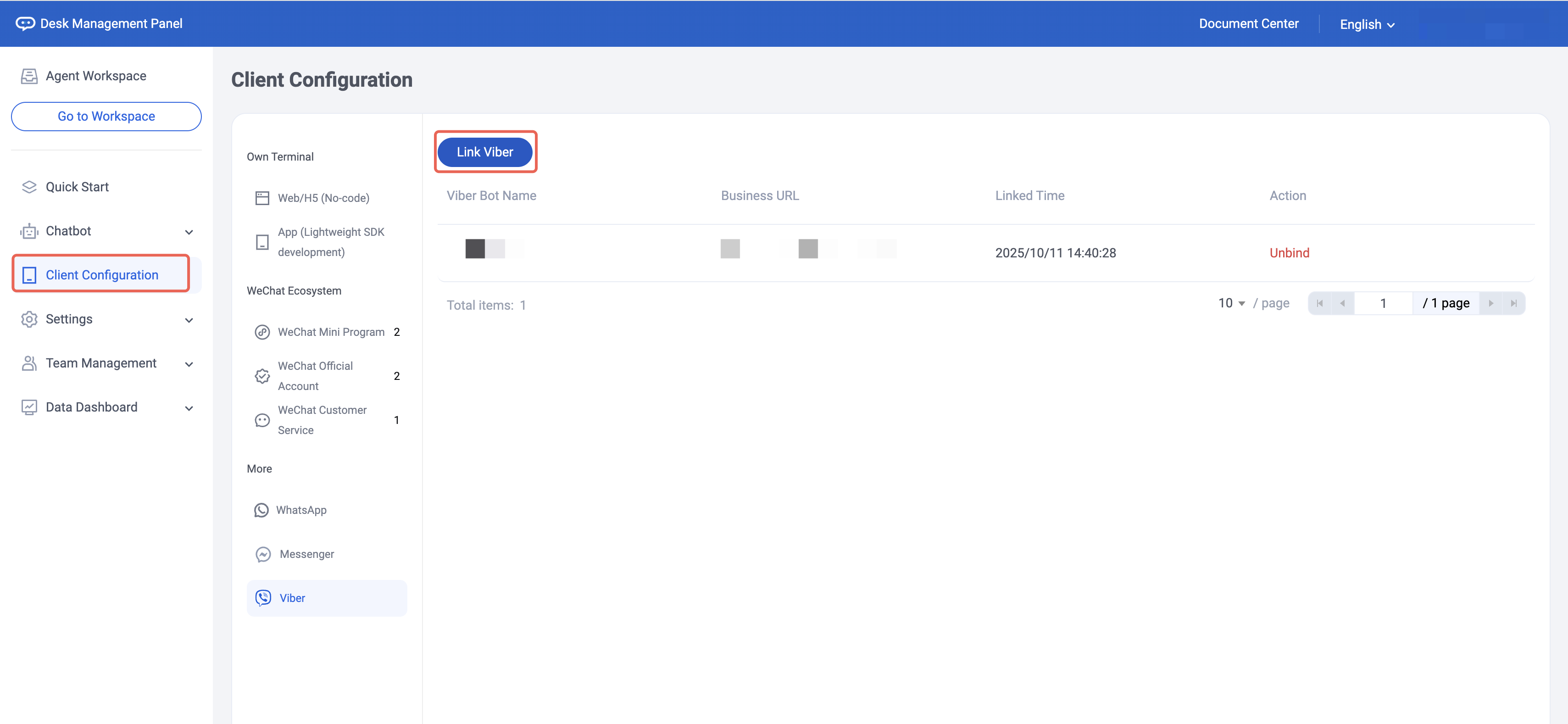
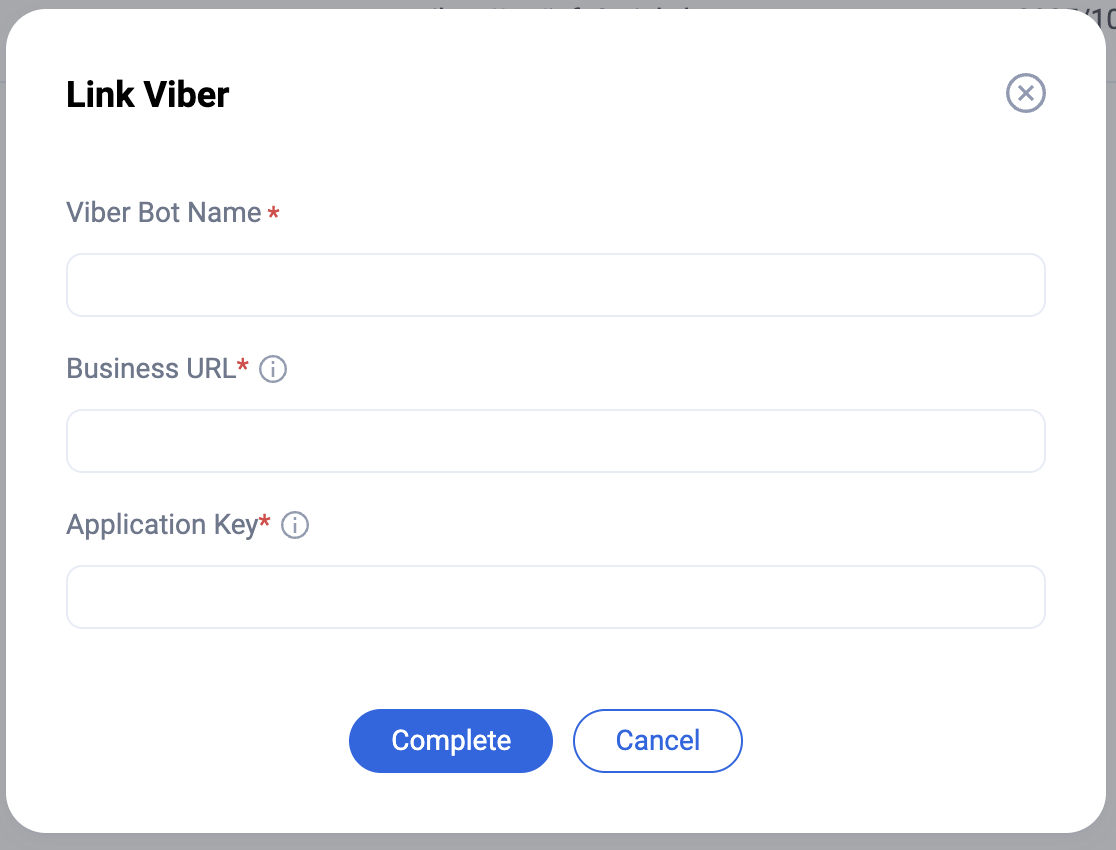
2. Click Add Viber Account.
Enterprise account URL and application key. You may go to Viber configuration page, Viber Setting > My Bots, select the Bot you want to integrate, click edit > copy APP Key.
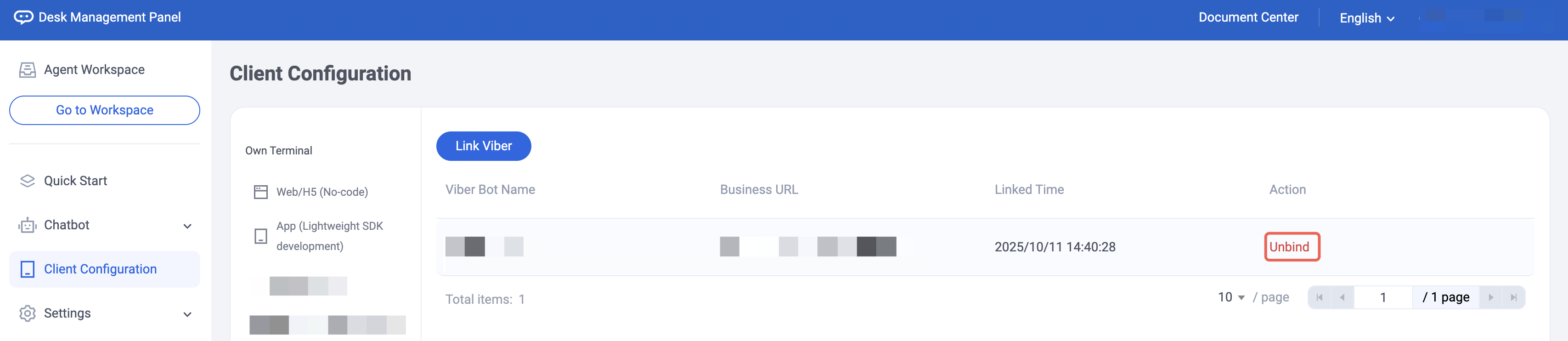
3. After submission, you can manage your Viber enterprise account herein.
Ajuda e Suporte
Esta página foi útil?
Você também pode entrar em contato com a Equipe de vendas ou Enviar um tíquete em caso de ajuda.
comentários