This document describes how to back up local data to the cloud. COS provides the following methods to facilitate backup of local data to a COS bucket:
Backup based on file sync through COSBrowser
Backup based on online migration through COS Migration
Backup Based on File Sync
COSBrowser is a visual cloud file manager launched by COS that allows you to easily view, transfer, and manage COS resources through simple interactions. Currently, COSBrowser is available in Desktop Edition and Mobile Edition. For more information, please see COSBrowser Overview.
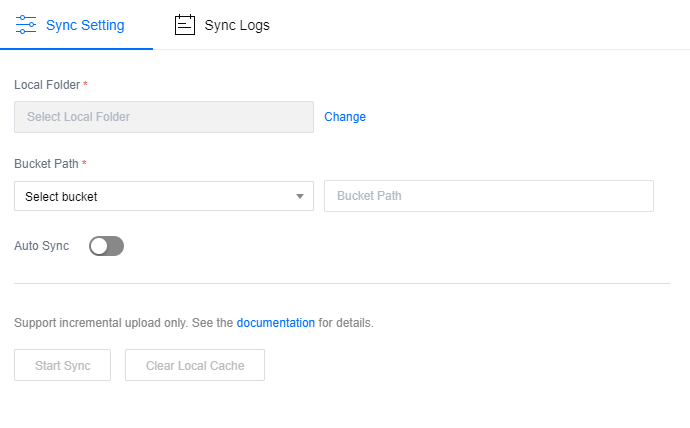
COSBrowser Desktop Edition has a file sync feature that can be used to sync and upload local files to the cloud by associating local folders with buckets.
COS Migration is an all-in-one tool integrating COS data migration features. You can migrate data to COS quickly after completing simple configurations.
Use cases
If you have a local IDC, COS Migration can help you migrate massive amounts of local data to COS.