Sending Test Messages in the Console
ダウンロード
フォーカスモード
フォントサイズ
Scenarios
After creating a topic in the TDMQ for RocketMQ console, you can send specified messages to the topic to test message sending. Then, you can view the records of recently sent messages on the message query page to verify whether the business logic functions properly.
Prerequisites
Operation Steps
1. Log in to the TDMQ for RocketMQ console.
2. In the left sidebar, choose Resource > Topic, select a region and cluster, and click Send Test Message in the operation column of the target topic.
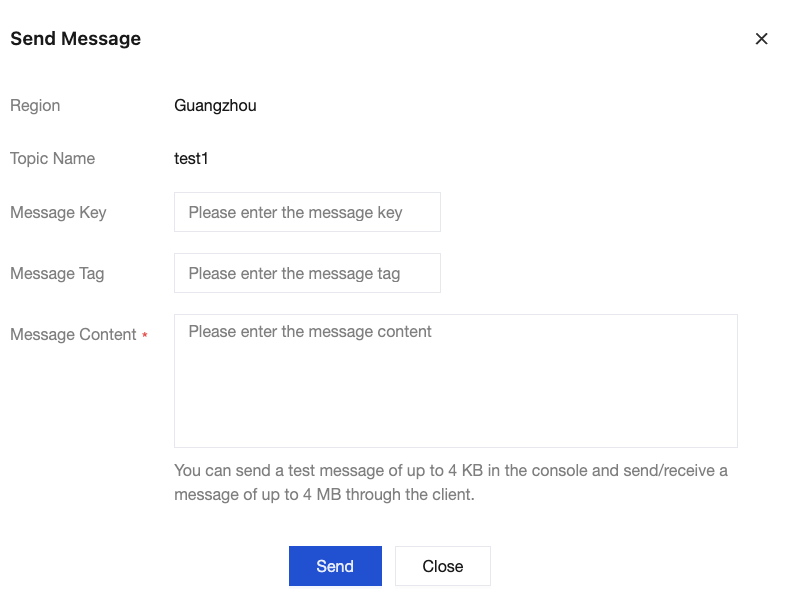
3. In the pop-up window, enter the message key, message tag, and message content, and click Send.
フィードバック