tencent cloud

Tencent Real-Time Communication

お知らせ・リリースノート
製品アップデート情報
Tencent Cloudオーディオビデオ端末SDKの再生アップグレードおよび承認チェック追加に関するお知らせ
TRTCアプリケーションのサブスクリプションパッケージサービスのリリースに関する説明について
製品の説明
製品概要
基礎概念
製品の機能
製品の強み
ユースケース
性能データ
購入ガイド
Billing Overview
無料時間の説明
Monthly subscription
Pay-as-you-go
TRTC Overdue and Suspension Policy
課金に関するよくあるご質問
Refund Instructions
初心者ガイド
Demo体験
Call
コンポーネントの説明(TUICallKit)
Activate the Service
Run Demo
クイック導入
オフライン通知
Conversational Chat
クラウドレコーディング(TUICallKit)
AI Noise Reduction
インターフェースのカスタマイズ
Calls integration to Chat
Additional Features
No UI Integration
Server APIs
Client APIs
Solution
ErrorCode
公開ログ
よくある質問
ライブ配信
Billing of Video Live Component
Overview
Activating the Service (TUILiveKit)
Demo のクイックスタート
No UI Integration
UI Customization
Live Broadcast Monitoring
Video Live Streaming
Voice Chat Room
Advanced Features
Client APIs
Server APIs
Error Codes
Release Notes
FAQs
RTC Engine
Activate Service
SDKのダウンロード
APIコードサンプル
Usage Guidelines
クライアント側 API
高度な機能
RTC RESTFUL API
History
Introduction
API Category
Room Management APIs
Stream mixing and relay APIs
On-cloud recording APIs
Data Monitoring APIs
Pull stream Relay Related interface
Web Record APIs
AI Service APIs
Cloud Slicing APIs
Cloud Moderation APIs
Making API Requests
Call Quality Monitoring APIs
Usage Statistics APIs
Data Types
Appendix
Error Codes
コンソールガイド
アプリケーション管理
使用統計
監視ダッシュボード
開発支援
Solution
Real-Time Chorus
よくあるご質問
課金関連問題
機能関連
UserSig関連
ファイアウォールの制限の対応関連
インストールパッケージの圧縮に関するご質問
AndriodおよびiOS関連
Web端末関連
Flutter関連
Electron関連
TRTCCalling Web関連
オーディオビデオ品質関連
その他のご質問
旧バージョンのドキュメント
TUIRoom(Web)の統合
TUIRoom (Android)の統合
TUIRoom (iOS)の統合
TUIRoom (Flutter)の統合
TUIRoom (Electron)の統合
TUIRoom APIのクエリー
クラウドレコーディングと再生の実現(旧)
Protocols and Policies
セキュリティコンプライアンス認証
セキュリティホワイトペーパー
情報セキュリティの説明
Service Level Agreement
Apple Privacy Policy: PrivacyInfo.xcprivacy
TRTC ポリシー
プライバシーポリシー
データ処理とセキュリティ契約
用語集

Notification

PDF
フォーカスモード
フォントサイズ
最終更新日: 2025-02-27 16:09:56
To help developers easily implement the offline push feature in Flutter projects, we recommend using the TIMPush plugin (paid). Compared to integrating separately on Android and iOS, using the TIMPush plugin offers the following advantages:
Short integration period, it is estimated that integration with all vendors only takes 30 minutes.
Supports data statistics and link tracking, making it easy for you to view various metrics such as reach rate, click-through rate, and conversion rate.
Supports All-staff/Tag Push, making it convenient to push marketing ads, notifications, news information, etc., to all users or specific groups.
Supports cross-platform frameworks like uni-app and Flutter.
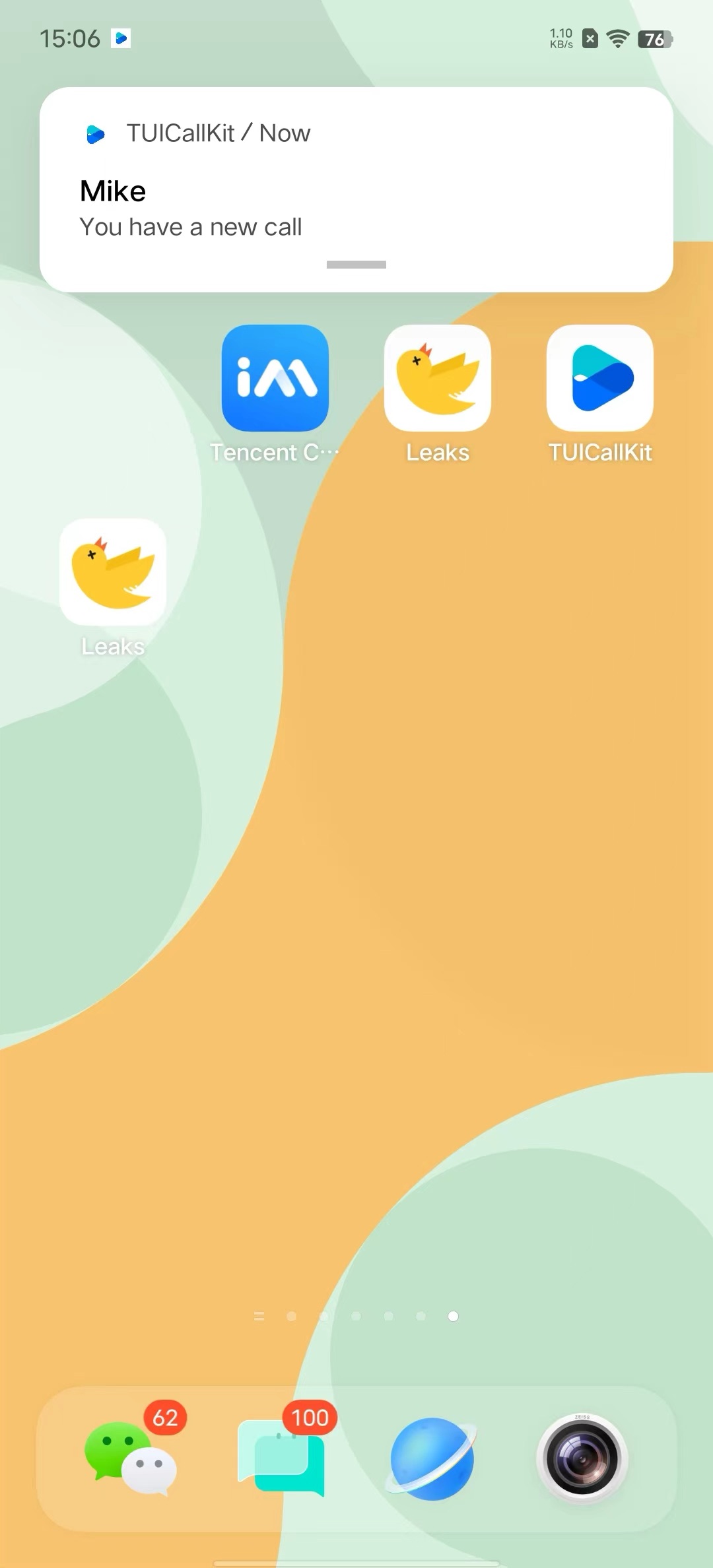
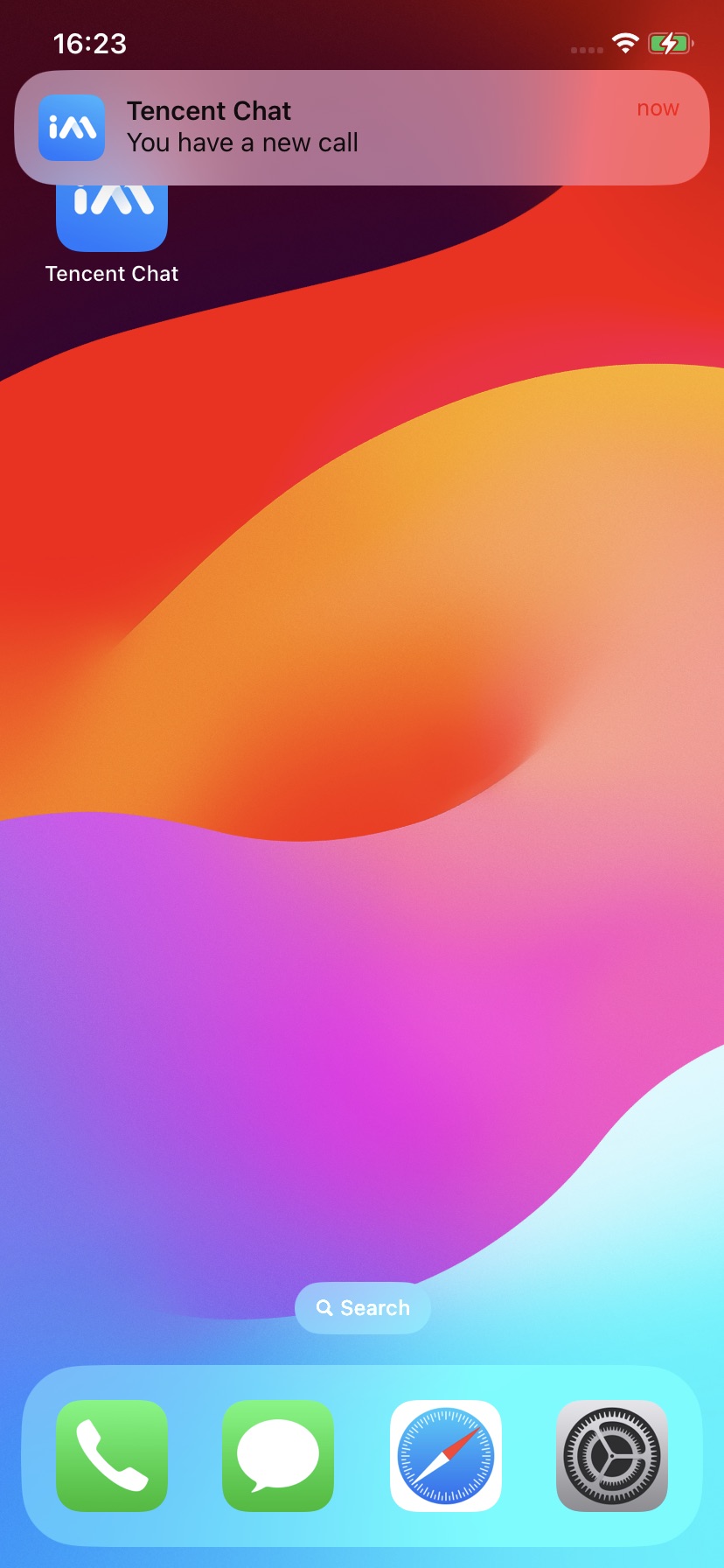
This document will detail how to integrate the TIMPush plugin in the TUICallKit component to achieve offline push capability for audio and video calls.
Android
iOS


Integration Guide

Making an Offline Push Call

If you want to make an offline push call, you need to set OfflinePushInfo when calling calls .
TUIOfflinePushInfo offlinePushInfo = TUIOfflinePushInfo();
offlinePushInfo.title = "Flutter TUICallKit";
offlinePushInfo.desc = "This is an incoming call from Flutter TUICallkit";
offlinePushInfo.ignoreIOSBadge = false;
offlinePushInfo.iOSSound = "phone_ringing.mp3";
offlinePushInfo.androidSound = "phone_ringing";
offlinePushInfo.androidOPPOChannelID = "Flutter TUICallKit";
offlinePushInfo.androidVIVOClassification = 1;
offlinePushInfo.androidFCMChannelID = "fcm_push_channel";
offlinePushInfo.androidHuaWeiCategory = "Flutter TUICallKit";
offlinePushInfo.iOSPushType = TUICallIOSOfflinePushType.APNs;

TUICallParams params = TUICallParams(offlinePushInfo: offlinePushInfo);
TUICallKit.instance.calls(callUserIdList, TUICallMediaType.audio, params);
Note:
If your Android application encounters issues when receiving push notifications or pulling up pages, you can refer to the Called party's call display policy for troubleshooting.

ヘルプとサポート

この記事はお役に立ちましたか?

フィードバック