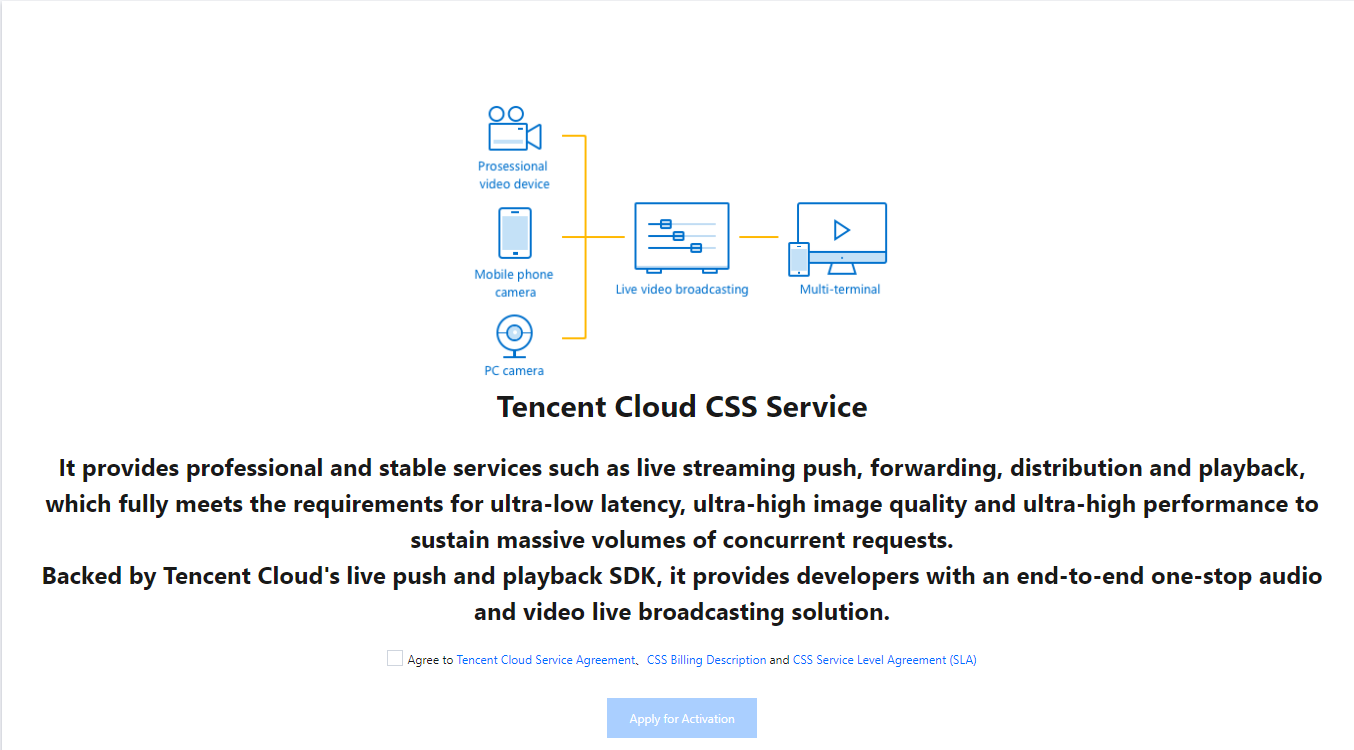
Go to the CSS console, on the service activation page, read the agreement, check Agree, and click Apply for Activation.
How do I enable hotlink protection keys?
Hotlink protection keys are a security mechanism that ensures only your app users can publish streams. You can change your hotlink protection settings anytime on the Domain Management page of the CSS console. For details, please see Playback Authentication Settings.
How to obtain authentication keys for API calls?
For your backend server to call cloud APIs of CSS, it will need authentication keys to verify the legitimacy of the calls. For details on how to obtain authentication keys for API calls, please see Signature v3.
How to configure a URL for event callbacks?
Tencent Cloud allows you to register callbacks for some live streaming events. It sends notifications to the URL you specify using the HTTP POST method. For how to configure a URL for event callbacks, please see CSS Callback.
Video on Demand (VOD)
How to activate VOD?
Go to the VOD console to activate VOD. The service is charged daily by default.
How do I query my VOD APPID?
Each Tencent Cloud account is assigned a unique APPID, which you can view in Account Information of the Account Center.
Instant Messaging (IM)
How to activate IM?
Go to the IM console.
The IM application list of a newly verified account is empty. To create an application, click Create Application, fill in the information, and click Confirm.
Note:
You can also create an IM application in the CSS console. Log in to the CSS console, go to MLVB SDK > Application Management, click Create Application, enter an application name and description, and click Confirm.
What is SDKAppID?
SDKAppID is a number, that represents a product under your account. If you have multiple products, each product will have a SDKAPPID.
What is administrator?
IM provides a series of RESTful APIs that allows your backend server to use IM features directly, for example, to create a group, send system messages, and remove a user from a group. However, the RESTful APIs can only be called by an administrator. That is to say, you need a username that is Administrator and its corresponding password (UserSig). For more information, please see RESTful API Overview.
Note:
UserSig is the password needed to log in to IM. For details on how to obtain it, please see Obtaining a Key.
Cloud Object Storage (COS)
How to activate COS?
All Tencent Cloud accounts can use the COS service after verification. Go to the COS console, click Bucket List > Create Bucket, fill in the information, and click Create to create a bucket.
What is bucket?
Put simply, buckets function as disk partitions. When you pay for Tencent Cloud’s COS service, it’s like purchasing a hard disk. It’s a common practice to partition and format a disk before using it to store data. When you create a bucket in COS, it’s like creating a hard disk partition.
How do I query BucketName?
BucketName is the name you give to a bucket during creation.
How do I query AppID, SecretId, or SecretKey?
To view the information, on the key management page of the COS console, click Cloud API Key.
In COS, APPID is bound to SecretId and SecretKey. They are required to call COS APIs. COS is a cloud service with high security requirements, so unless a correct key is passed in, an API request will be rejected by Tencent Cloud.
Cloud Virtual Machine (CVM, optional)
You can use your own server to deploy backend scripts for your project, but we recommend Tencent Cloud CVM for greater expertise and reliability. Please note that Tencent Cloud's distributed cloud databases can only be accessed via Tencent Cloud’s CVMs.
Log in to the CVM console, select Instances on the left sidebar, and click Create to go to the CVM purchase page.
Note:
For CVM image, we suggest that you select a Linux image with Nginx + PHP + MySQL from the image market.
Complete the subsequent steps as prompted. The CVM becomes available after the image is installed.