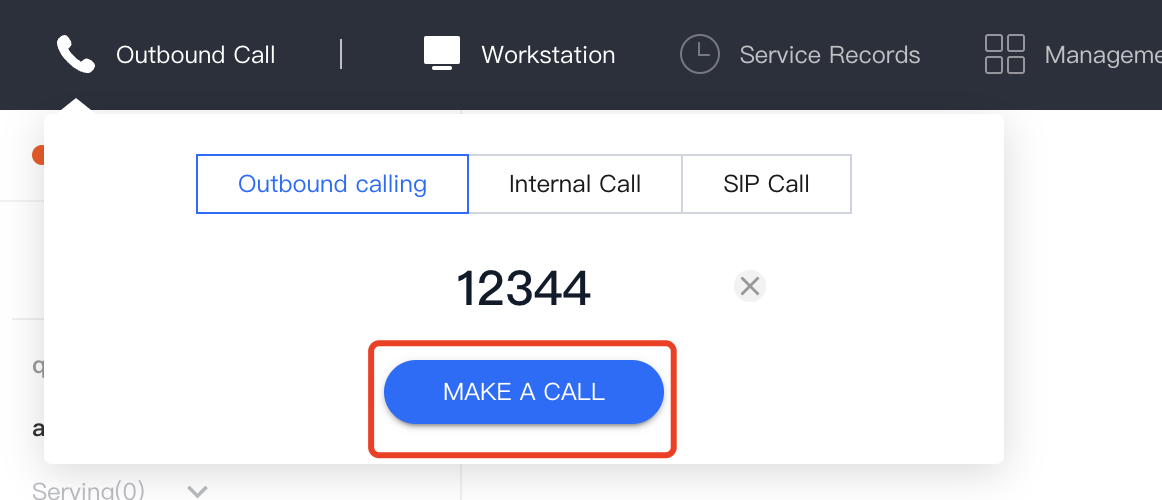
Agents can enter the dial-out number in the dial pad provided by the
agent workstation, and click Make a Call to dial out. The system will select a number to make a call according to the administrator's configuration. Refer to Outgoing Number Allocation for detailed settings.
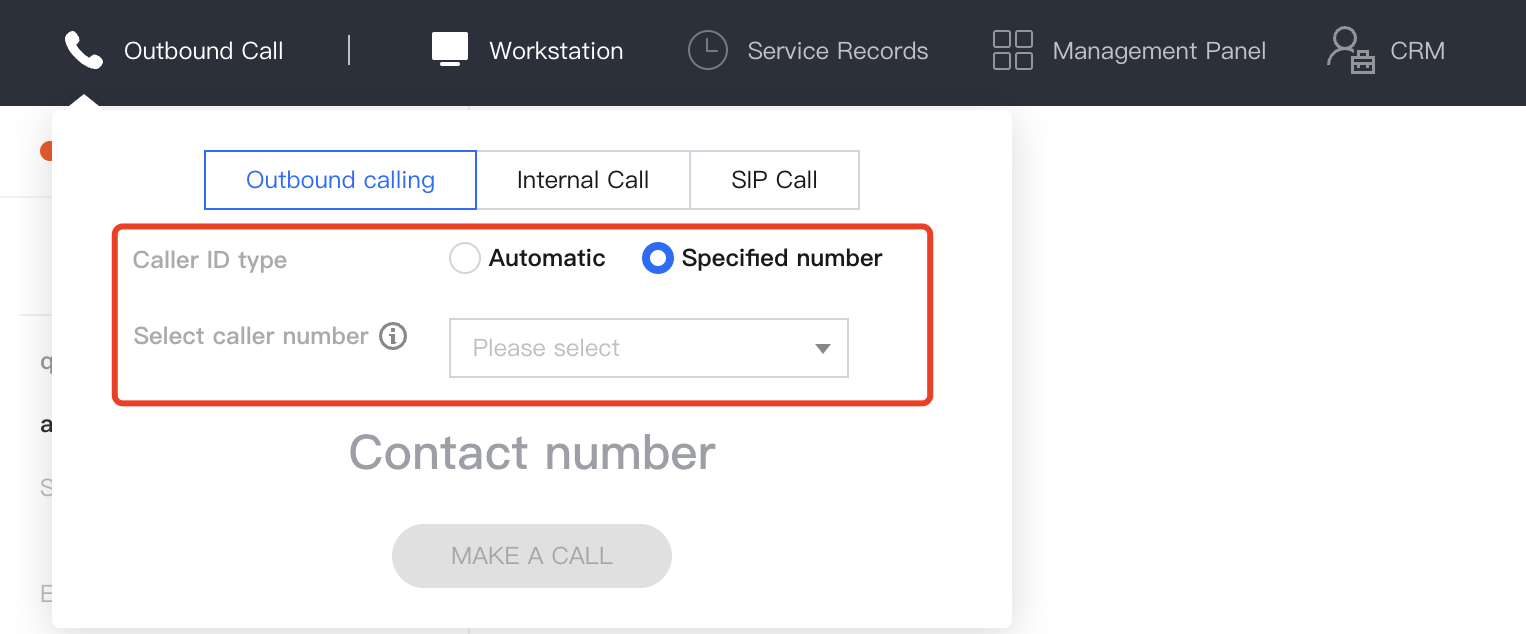
Outbound Call with Specified Number
If the administrator has made related configurations for numbers on the Cloud Contact Center console, the agent can select the corresponding number to dial out in the dial pad in the workstation. The administrator can choose Telephone Agent > Telephone Agent Settings > Outbound Settings in the left navigation bar, and turn on the switch that allows agents to specify the dial-out number. Refer to Allow Agents to Specify the Dial-out Number for detailed settings.