This document describes the basic concepts involved in the VOD playback scenarios of Tencent Player to help you quickly understand and use its VOD capabilities.
Concepts
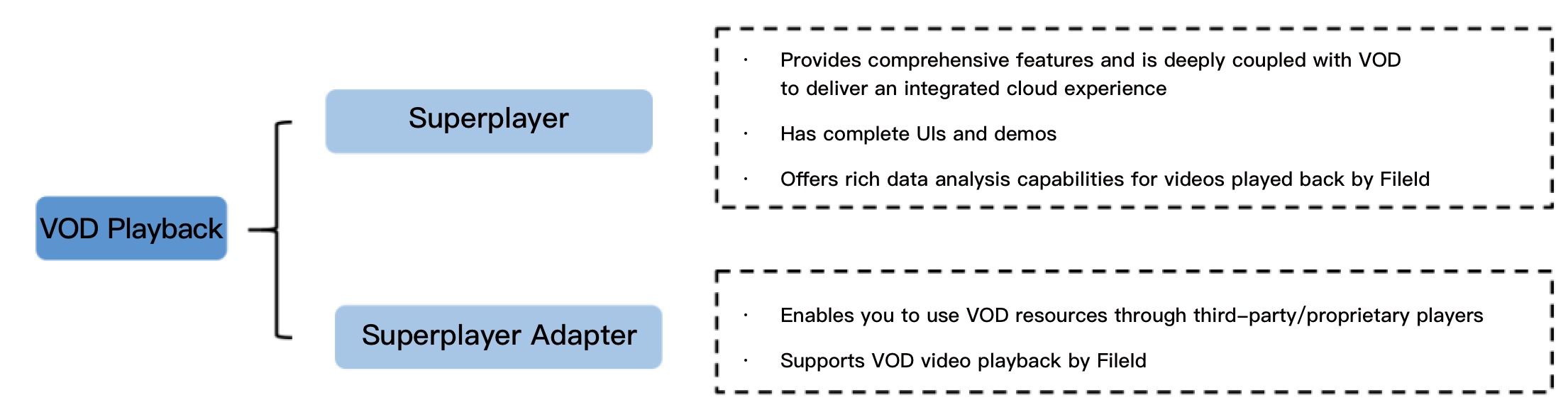
Player can be connected to Tencent Cloud VOD through Player or Player Adapter.
Player
Player is a standalone and complete video player with a full range of video playback features, such as video encryption, thumbnail preview, and definition switch. It comes with complete UIs and demos, is deeply integrated with VOD, and can play back resources in VOD through their FileID. In addition, it provides a full-linkage VOD playback quality data service. To quickly connect Player, see Stage 1. Play back a video with player.
Player Adapter
Player Adapter is a player plugin used to connect a third-party player with resources in VOD. It offers diverse capabilities, including video playback and encryption, so you can integrate it into your third-party players to play back resources in VOD through their FileID. To quickly connect Player Adapter, see the integration documents for different platforms.
How to Select Player
To simplify connection and match your business scenarios, we recommend you select the most suitable player type when connecting the player service.
Player: Recommended for users who haven't integrated a player but need to quickly build VOD playback capabilities. Player is fully featured and easy to connect. VOD provides a detailed guide on how to connect it.
Player Adapter: Recommended for users who need to play back resources in VOD with a proprietary or third-party player. VOD offers Player Adapter to help you smoothly connect and use resources in VOD.