Get Offline and Log Out
Offline
Click the agent avatar in the top right corner and select Offline .
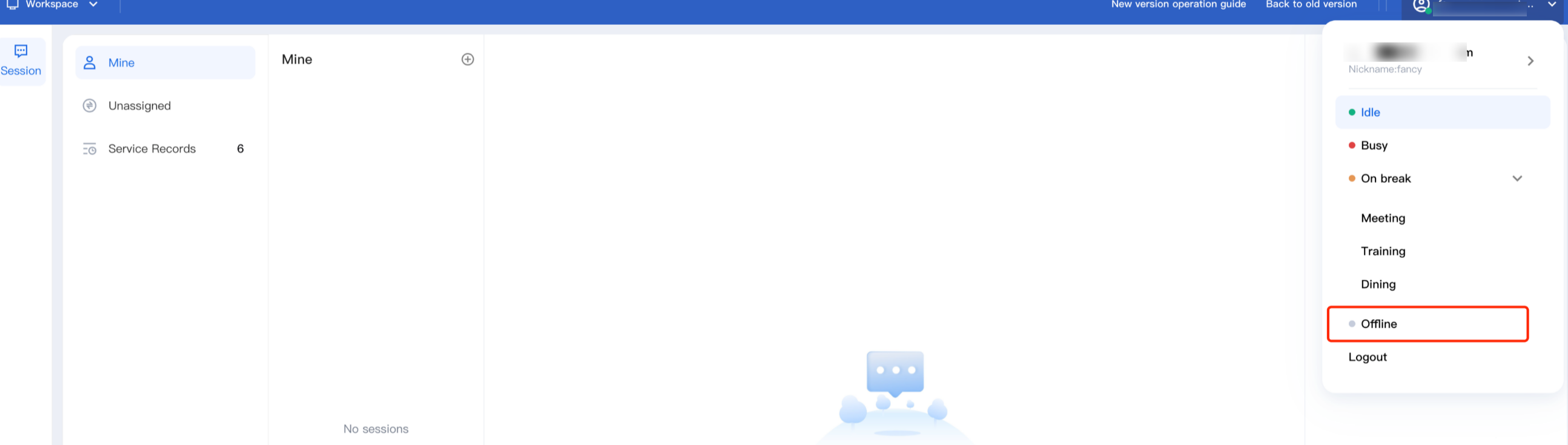
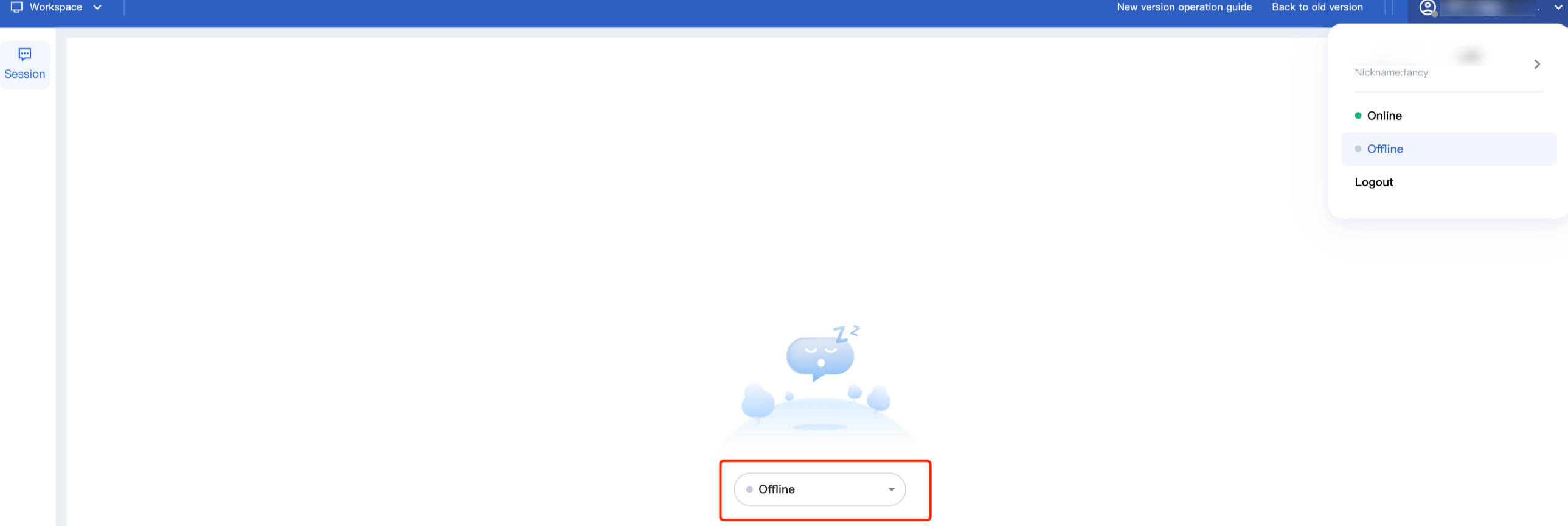
Once set to Offline, the staff status will be marked as unavailable, and the system will no longer assign new sessions. Staff can manually switch back to Online.
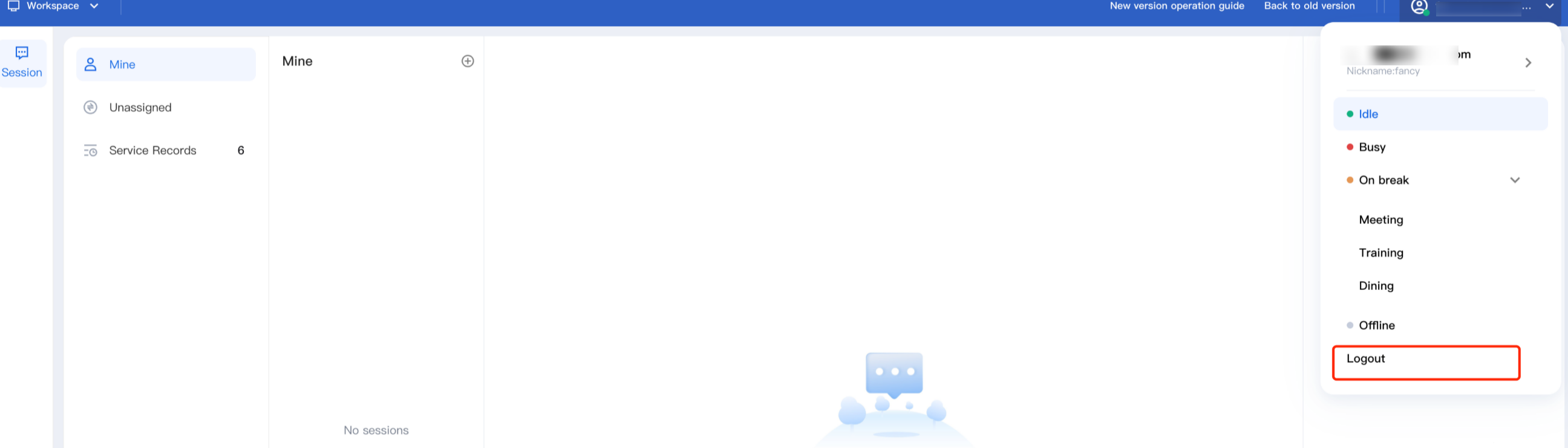
Log Out
Click the agent avatar in the top right corner and select Logout .
Help and Support
Was this page helpful?
You can also Contact sales or Submit a Ticket for help.
Help us improve! Rate your documentation experience in 5 mins.
Feedback