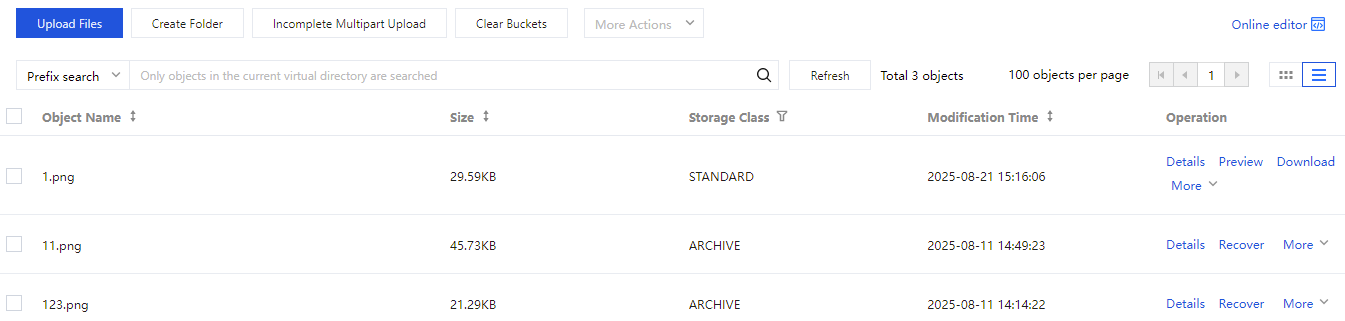
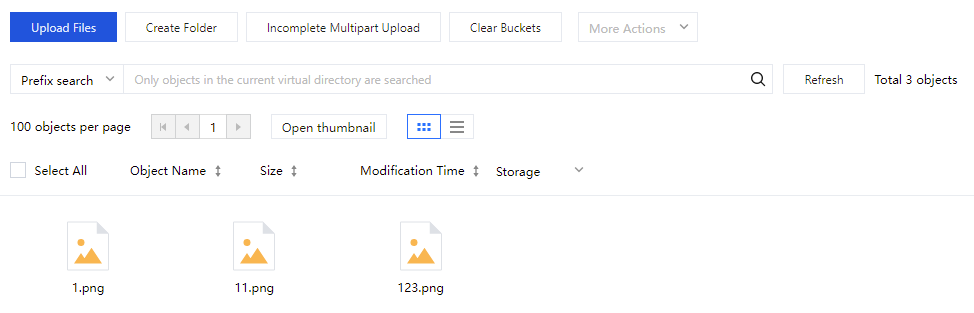
In the COS console, enter the bucket details. You can perform related operations on files or folders in the bucket file list. In the file list, you can upload files, create folders, manage fragments, clear the bucket, list historical versions, search or refresh the list, set folder permissions, view file details, preview, download, and more.
2. In the left sidebar, click Bucket List to go to the bucket list page.
3. Find the bucket where the object is located and click the bucket name to enter the bucket management page.
4. In the left sidebar, select File List to enter. File List supports two views. You can switch the desired view in the upper-right corner of the file list (as shown in the red box below). Details as follows:
List view: Files and folders are displayed in a list format.
Grid view: Files and folders are displayed in a grid format.