Initiating a Call From the Server
Download
フォーカスモード
フォントサイズ
Effect Display
You can initiate a call and input uplink audio-video media streams through the server. The client-side effect of answering a call is as follows:
1V1 call | group call |
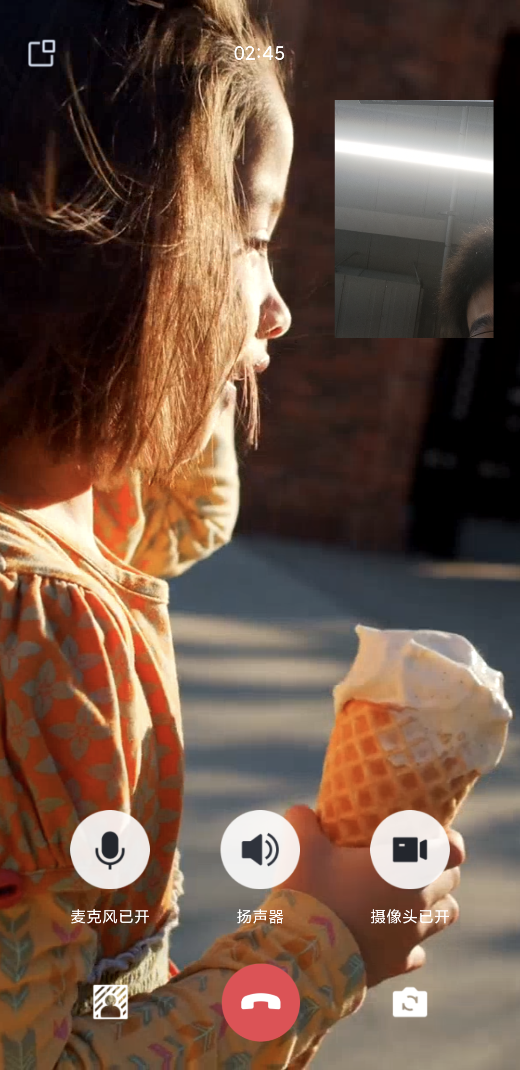 | 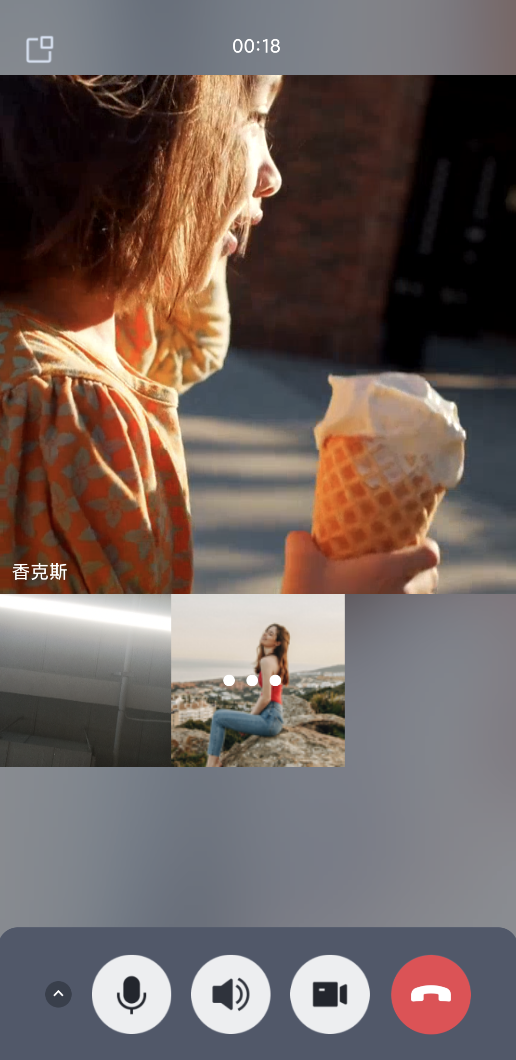 |
Start Access
Initiating a Call From the Server
Example Request URL
https://console.tim.qq.com/v4/call_engine_http_srv/start_call_by_robot?sdkappid=88888888&identifier=administrator&usersig=xxx&random=99999999&contenttype=json
Parameter | Description | Value |
xxxxxx | SDKAppID resides in the country/region with a dedicated domain name | China: console.tim.qq.com, Singapore: adminapisgp.im.qcloud.com |
https | request protocol | The request protocol is HTTPS, and the request method is POST. |
console.tim.qq.com | Request domain | fixed as console.tim.qq.com |
ver | protocol version number | fixed as v4 |
servicename | internal service name, different servicename corresponds to different service type | Example: v4/call_engine_http_srv/get_call_info, among them call_engine_http_srv is the servicename |
command | Command word, combined with servicename to identify specific business functionality | Example: v4/call_engine_http_srv/get_call_info, among them get_call_info is the command |
sdkappid | App ID obtained from the IM console | apply for access to obtain |
identifier | userName must be an App administrator account for REST API calls | |
usersig | password corresponding to the userName | |
random | Identify the random parameter of the current request | 32-bit unsigned integer random number, value ranges from 0 to 4294967295 |
contenttype | Request format | The value is fixed as JSON. |
Sample Request Packet
The following is a sample request packet for a video call from the server (userId: robot) to the client (userId: jack):
{"Robot_Account":"robot", // robot userid, no heartbeat detection for robot"CalleeList_Account":["jack"],"Timeout":300000,"UserData":"userdata-12345687","CallInfo":{"MediaType": "Video","RoomId":"roomid-test","RoomIdType":2},"OfflinePushInfo": {"PushFlag": 0,"Title":"This is the push title","Desc": "This is offline push content""Ext": "{\\"entity\\":{\\"key1\\":\\"value1\\",\\"key2\\":\\"value2\\"}}"}}
Parameter | Description |
Robot_Account | Robot ID |
CalleeList_Account | Called member list |
Timeout | Timeout time |
CallInfo.MediaType | Call type. video call: "video". Voice call: "Audio". |
CallInfo.RoomId | Room ID. Divided into Int and String two types. |
CallInfo.RoomIdType | Room ID type. Int type: 1. String type: 2. |
OfflinePushInfo |
Sample Response Packet
{"ErrorCode": 0,"ErrorInfo": "","ActionStatus": "OK","RequestId": "Id-01f93f1a85c34d64a0e4cadb371deef8-O-Seq-997346","Response": {"CallId": "35fd577d-1d10-4201-a40d-6d7316560986","CallResult": [{"Callee_Account": "jack","ResultCode": 0}]}}
Parameter | Description |
ErrorCode | Error code. 0 indicates success, non-0 indicates failure |
ErrorInfo | Error Message |
ActionStatus | Request processing result. OK: processing successful; FAIL: processing failed. |
RequestId | Unique request ID, returned for each request. RequestId is required for locating a problem. |
Response | Call ID Call result |
Input Media Stream on Server Side
TRTC server calls the stream push API to push online media streaming. See input media stream into room.
Note:
Input online media stream (StartStreamIngest) parameters for RoomIdType differ from those in server-initiated calls:
Note: Parameter interpretation for RoomIdType in server-initiated calls: 1 means Int type, 2 means String type.
Parameter interpretation for RoomIdType in input online media stream: 0 means Int type, 1 means String type.
フィードバック