1. In the TBaaS Console, select Fabric > Blockchain Network in the left sidebar to enter the network card page. Click the corresponding card to enter the network details page.
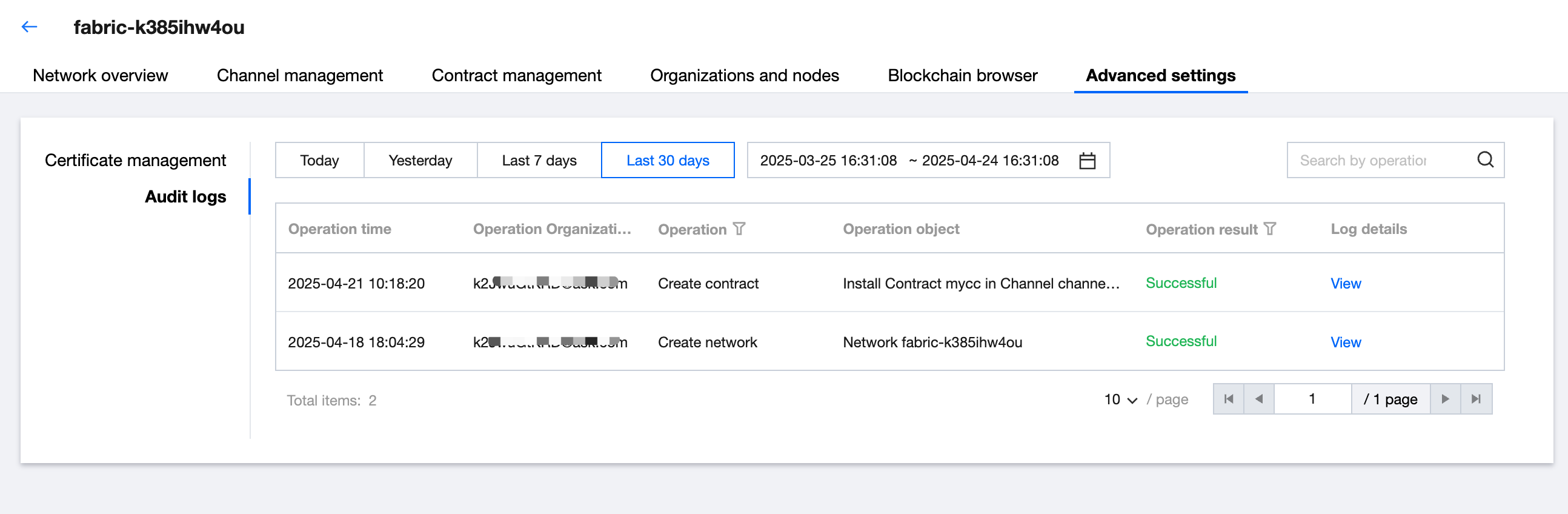
2. Select the Advanced Settings > Audit Logs tab to enter the audit log list page and view the operation records of each organization in the current network.
3. Click View in the Operation column on the right side of the list to browse detailed log information. As shown below: