Reception and Ending Session
Download
Focus Mode
Font Size
Automatic Service Session
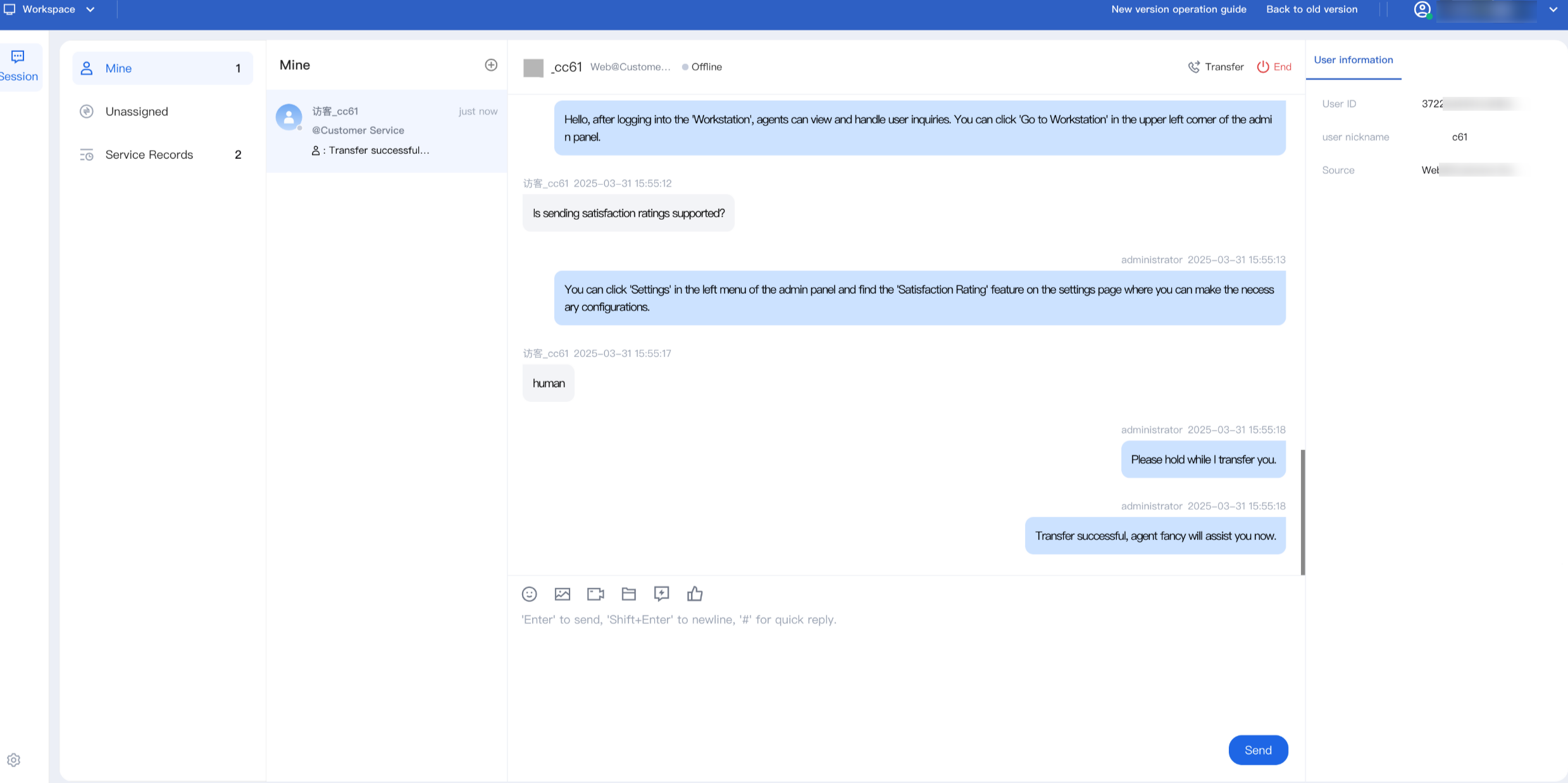
If the admin sets up automatic service, any user session allocated to an agent will immediately appear on their workspace and ready for processing.
Manual Service Session
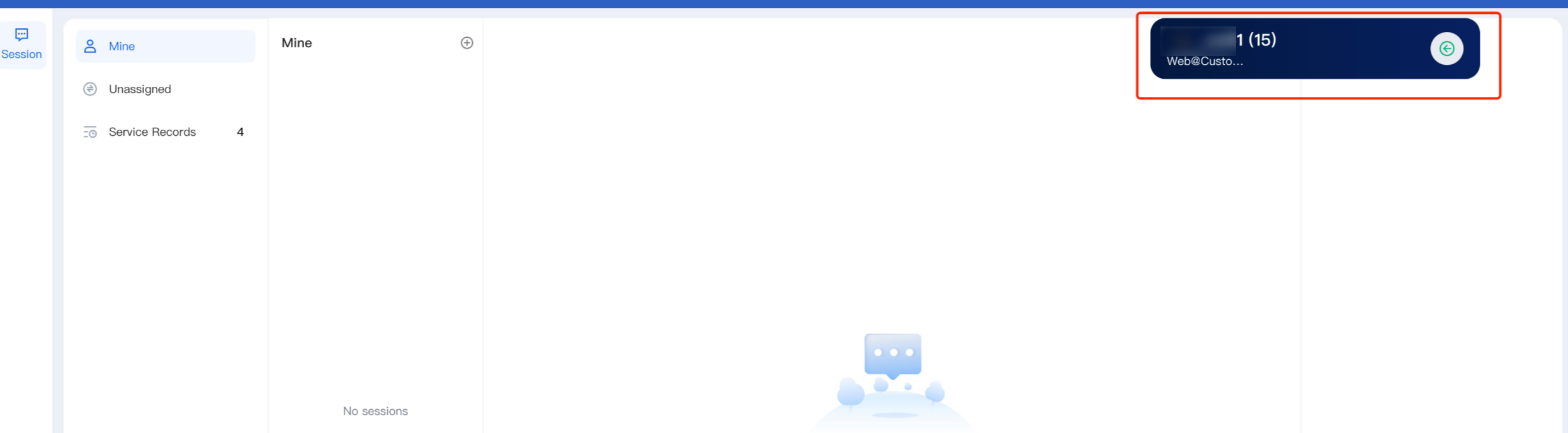
If the admin sets up manual service, when a session is allocated to an agent, a reception prompt bar and a ringtone will pop up on the workspace indicating a new session. You can click a button to serve.
Note:
A countdown will be shown in the new session prompt bar. If the agent does not click to receive before the countdown ends, the session will be transferred to another agent.
Manually End a Session
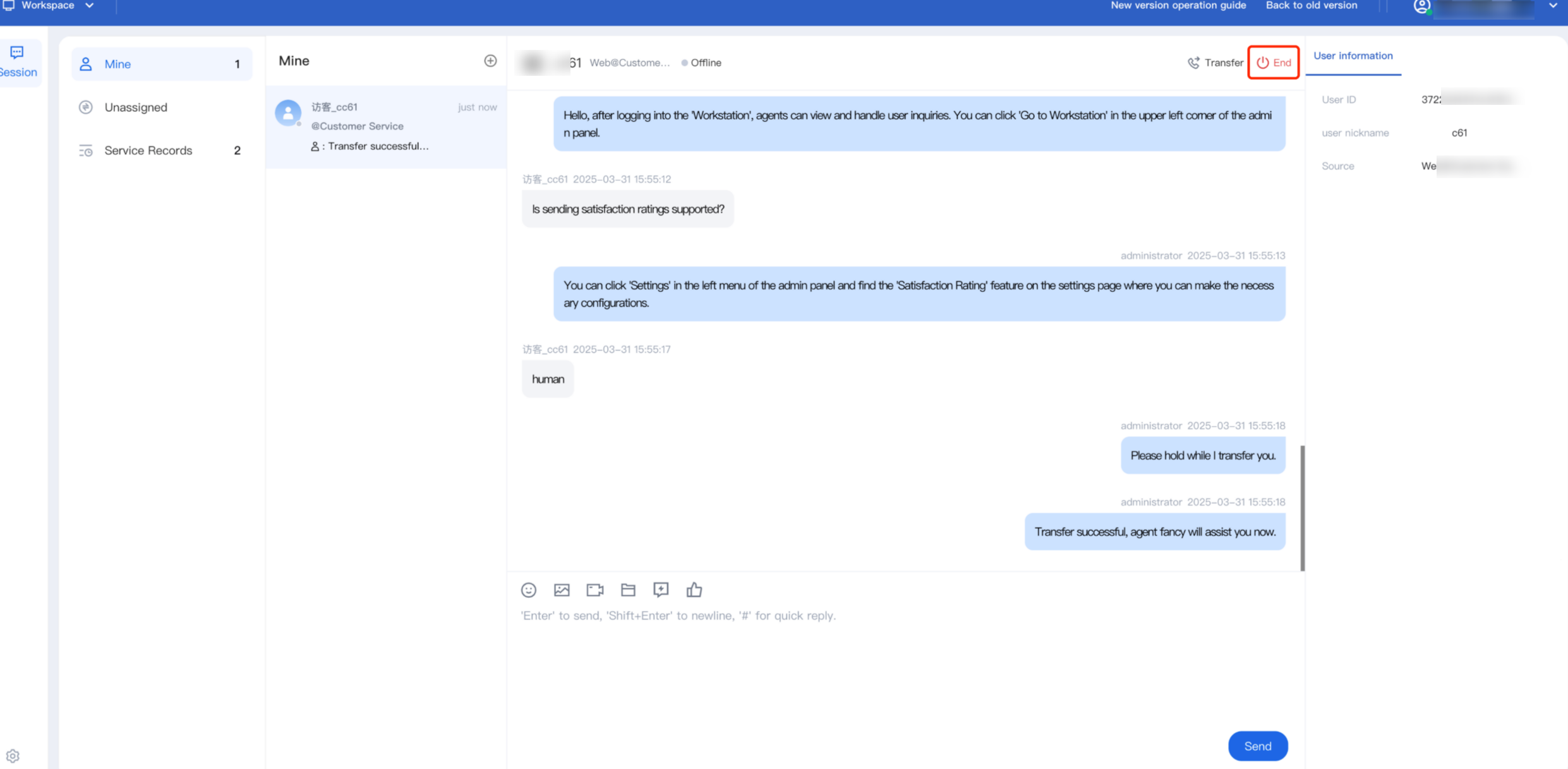
Agents can manually end a chat session with the user by clicking End Chat Session button in the upper-right corner.
Automatic Session End (Timeout)
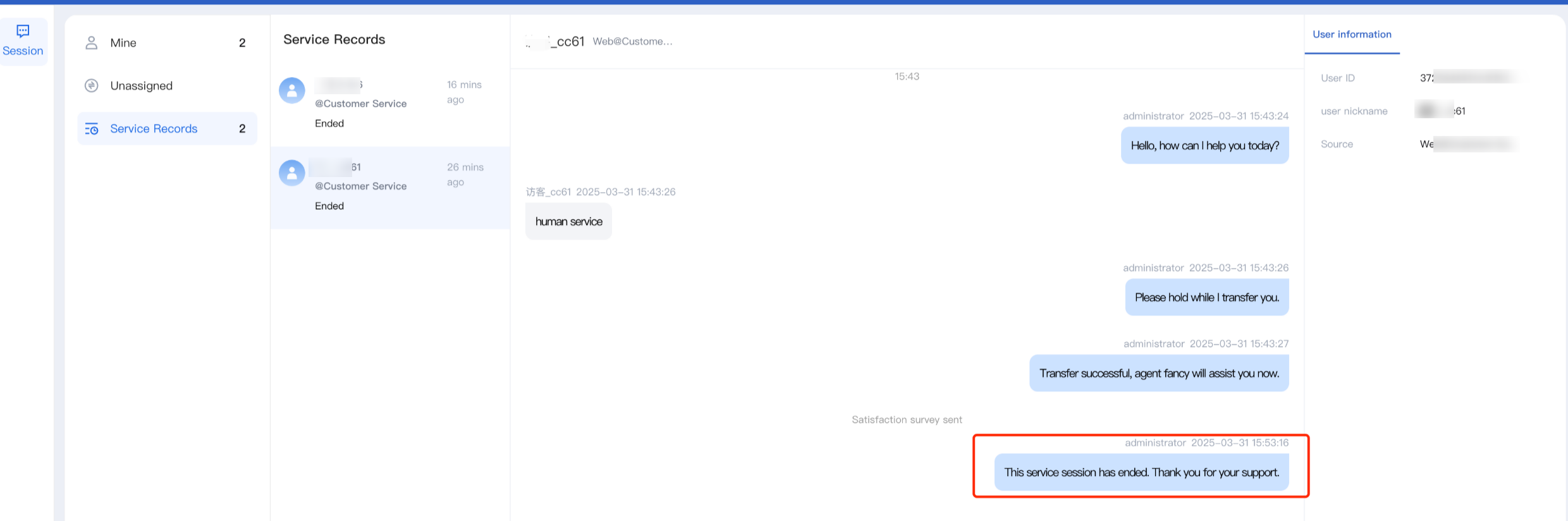
If an agent sends a message and the user fails to reply within the administrator-defined timeout period, the system will automatically end the session. This timeout process requires no manual action from the agent. The system will automatically terminate the session and send an overtime end reminder notification to the user.
Help and Support
Was this page helpful?
You can also Contact sales or Submit a Ticket for help.
Help us improve! Rate your documentation experience in 5 mins.
Feedback