tencent cloud

Tencent Cloud Observability Platform

Disabling Alerting Rule

PDF
Focus Mode
Font Size
Last updated: 2024-09-23 09:41:06
This document describes how to disable an alerting rule on the target instance in the TMP console.

Directions

1. Log in to the TMP console.
2. In the instance list, select the corresponding Prometheus instance, click Alarm Management in the top navigation bar to enter the Alerting Rule page.
3. In the Alerting Rule page, find the alert policy you want to disable, and click Pause all in the actions list.
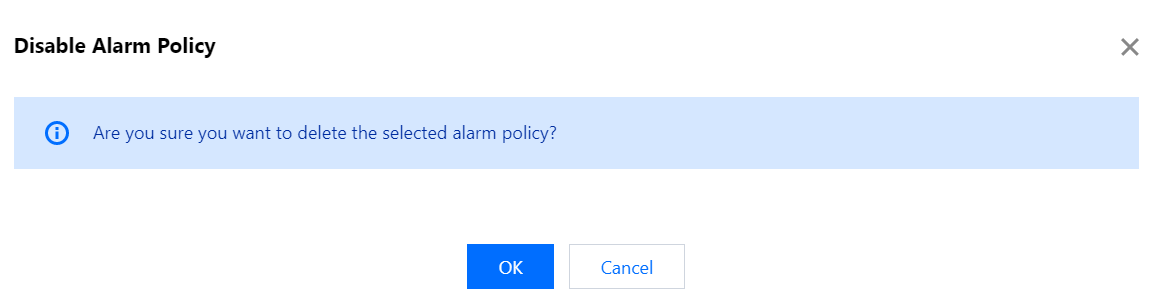
4. In the pop-up window, click OK.


Help and Support

Was this page helpful?

Help us improve! Rate your documentation experience in 5 mins.

Feedback