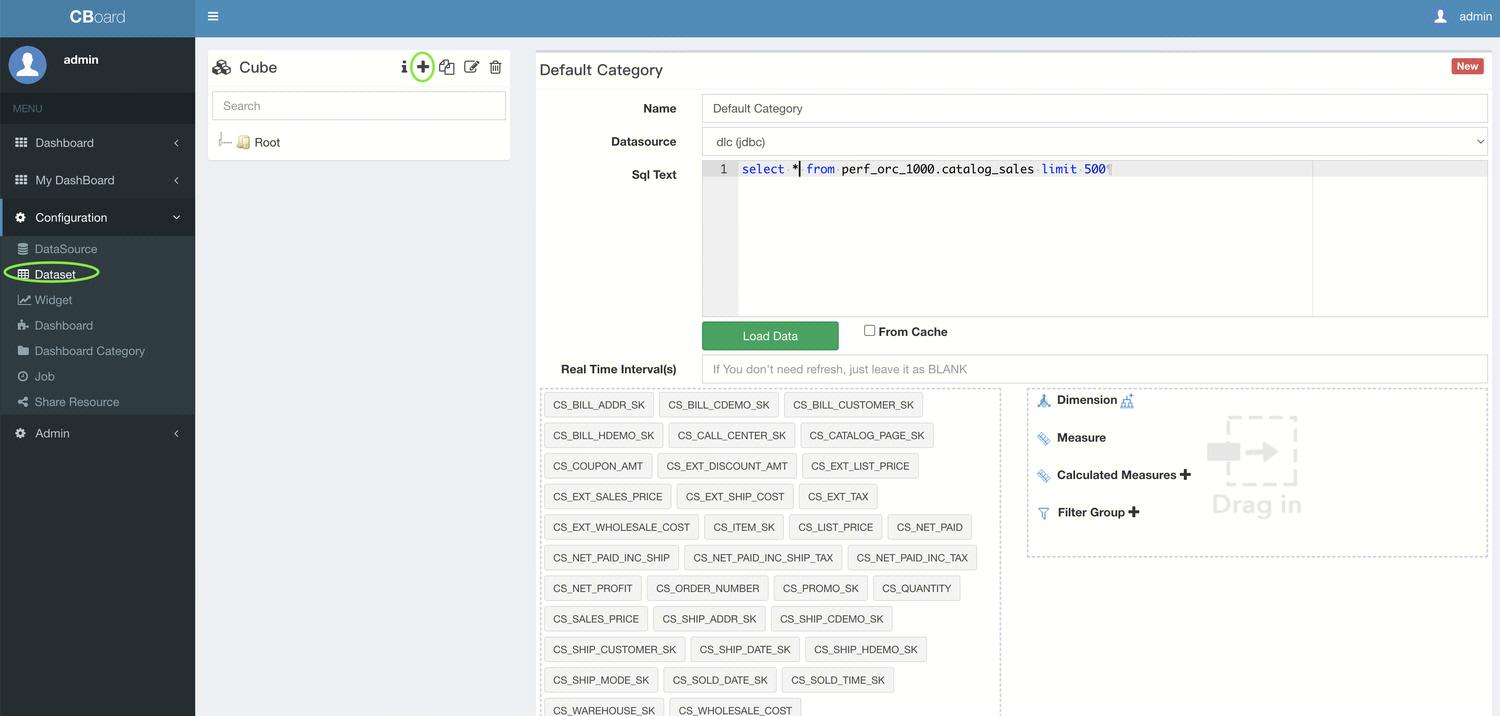
DLC supports integration with CBoard for visualized analysis. This document will guide you through connecting CBoard to DLC for visualized data analysis.
Driver Management
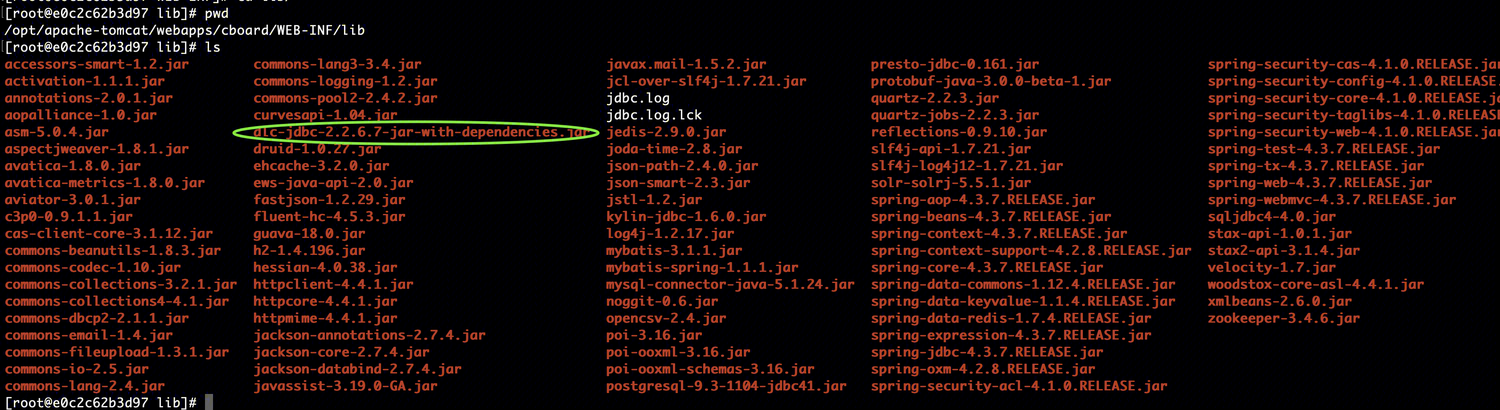
Add the DLC JDBC driver to the CBoard startup directory cboard/WEB-INF/lib.
Starting the Tomcat Service
Run the following command apache-tomcat/bin/startup.sh.
Data Source Management
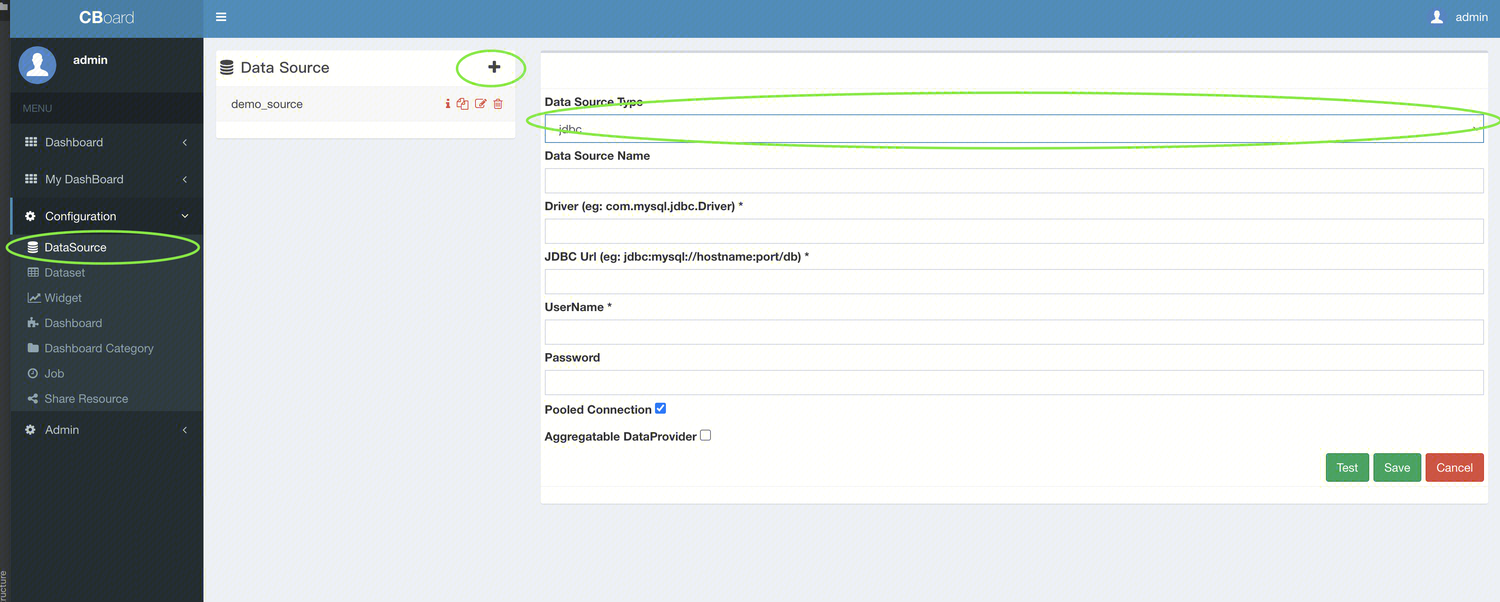
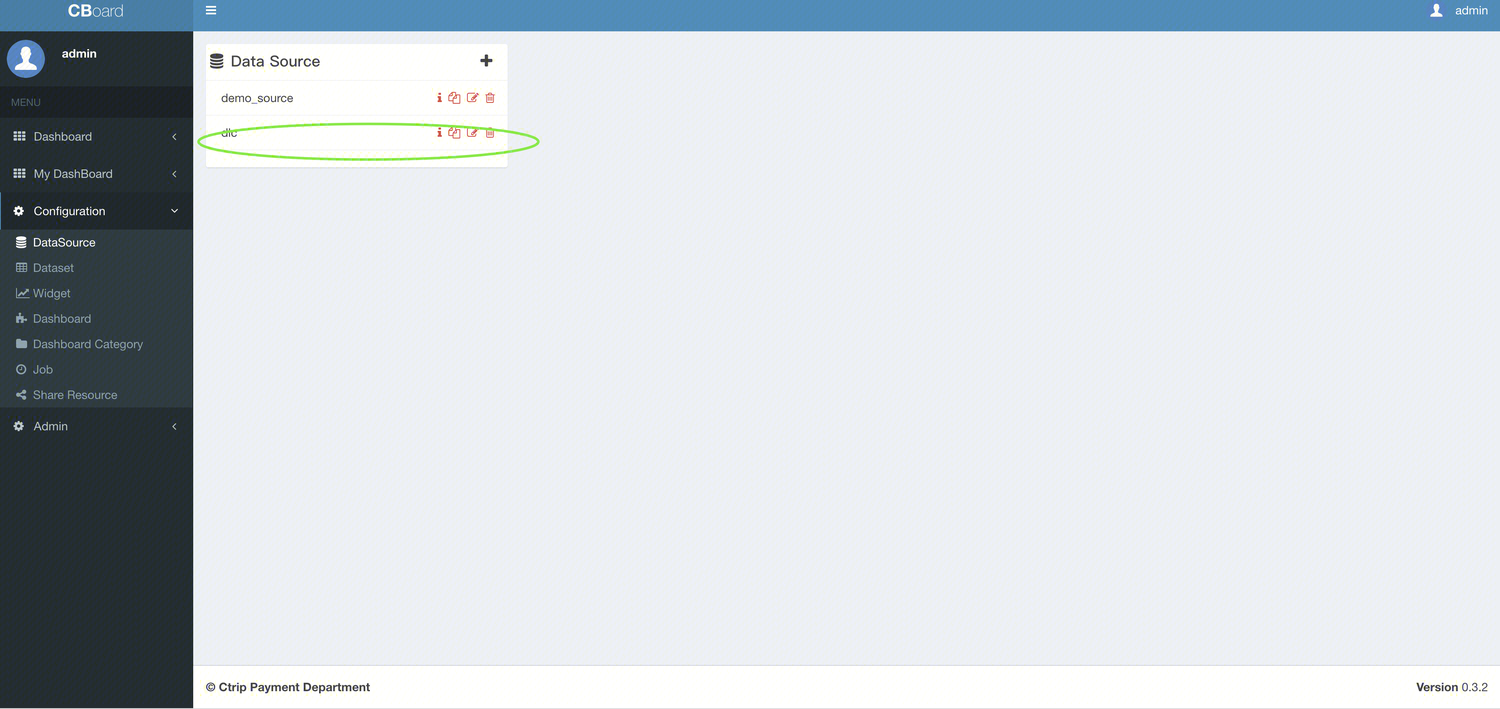
In CBoard, go to the configuration section, and add the DLC connection under datasource management.
Datasource type: Select jdbc.
Driver: Enter com.tencent.cloud.dlc.jdbc.DlcDriver.
JDBC URL: Use the JDBC connection string jdbc:dlc://dlc.tencentcloudapi.com?task_type=SQLTask&datasource_connection_name=DataLakeCatalog®ion=ap-chongqing&data_engine_name=public-engine
UserName:secret_id
Password:secret_key
Connection Test
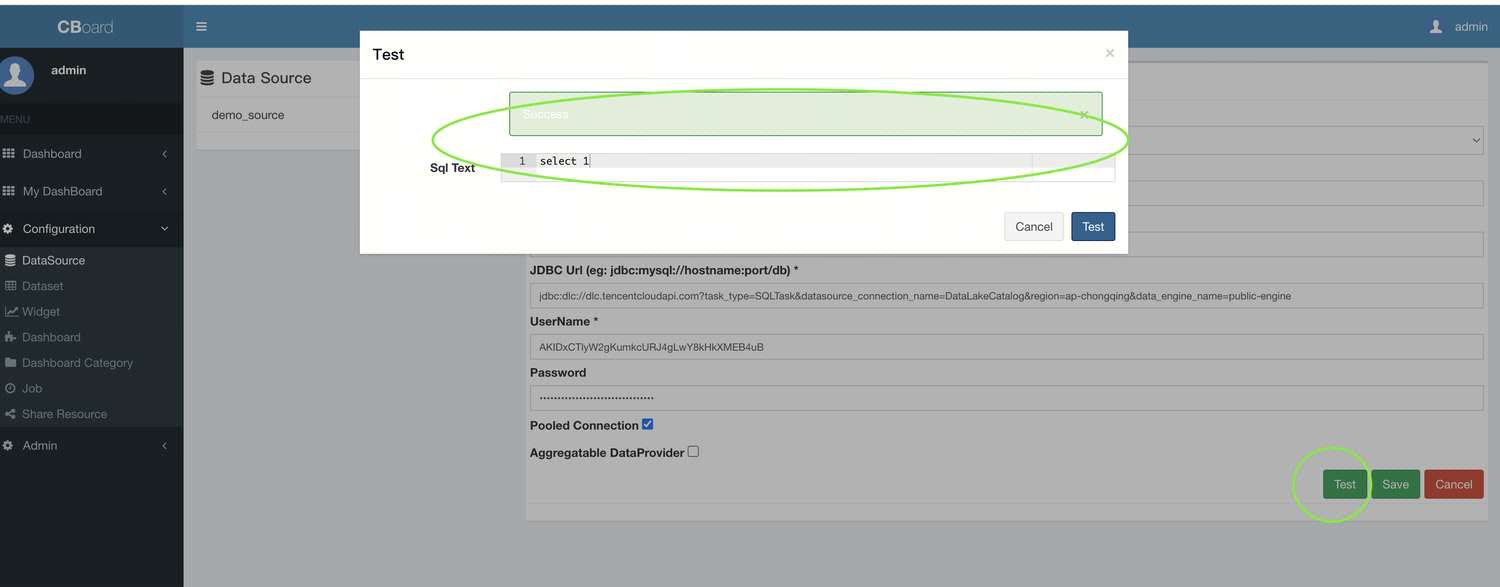
Click the Test button below. A pop-up dialog will appear, and enter select 1 in the SQL Text field to test the connection. If Success prompt appears, it means the data source connection is successful. Return to save the data source.
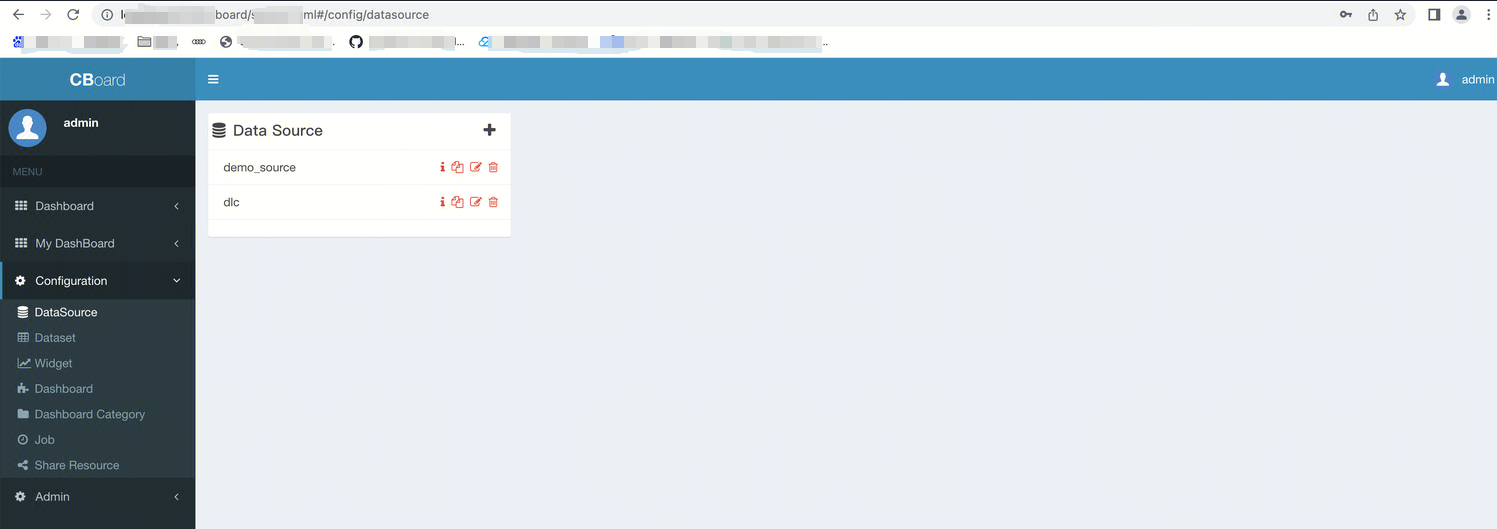
Once it is saved successfully, the DLC data source will appear in the list of available data sources.