Area Zoom
Area zoom supports scaling the chart area by setting the scale axis. It offers three methods: intelligent, custom display sequence and quantity, and do not display.
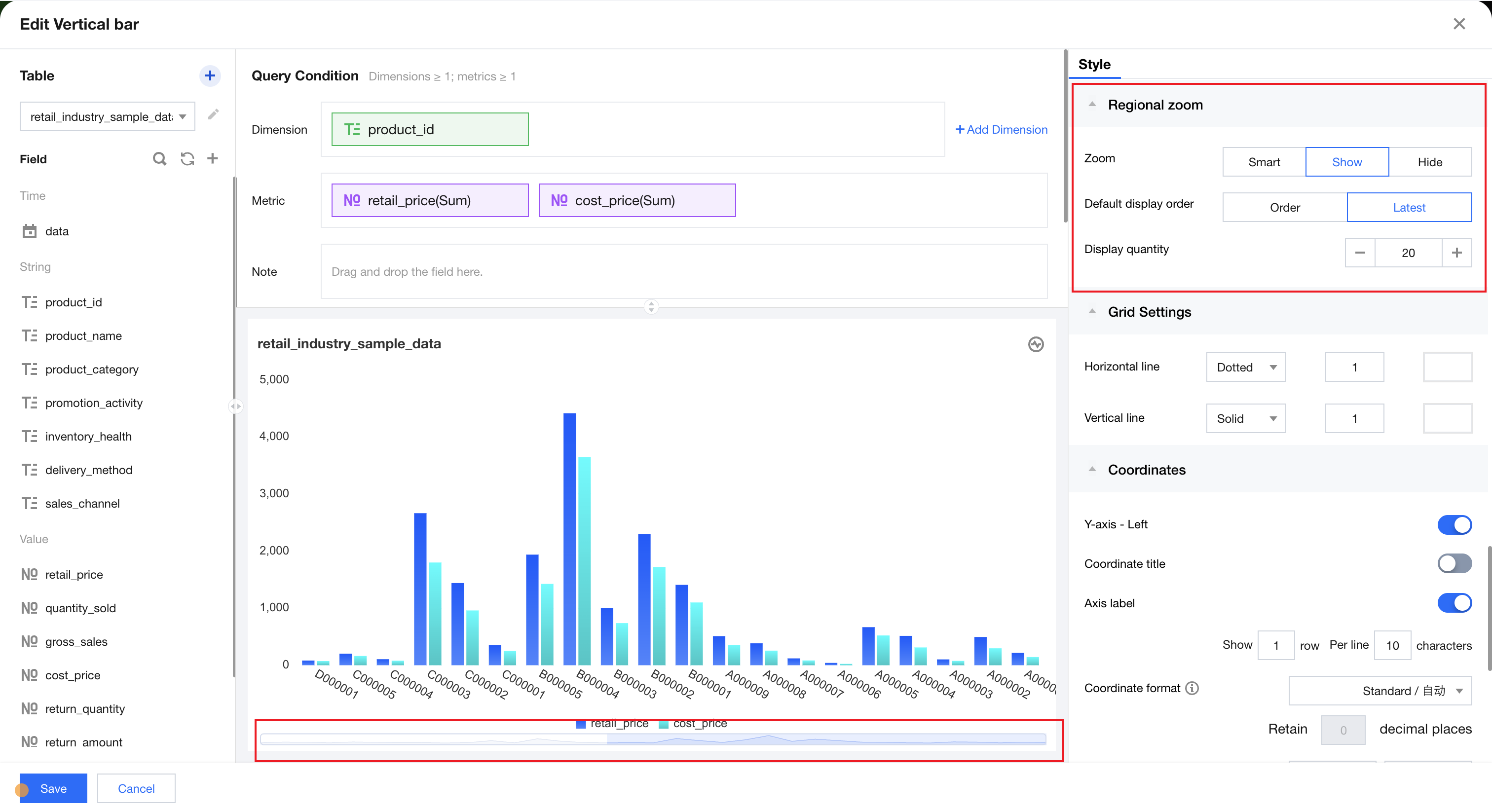
Scale Settings | Description | Example Diagram |
intelligent | Chart data automatically chooses appropriate scale settings | - |
Display | Display in default order or chronological order, and set the display quantity | 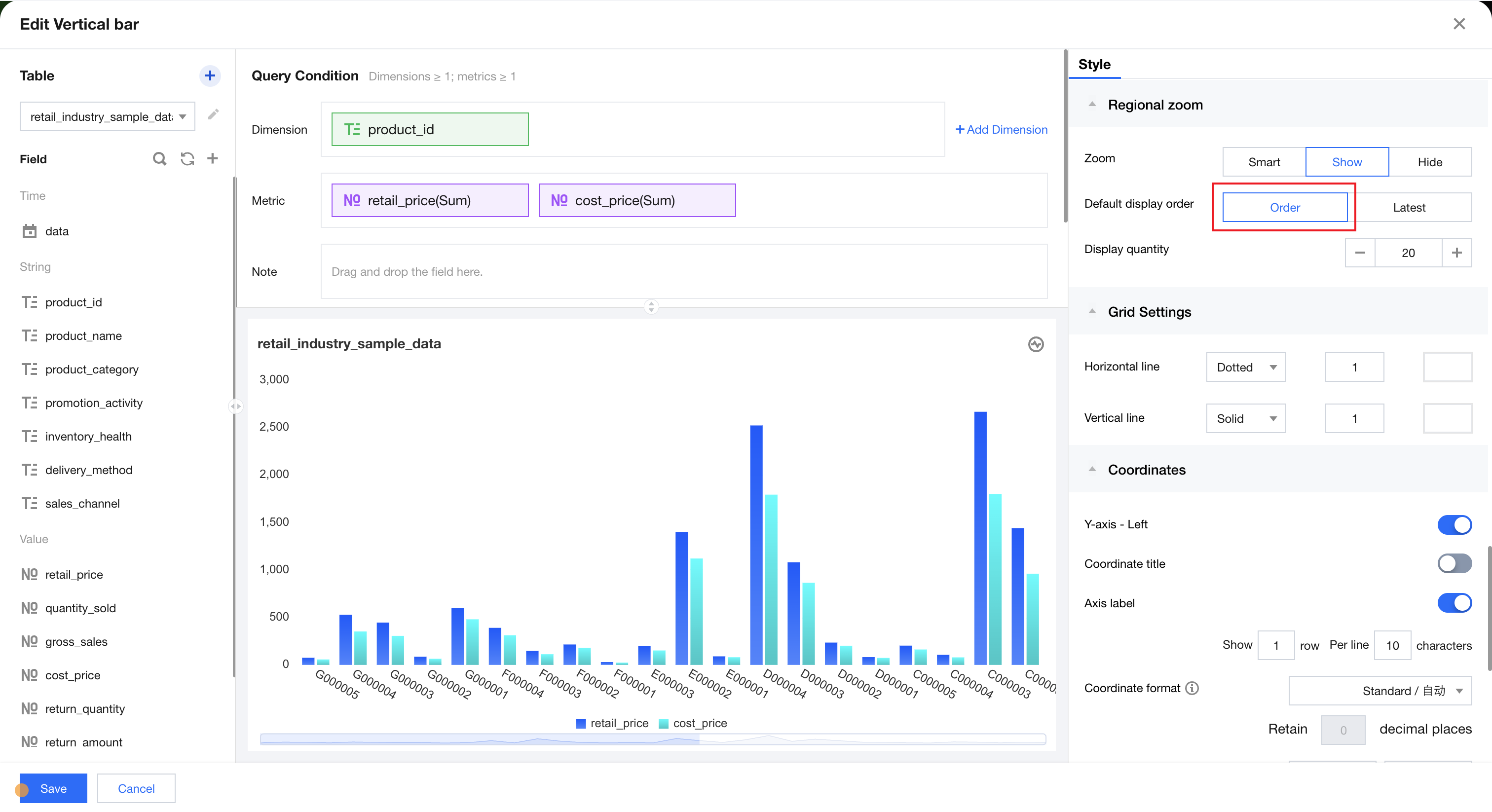 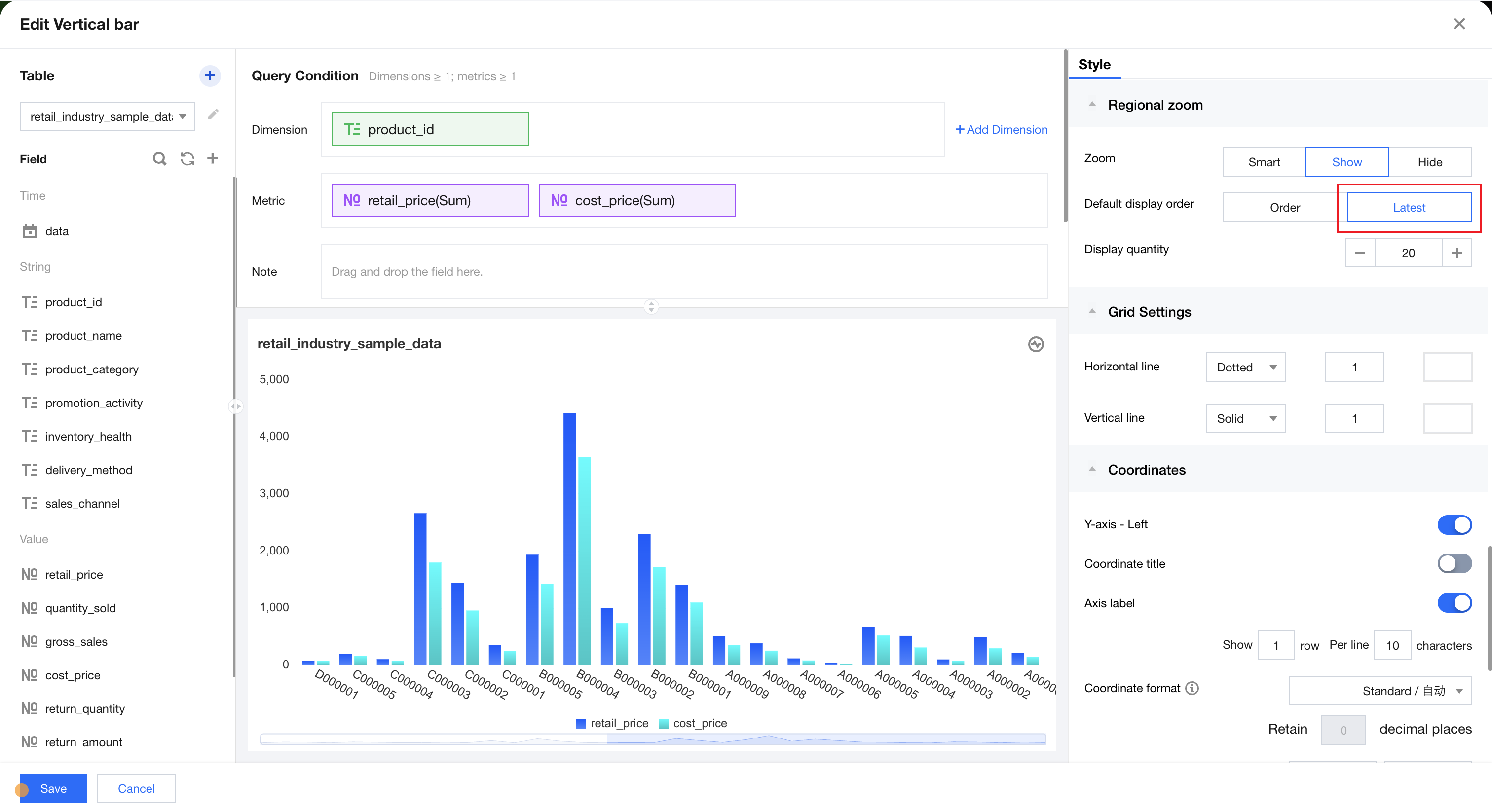 |
do not display | Do not scale the data display of the current chart | - |
Help and Support
Was this page helpful?
You can also Contact sales or Submit a Ticket for help.
Help us improve! Rate your documentation experience in 5 mins.
Feedback