The rich text component includes the image component and text component, mainly used to supplement the data report page with images and text.
Image Component
The image component is mainly used to add images to the report page for combined display, commonly used for supplementary explanations or adding logos to enhance the overall aesthetics of the page.
Basic Settings:
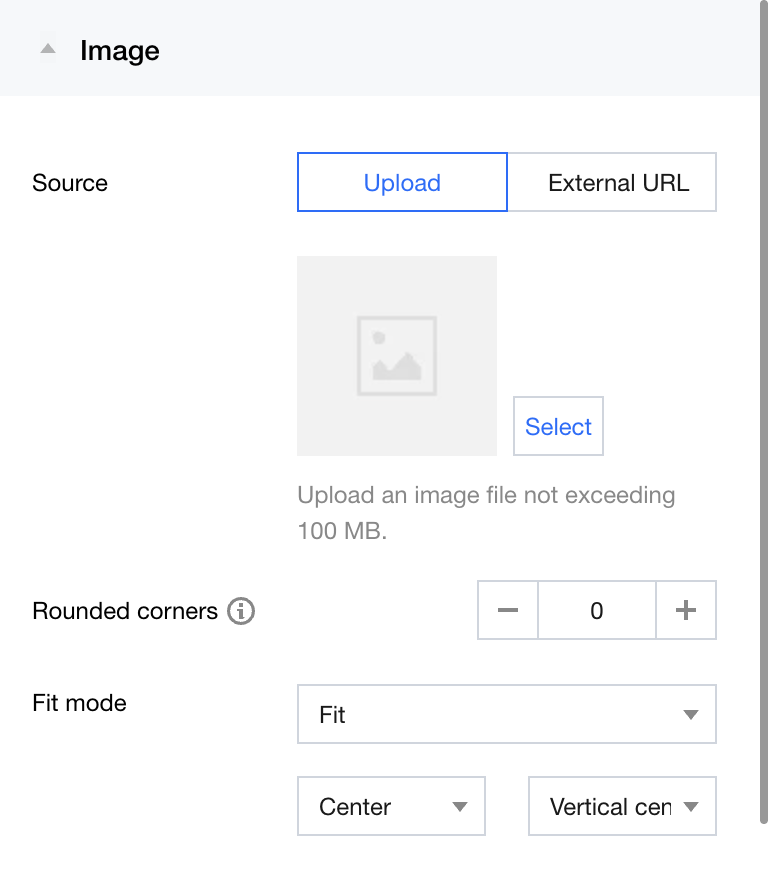
Image source: local upload/external link
Rounded corners: Set the corner radius range for images
Adaptation method: Keep size/Stretch to fill/Adapt to fill/Proportional adaptation. Variations in each method are shown in the table below.
Adaptation Method
Adaptation Description
Effect display
Maintain size
Maintain the original size of the image, do not crop if it exceeds the department, and do not stretch if insufficient.
Stretch fill
Stretch the image size to the component size. In this mode, the image may be distorted.
Fit fill
Maintain the image ratio, scale the image using the shortest side, and crop the excess.
Proportional adaptation
Maintain the image ratio, scale the image using the longest side, and leave the insufficient part blank.
Adapt position: Horizontal and vertical positions allow image alignment in different directions. The figure below compares horizontally centered and left-aligned effects using the "Adapt to fill" method.
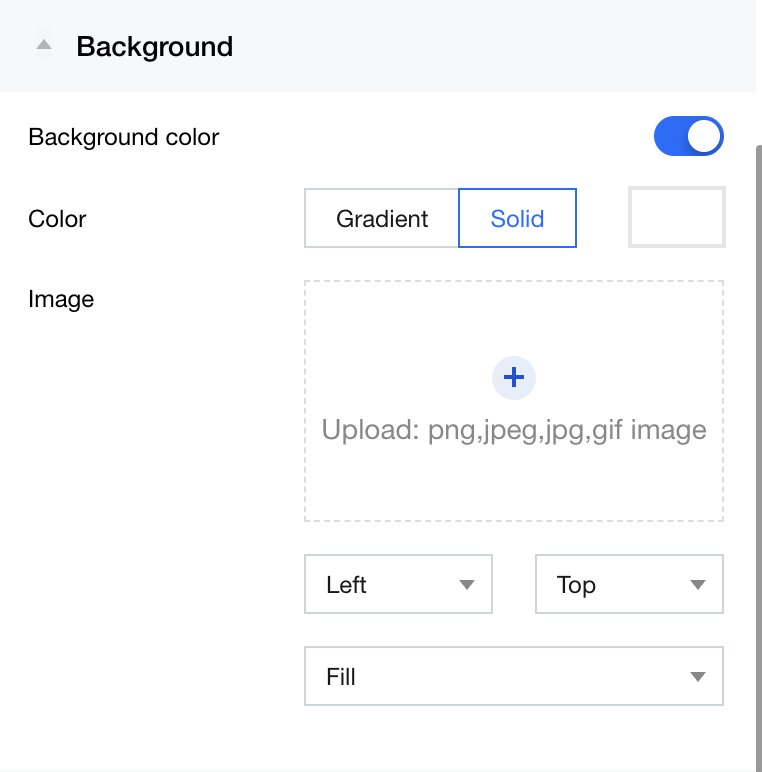
Background: Supports background color and image settings
The background is mainly used for image adaptation and stitching. It can implement client size adaptation display through images and background images.
Text Component
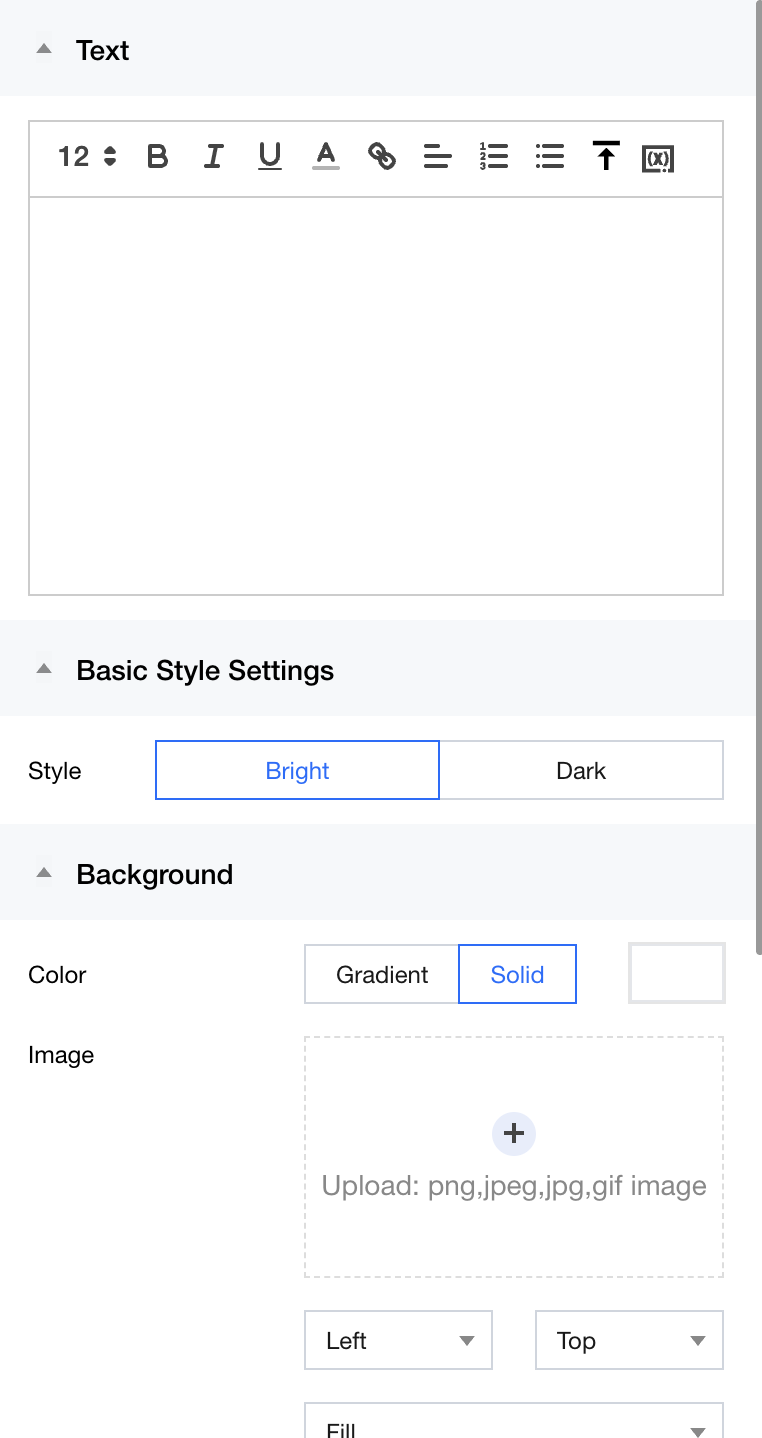
The text component is mainly used to add text content to the report page for combined display, commonly used for page supplementary explanation.
Text edit box
Background
The image below shows an example of the text component display effect. Among them, the actual value of the variable will be reflected when displayed.