Filter Overview
In a report, users can filter data based on their actual needs to obtain the analysis result of target data. The Filter Component supports various data field types, enabling flexible filtering capability.
Supported Field Types in Filters
Text characters: support text filtering, search
Numerical type: support numerical range filtering, conditional data retrieval
Time type: support custom time range and "recent" filter criteria
Prerequisites for Filtering
The page includes at least one chart for associating filter conditions
Field type must match the filter conditions, otherwise unable to output result
The condition setting of the associated chart itself must be larger than the filter criteria value, otherwise unable to output result (filter refers to result filtering within the chart data range)
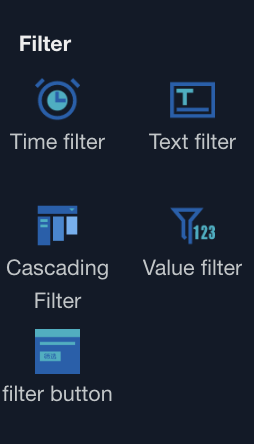
Filter Component Operation Steps
1. Drag the required filter component into the canvas
2. Based on different types of components, set basic configuration and associated charts, filters, styles. For details, see component settings.
3. Preview or after release, select criteria from the dashboard, and the filtered results will update automatically when the component loses focus.
Help and Support
Was this page helpful?
You can also Contact sales or Submit a Ticket for help.
Help us improve! Rate your documentation experience in 5 mins.
Feedback