Editing a Host
Overview
When host information changes, it is required to modify the host information. Below is a detailed instruction on how to edit a host.
Directions
1. Log in to the BH console.
2. In the left sidebar, choose Asset Mgmt > Servers.
3. On the Host Assets page, select the target asset and click Edit.
4. In the Edit Host window, modify the corresponding information.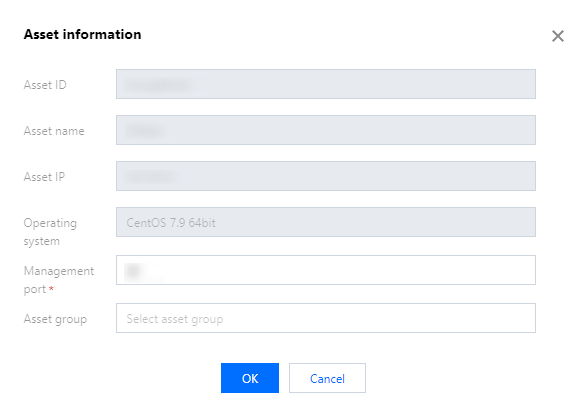
5. After making the necessary changes, click OK to save the host information.
Help and Support
Was this page helpful?
You can also Contact sales or Submit a Ticket for help.
Help us improve! Rate your documentation experience in 5 mins.
Feedback