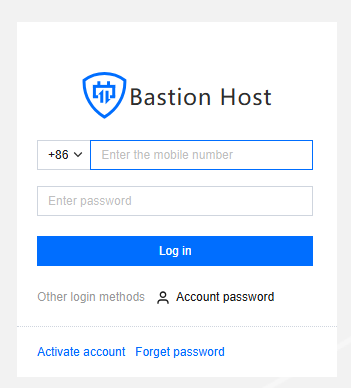
1. Enter the Ops page log-in address in the browser and open the BH Ops page; enter mobile number and password to log in to the bastion host; you can also click account password to switch to log in with account name and password.
2. After entering the BH, in the left sidebar, select Web application asset.
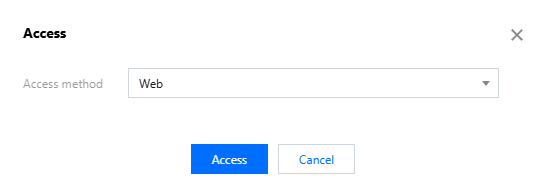
3. On the Web Application Asset List Page, click Access on the right of the corresponding web application, and an access window will pop up.
4. In the access pop-up window, click Access just.