Two-Factor Authentication Settings
Overview
Configure the two-factor authentication type for Ops personnel to log in to Bastion Host.
Directions
1. Log in to the BH console.
2. In the left sidebar, choose System Settings > Two-factor authentication.
3. On the Two-factor authentication page, click Edit in the upper-right corner and select either OTP or SMS.
Note
OTP: All Ops users will be required to use OTP + password for two-factor authentication.
SMS: All Ops users will be required to use SMS + password for two-factor authentication.
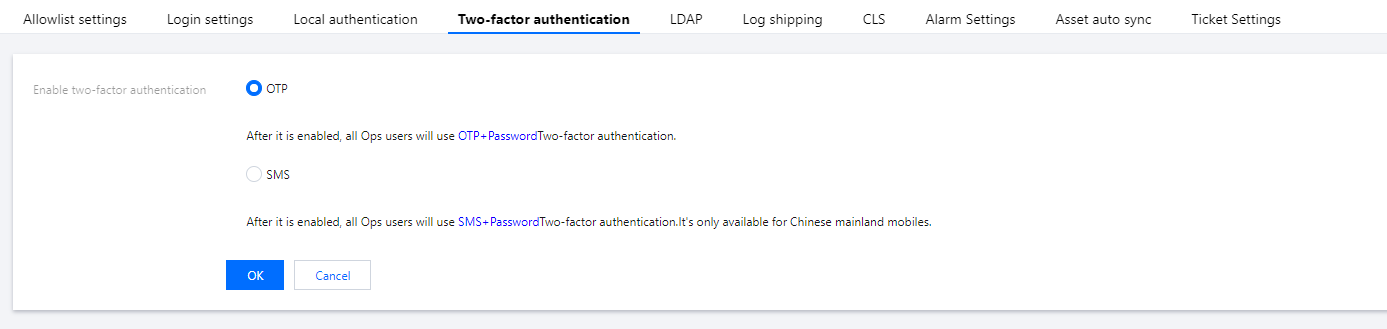
4. After selecting the desired option, click OK to save the settings.
Help and Support
Was this page helpful?
You can also Contact sales or Submit a Ticket for help.
Help us improve! Rate your documentation experience in 5 mins.
Feedback