Ad-hoc analysis supports setting dimensions, metrics, and quick filters in the analysis area.
Through this document, you will learn the following:
Dimension Field Operations
Metric Field Operations
Quick Filters
Dimension Field Operations
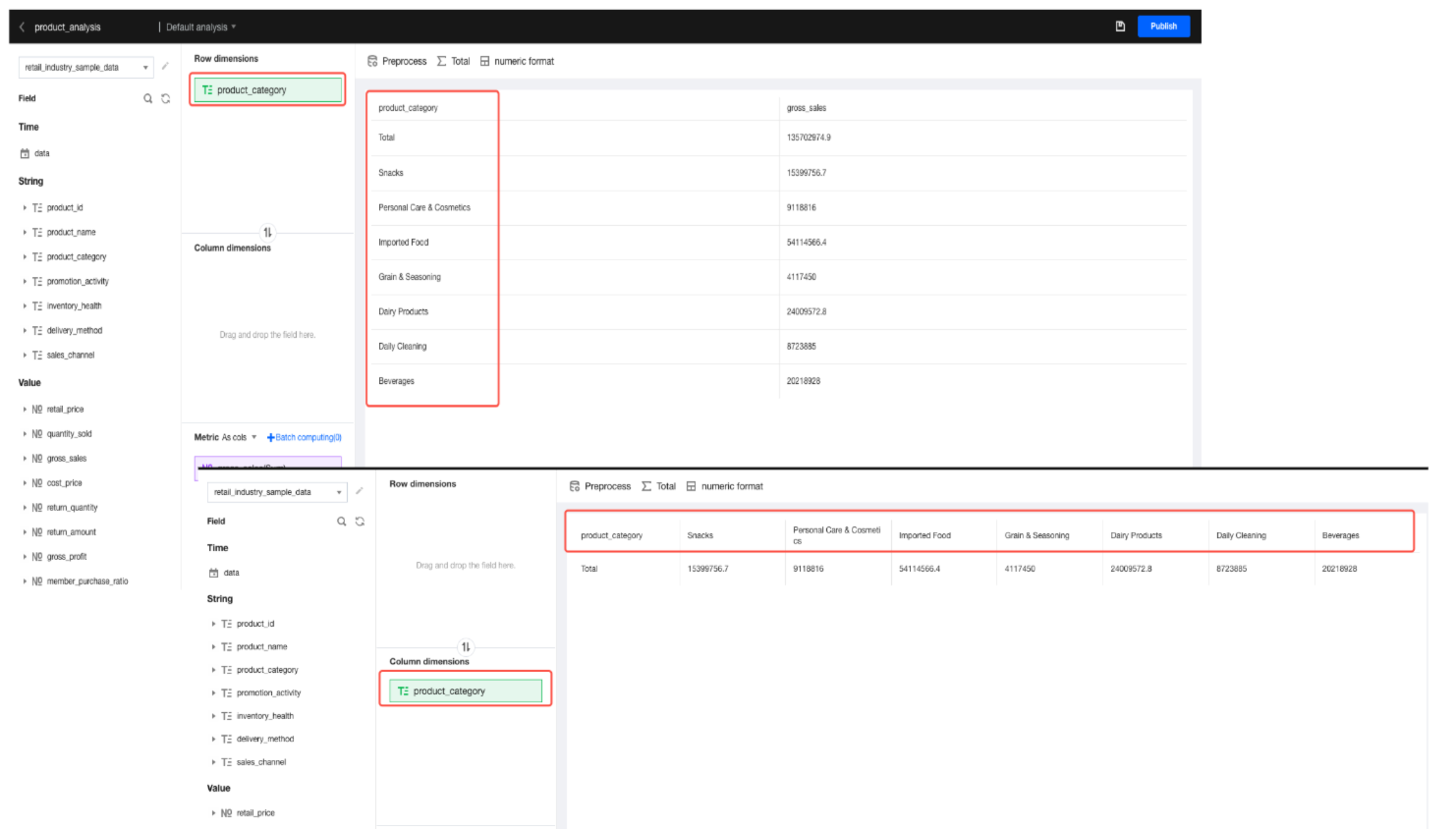
Dimensions support row dimensions and column dimensions. For row dimension fields, each dimension value corresponds to a row of records. For column dimension fields, each dimension value corresponds to a column of records.
1. Field Addition
Add a field: Select a field in the field area, and drag and drop the field into the analysis area.
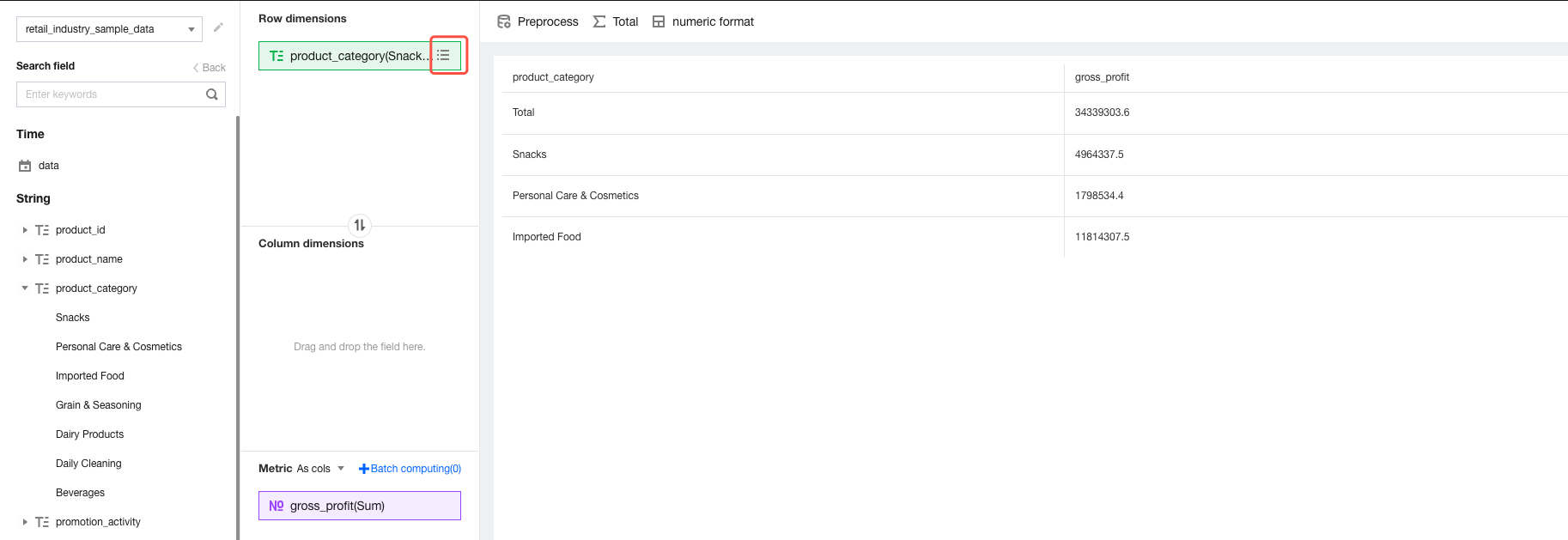
Add a dimension value (field value): Expand the dimension value list in the field area, then select and drag and drop a dimension value into the analysis area.
2. Field Deletion
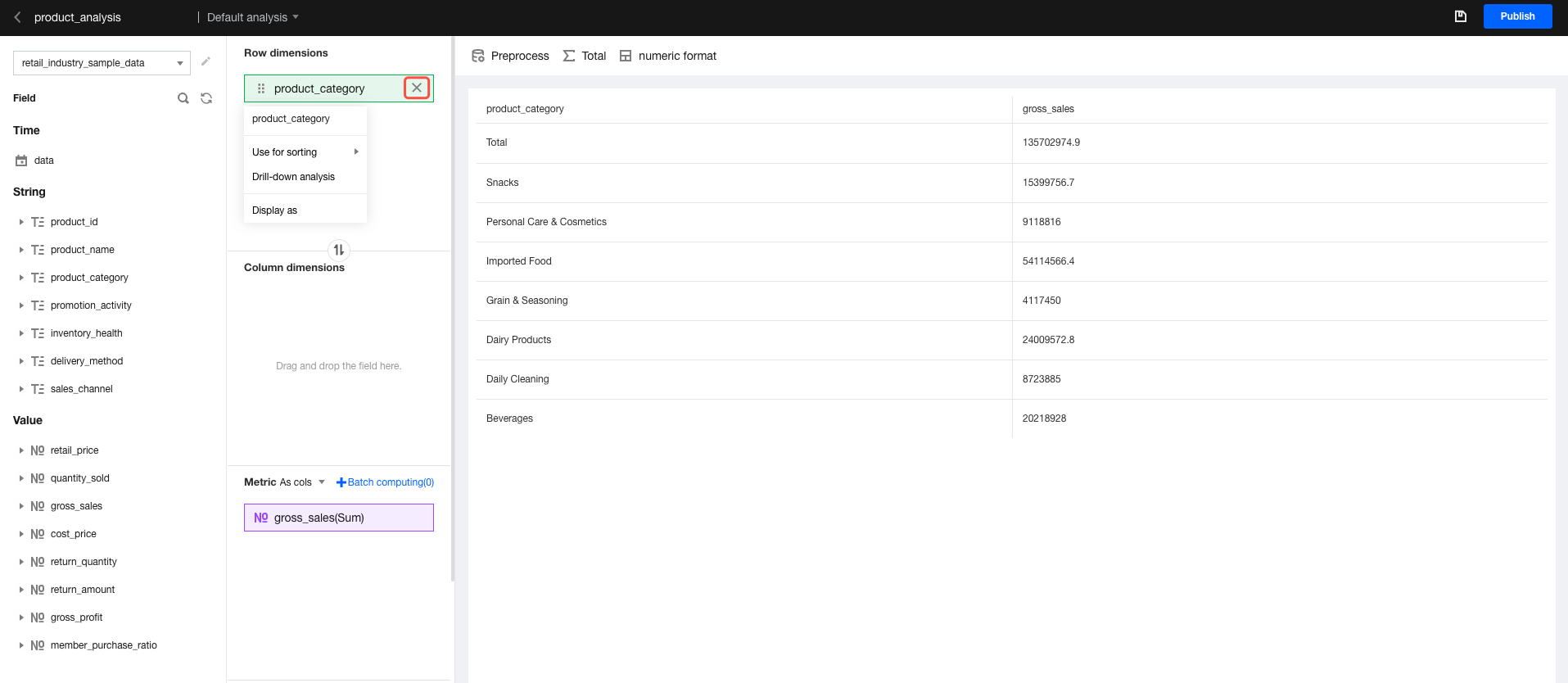
Delete an analysis field: Click the "delete" icon to delete a field.
Delete a field dimension value: Click the "dimension value list" icon, then click the "delete" icon in the pop-up list to delete a dimension value.
3. Dimensions Drill-Down
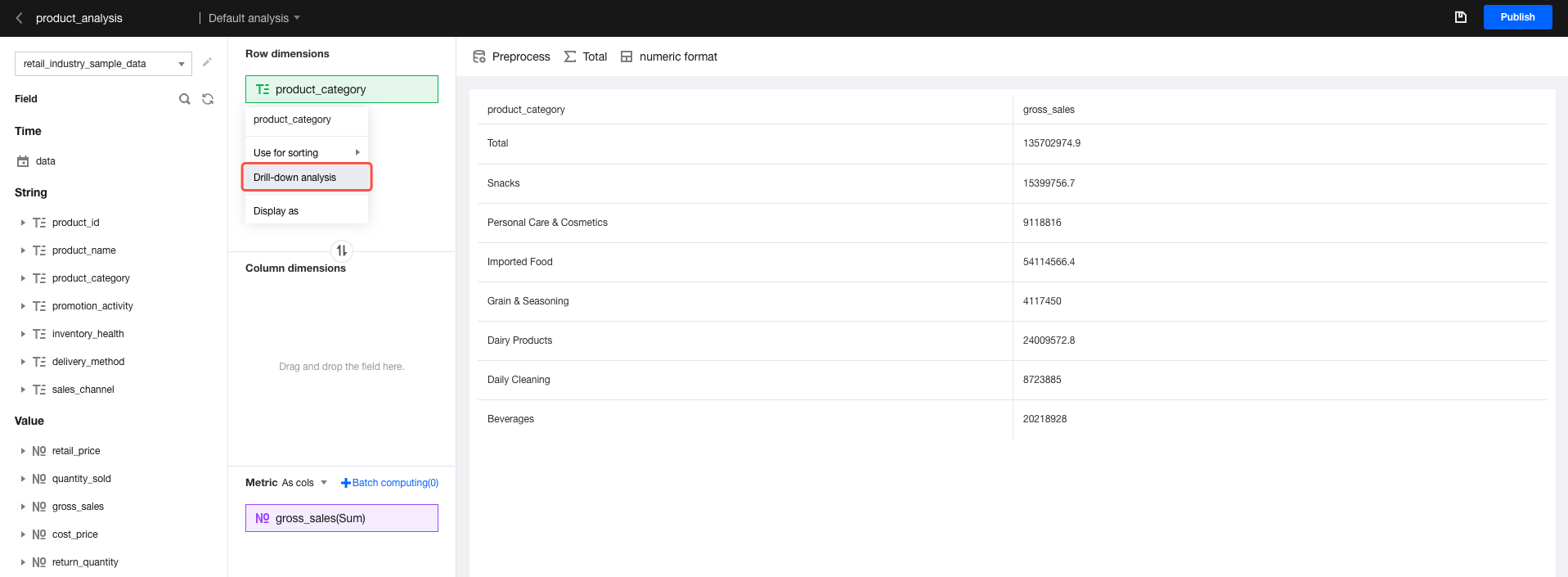
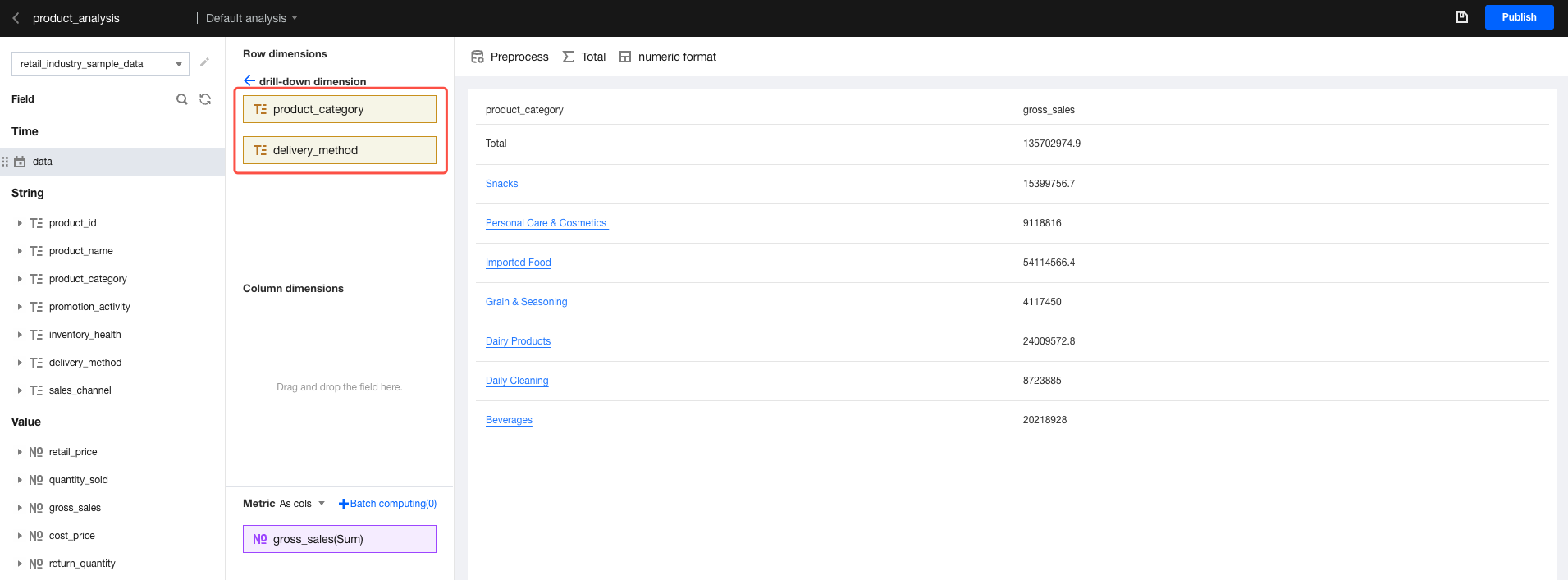
Hover the mouse over the desired field, then click "drill-down analysis" in the drop-down list to go to the drill-down configuration page.
In the drill-down dimension panel, drag and drop the desired field for drill-down.
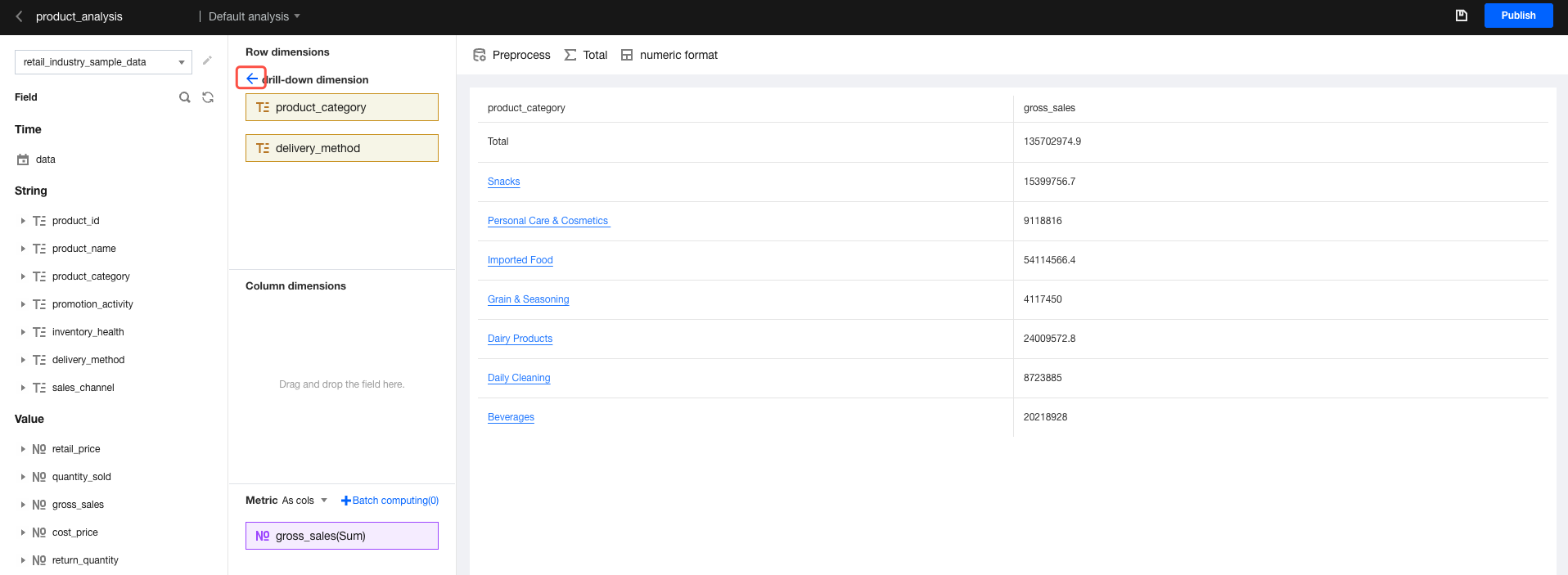
After editing, click the "Back" icon to return to the dimension editing interface.
4. Dimension Sorting
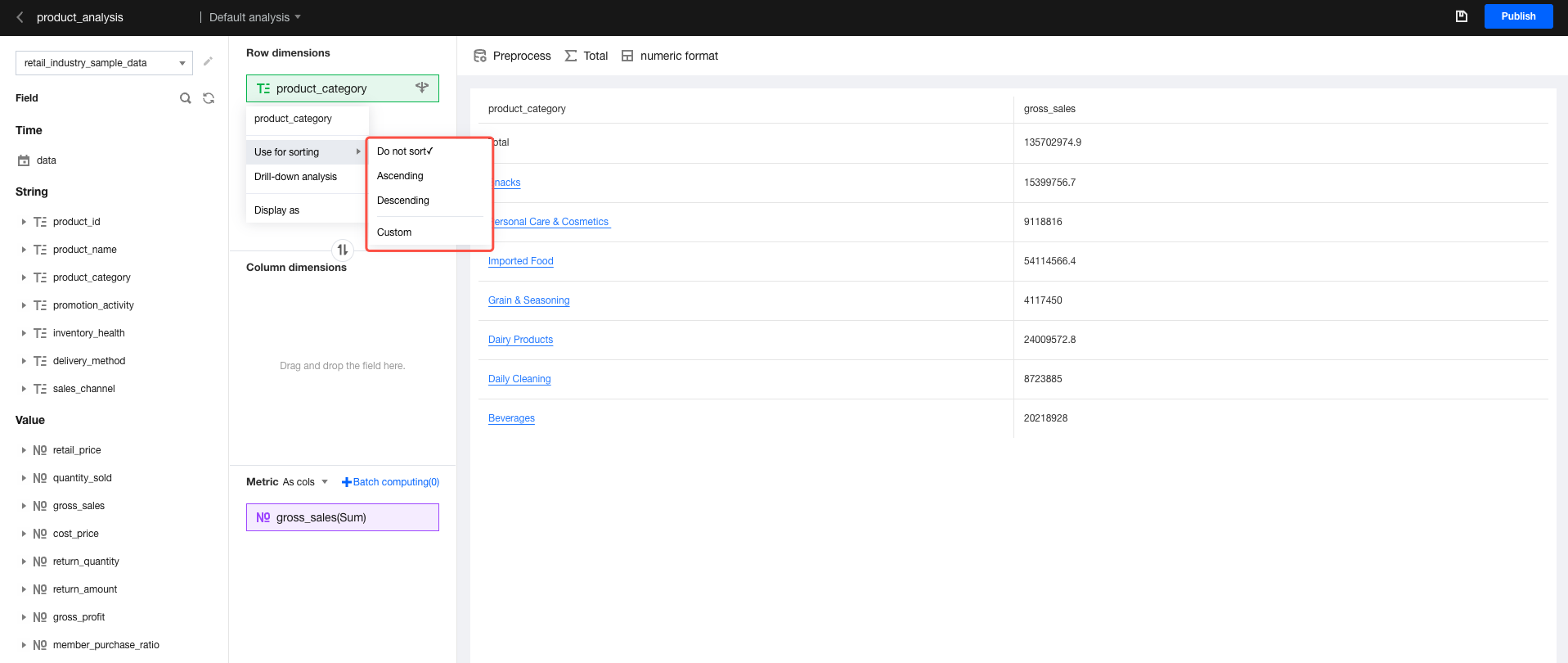
Dimension fields support sorting, including no sorting, sorting in ascending order, sorting in descending order, and custom sorting.
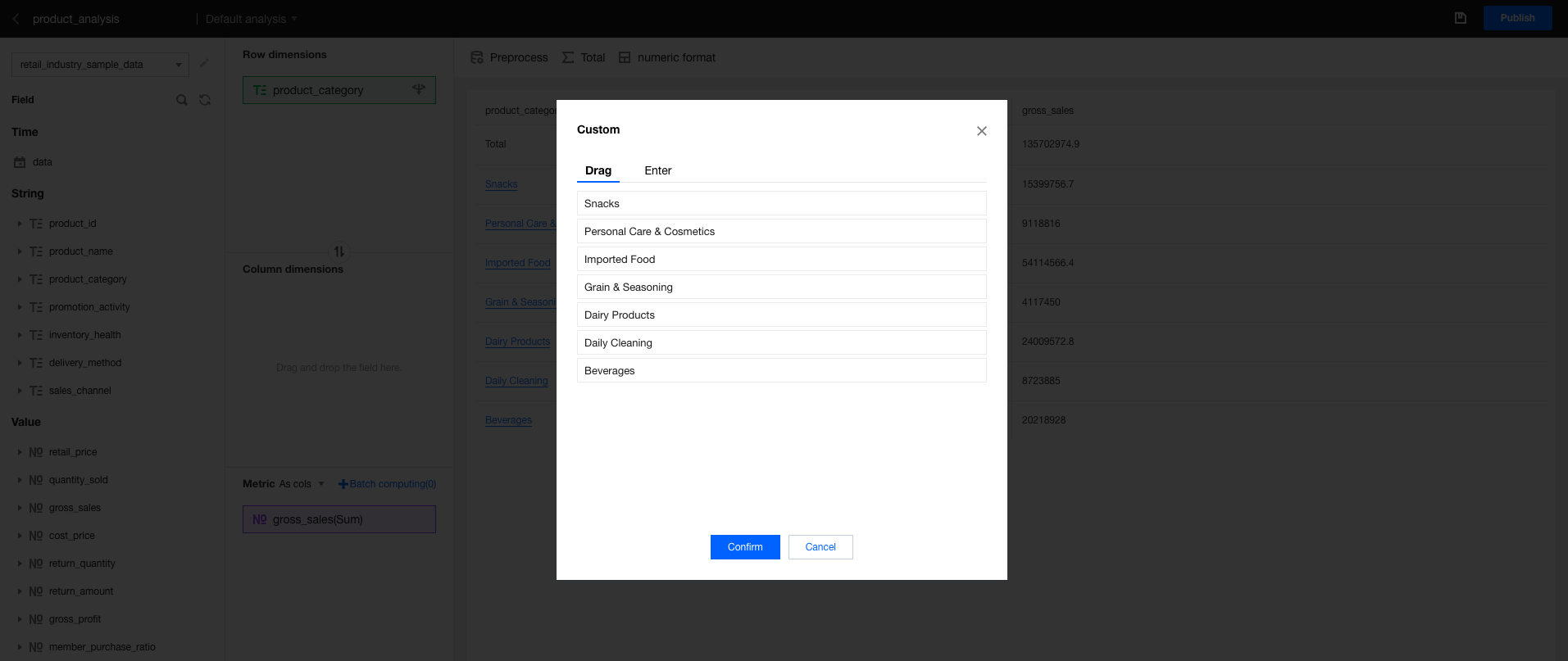
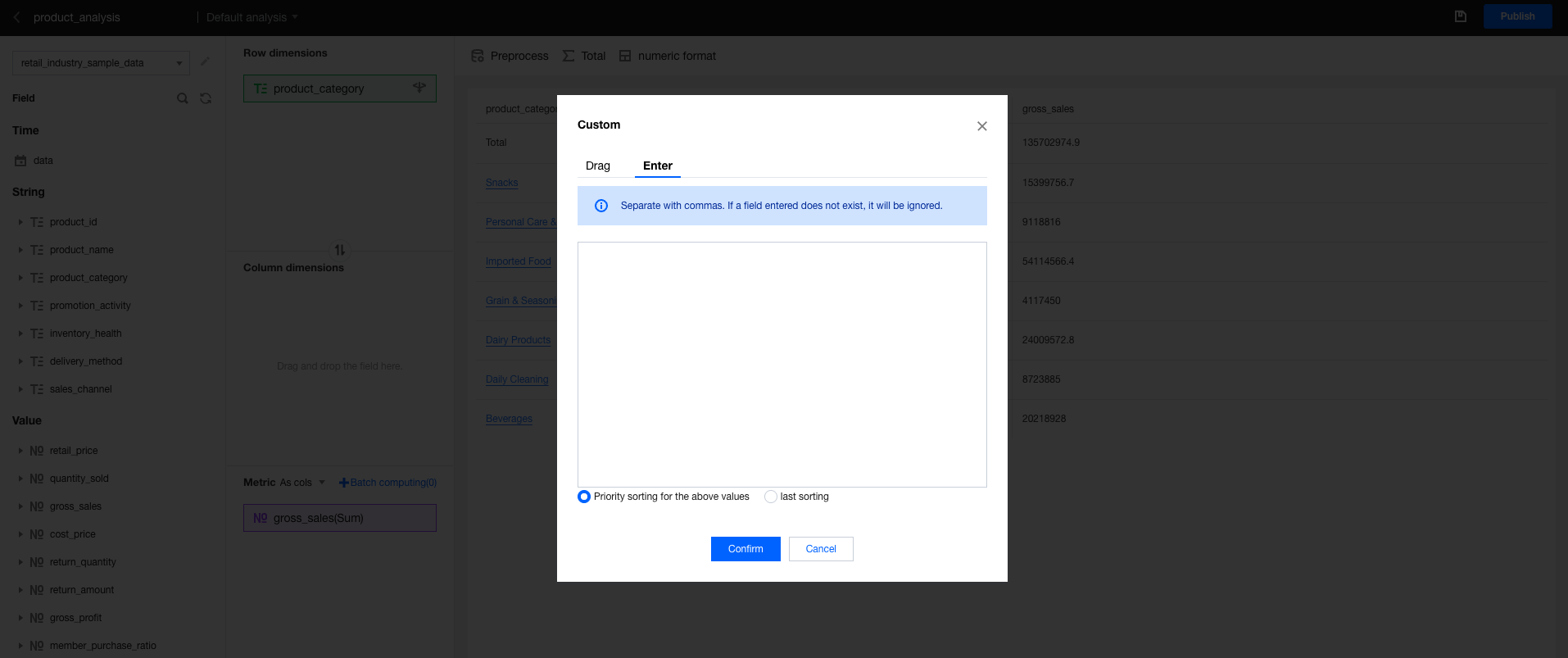
Custom sorting supports drag sorting based on the pulled data values and input sorting based on the input data values.
Drag sorting: This is suitable for scenarios with a few dimension values. Drag and drop values to sort them.
Input sorting: This is suitable for scenarios with many dimension values. You can set whether to sort input values first or last.
Sorting first: Sort the input values first, then sort the remaining values automatically.
Sorting last: Automatically sort all values except the input values, then place the input values at the end and perform sorting.
5. Row and Column Dimension Exchange
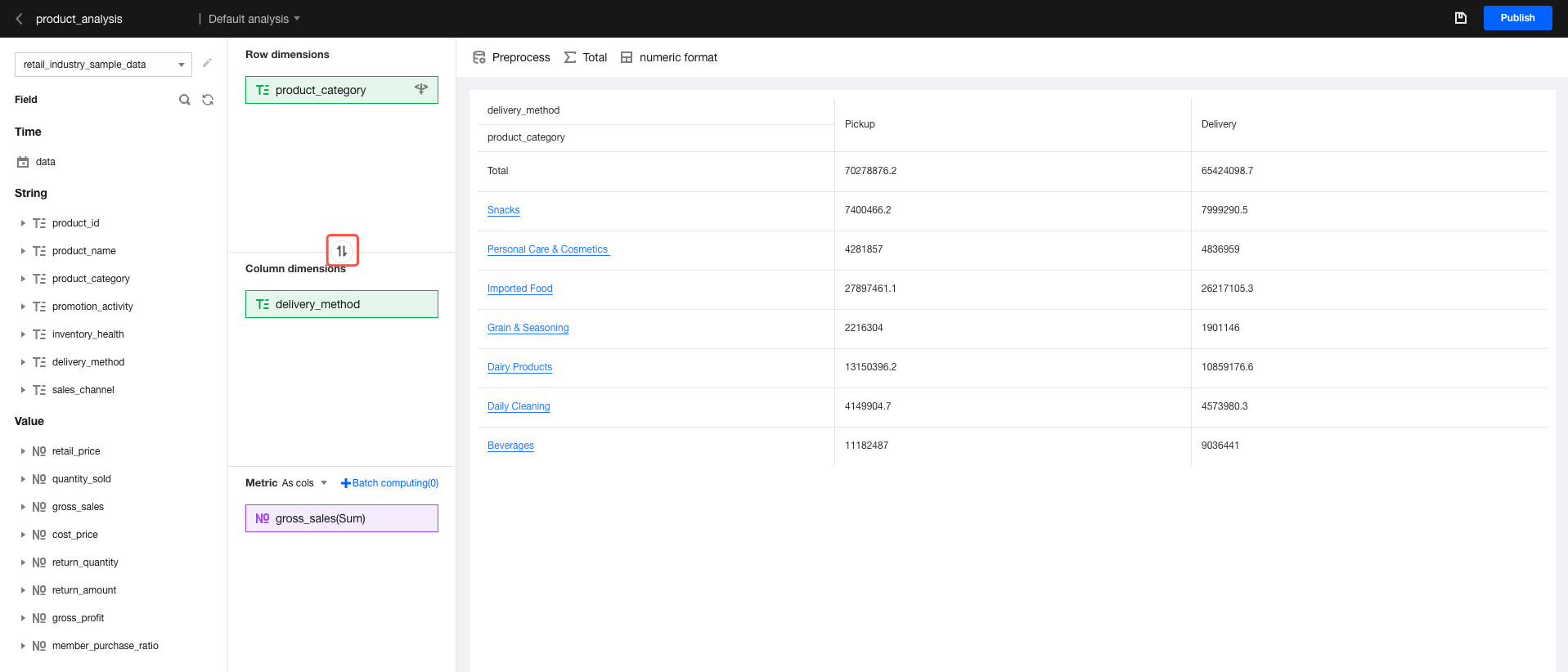
Click the "switch" icon between row dimensions and column dimensions to exchange the row dimension field with the column dimension field.
6. Aggregation
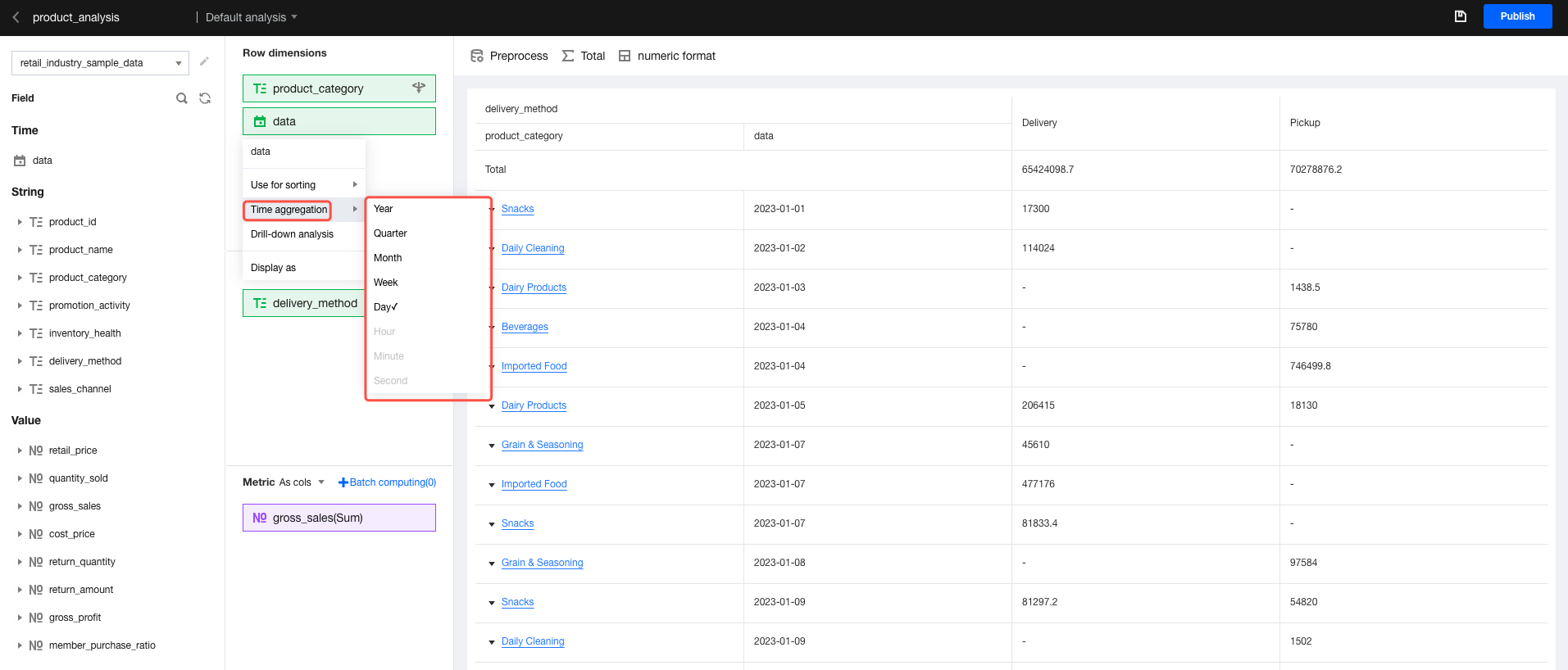
For time-type fields, you can set the time aggregation granularity. For details, see Aggregation Analysis.
7. Display Name Settings
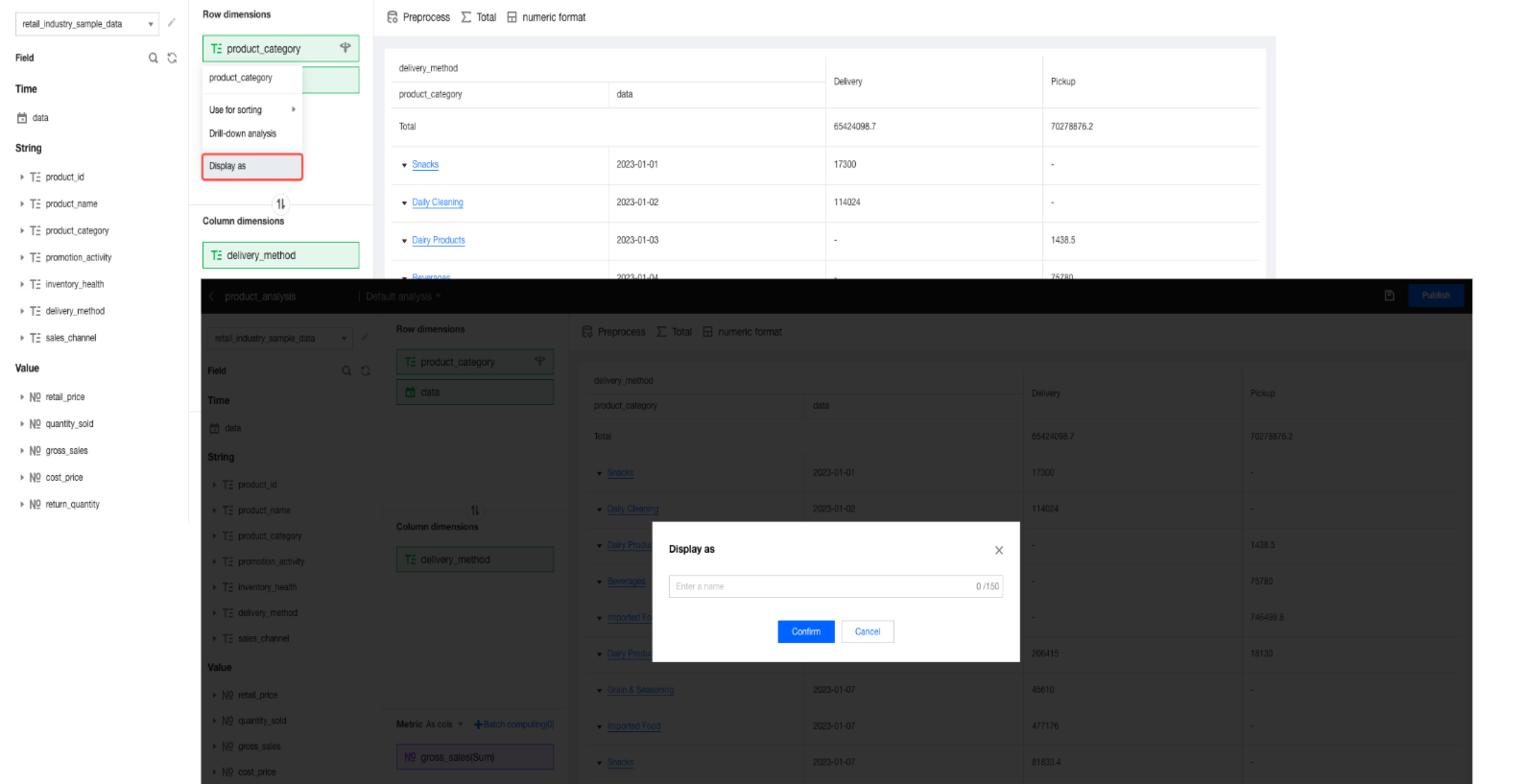
In scenarios where the default field name in a data table is not suitable for direct display, you can set the display name without changing the actual field name.
Metric Field Operations
1. Field Aggregation
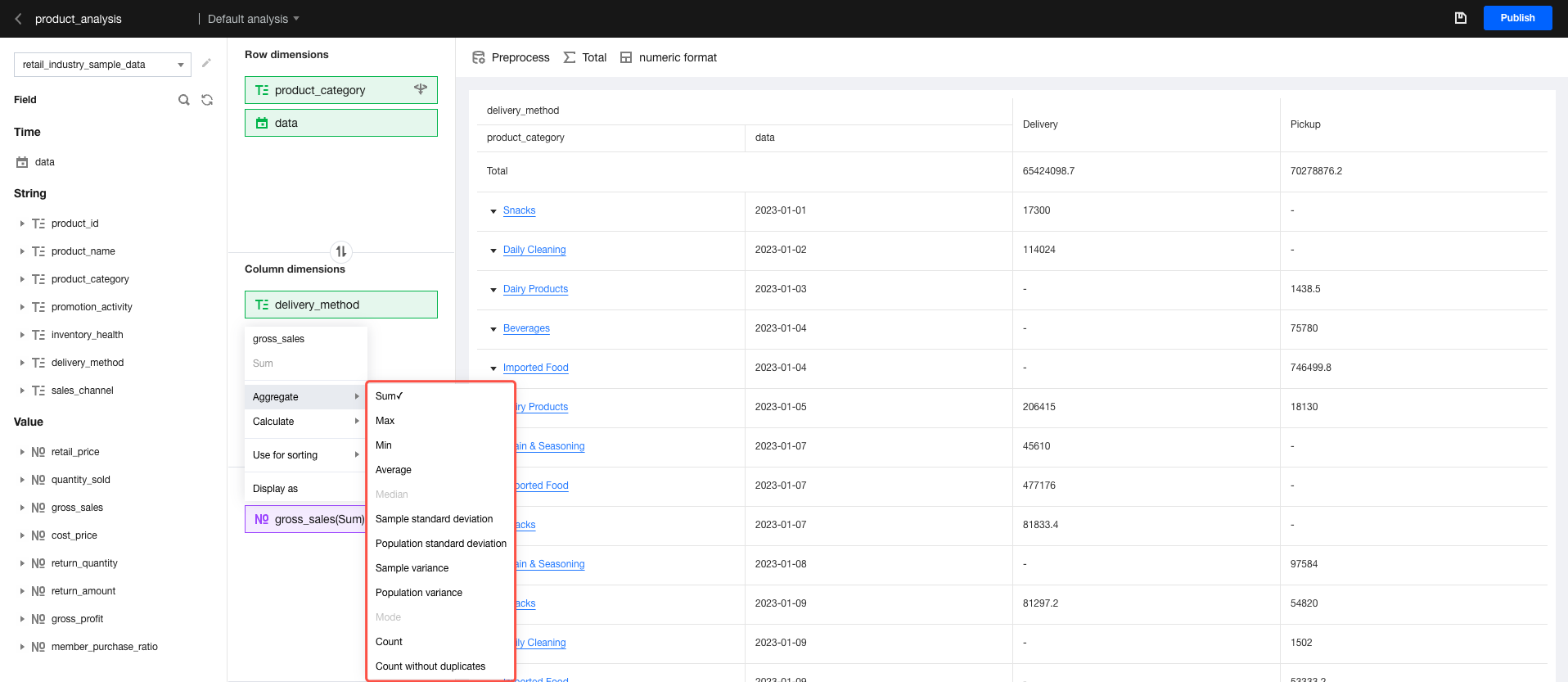
For details about the aggregation of metric fields, see the "metric aggregation" section in the editable="false">Aggregation Analysis document.
2. Quick Calculations
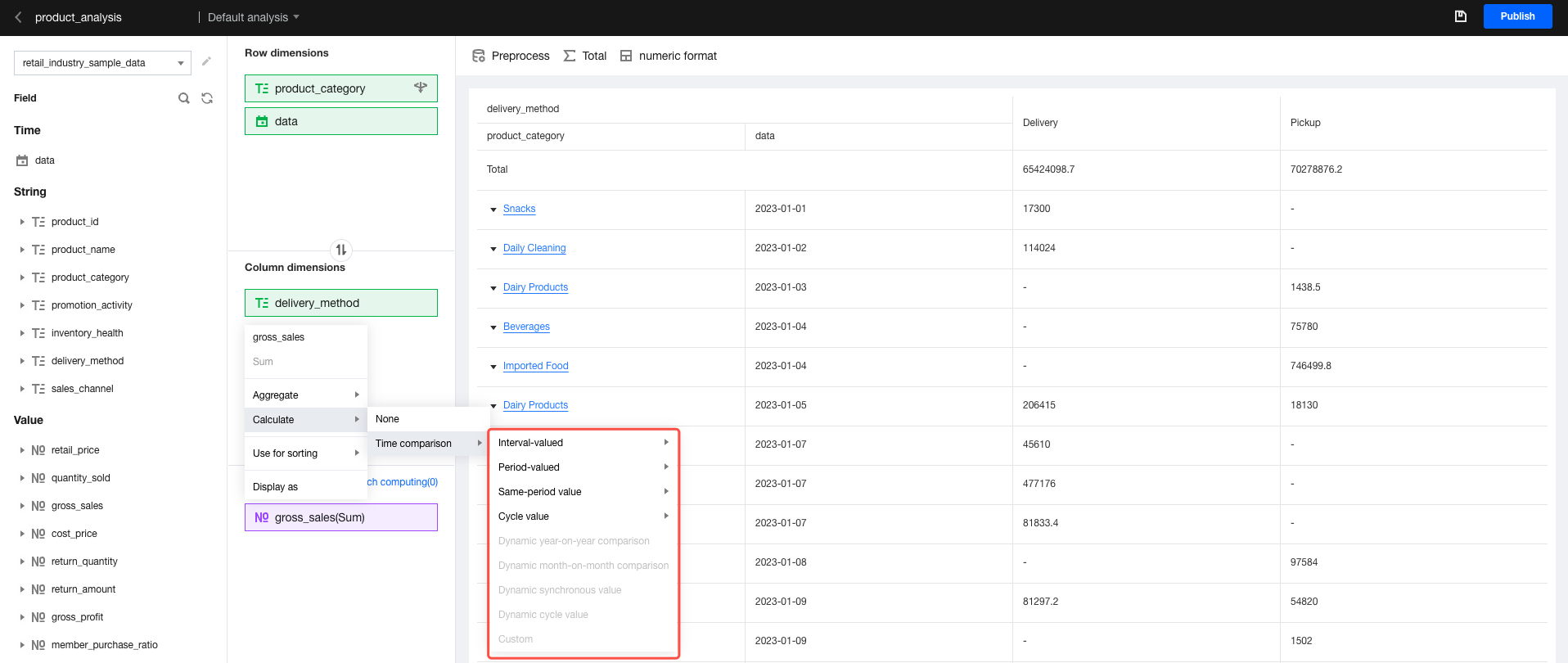
For details about the quick calculations of metric fields, see Quick Calculations.
3. Batch Calculations
Batch calculations support the simultaneous execution of quick calculations for multiple metrics with uniform settings. For details about the batch calculations of metric fields, see Batch Calculations.
4. Sorting:
The sorting settings here are the same as those of dimension fields, but custom sorting is not supported.
5. Display Name Settings
The display name settings here are the same as those of dimension fields.
Quick Filters
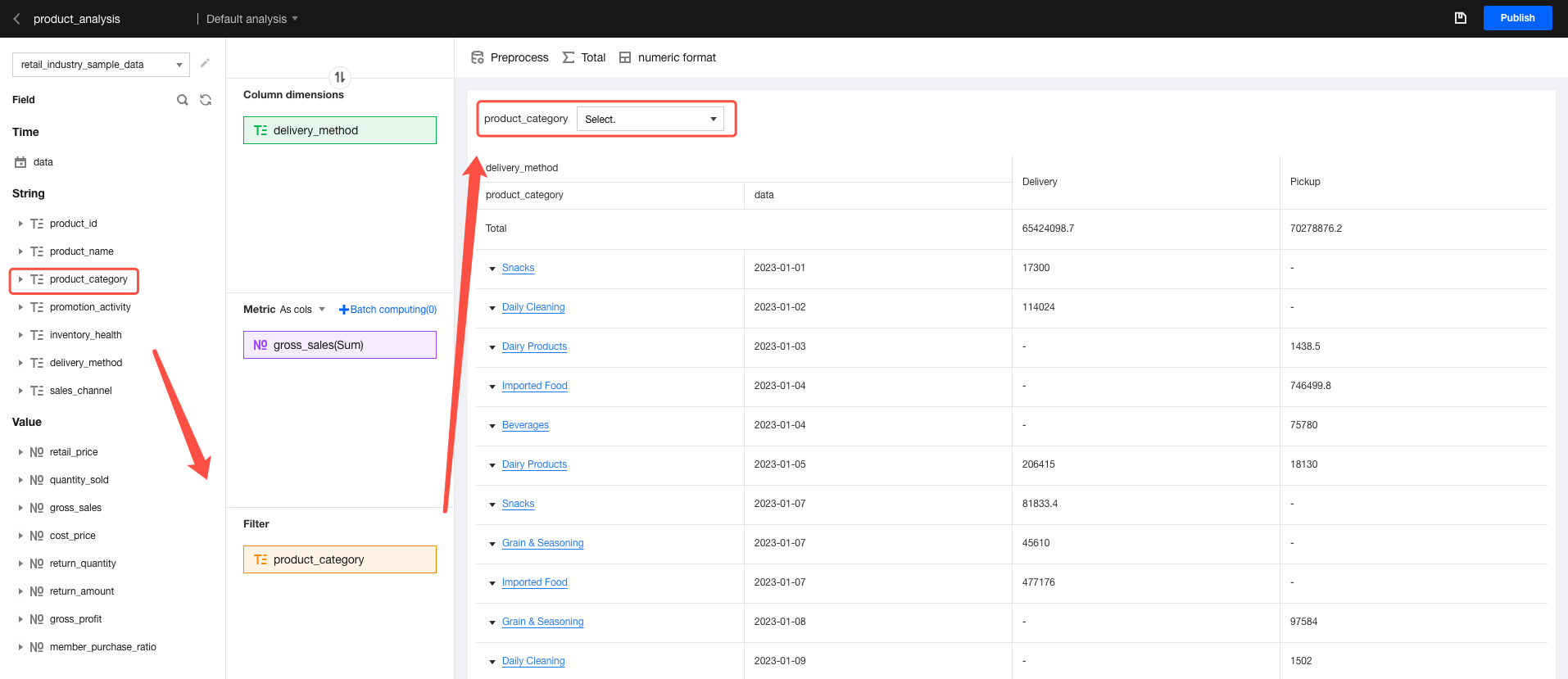
1. Add a filter field: Drag and drop the desired field to the filter area.
Note: You can only drag and drop fields, but not dimension values.
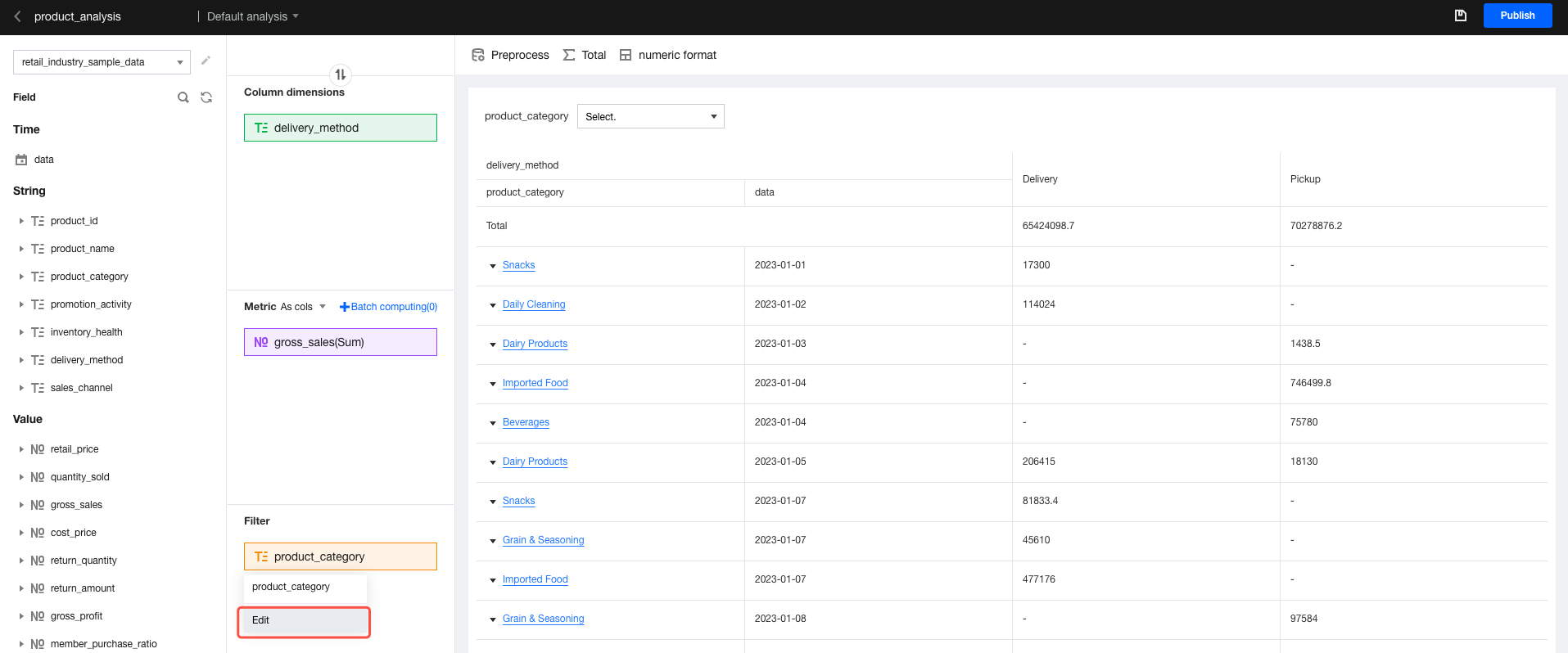
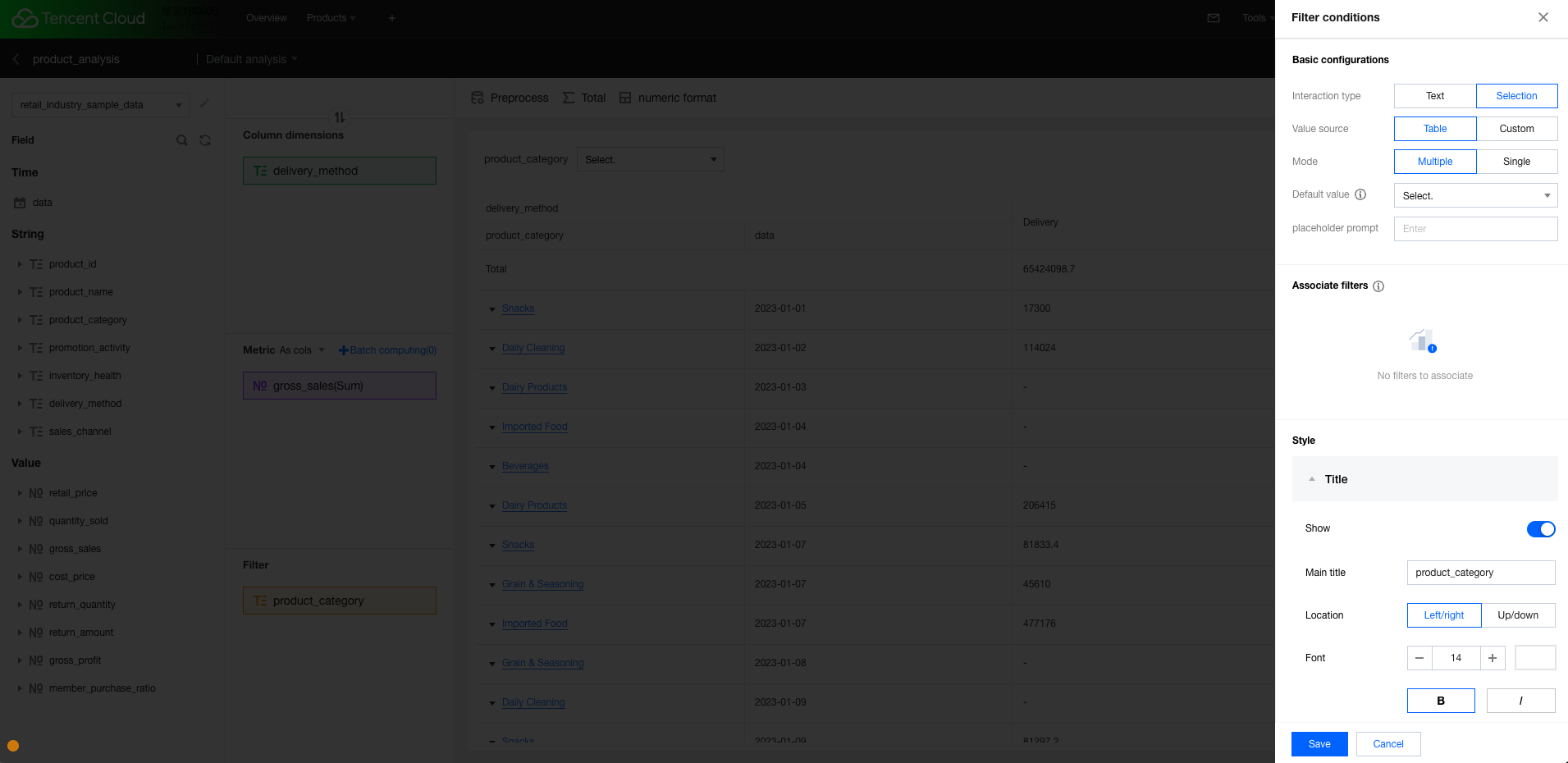
2. The system default configurations include a filter. If needed, adjust the filter configurations as shown in the figure below.
In the expanded editing panel, you can perform detailed configurations of the filter (for example, achieving data integration through an associated filter).
For usage guidelines, refer to the configuration instructions in Filter Components.