Editing Alarm Silence Rule
Download
Focus Mode
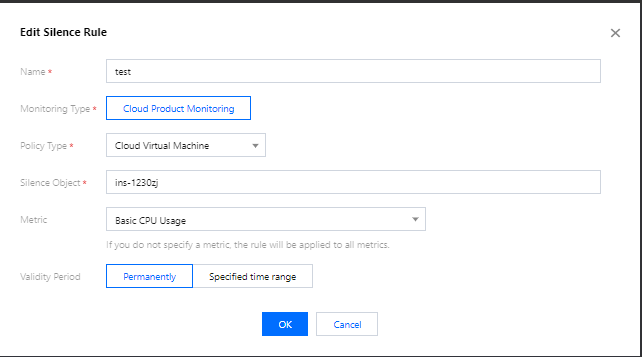
Font Size
This document describes how to edit an alarm silence rule.
Directions
1. Log in to the TCOP console and go to the Silence Alarm page.
2. Select the alarm silence rule you want to edit and click Edit in the Operation column.
3. Modify the configuration items in the pop-up window and click OK.
Help and Support
Was this page helpful?
You can also Contact sales or Submit a Ticket for help.
Help us improve! Rate your documentation experience in 5 mins.
Feedback