If there are problems with backend adaptation, please submit a ticket for assistance.
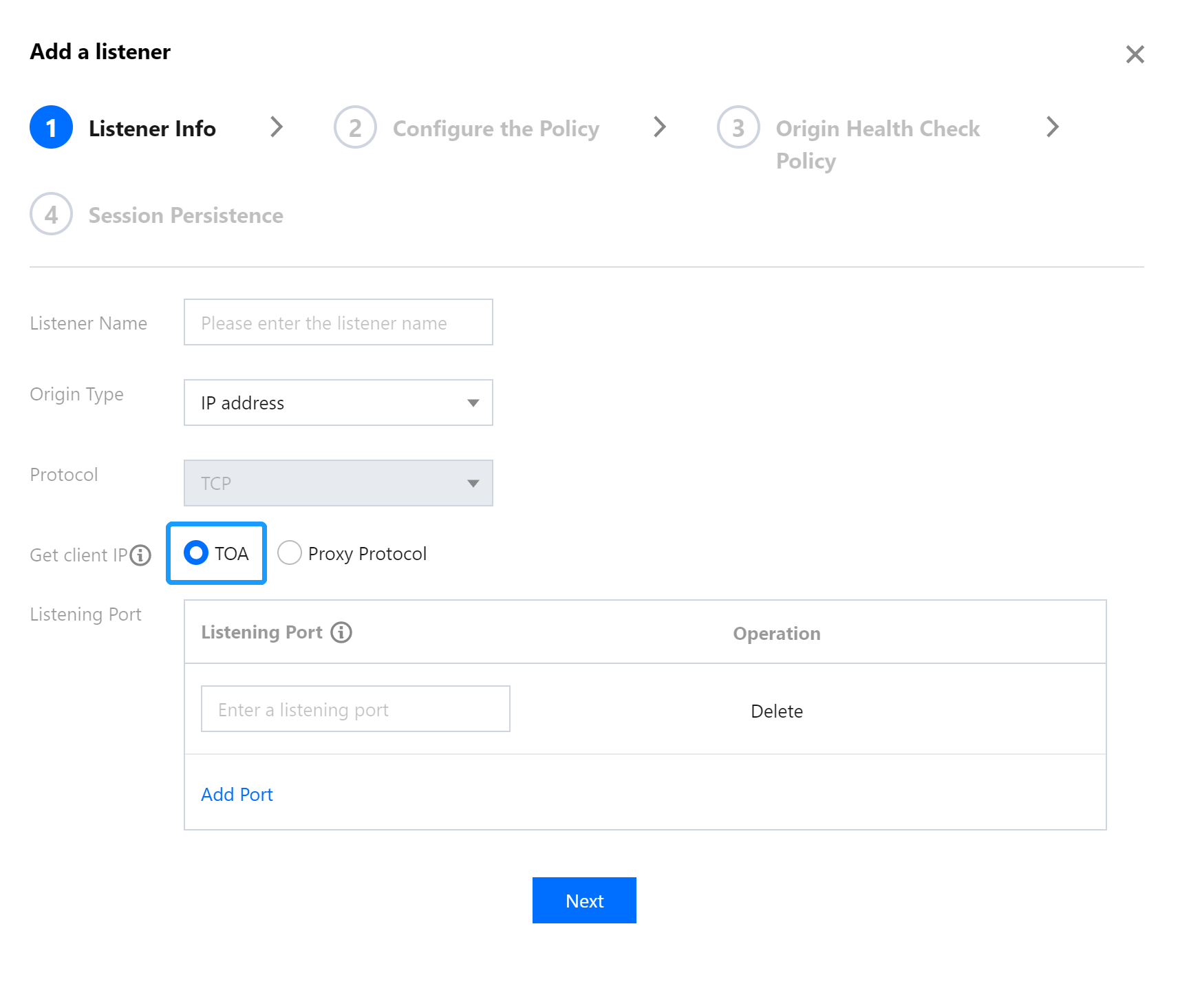
Only layer-4 TCP allows TOA to obtain the real client IP. Please enable TOA in the acceleration connection as follows:
Log in to the GAAP console. Select Access Management > TCP/UDP Listener Management. Click Create to add a TCP listener and select TOA, and then complete configurations required to create the listener and connection.