tencent cloud

Tencent Effect SDK

Release Notes and Announcements
Release Notes
Tencent Effect SDK V3.5 Version Released
Tencent Effects SDK V3.0 Version Related API and Material Changes
Product Introduction
Overview
Features
Basic Concepts
Strengths
Use Cases
Purchase Guide
Pricing Overview
Purchase Guide
Payment Overdue and Refund
Tutorial
Demos
Free Trial License
Licenses
Adding and Renewing a License (Mobile)
Adding and Renewing a License (Desktop)
Adding and Renewing a License (Web)
FAQs
SDK Download
Features
SDK Download
Version History
SDK Integration Guide(No UI)
General Integration of Tencent Effect
Integrating Capabilities
SDK Integration Guide(Including UI)
General Integration of Tencent Effect
Integrating Tencent Effect into MLVB SDK
Integrating Tencent Effect into TRTC SDK
Integrating Tencent Effect into UGSV SDK
Virtual Avatars
API Documentation
iOS
Android
Flutter
Web
Feature Guide
Reducing SDK Size
SDK Integration Issue Troubleshooting
Performance Fine-Tuning
Effect Fine-Tuning
Material Usage
Effect Parameters
Recommended Parameters in Beautification Scenarios
UGSV Enterprise Edition Migration Guide
Integrating Tencent Effect for Third-Party Publishers (Flutter)
Integrating Beauty AR Web into Mini Programs
Tencent Effect Studio Usage
Beauty AR Web
Overview
Quick Start
SDK Integration
Parameters and APIs
Console Guide
Demos
Preset Effect List
Practical Tutorial
FAQs
FAQs
General
Technical
License
Legacy Documentation
Recommended Parameters in Beautification Scenarios
Beauty Parameters Table
One-Minute Integration of TRTC
One-Minute Integration of Live Streaming
TE SDK Policy
Privacy Policy
Data Processing And Security Agreement
Contact Us

Material Export Specification

PDF
Focus Mode
Font Size
Last updated: 2024-03-22 18:45:44

Components

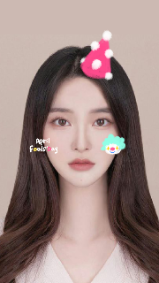
Follow facial material —— Follow face movement.
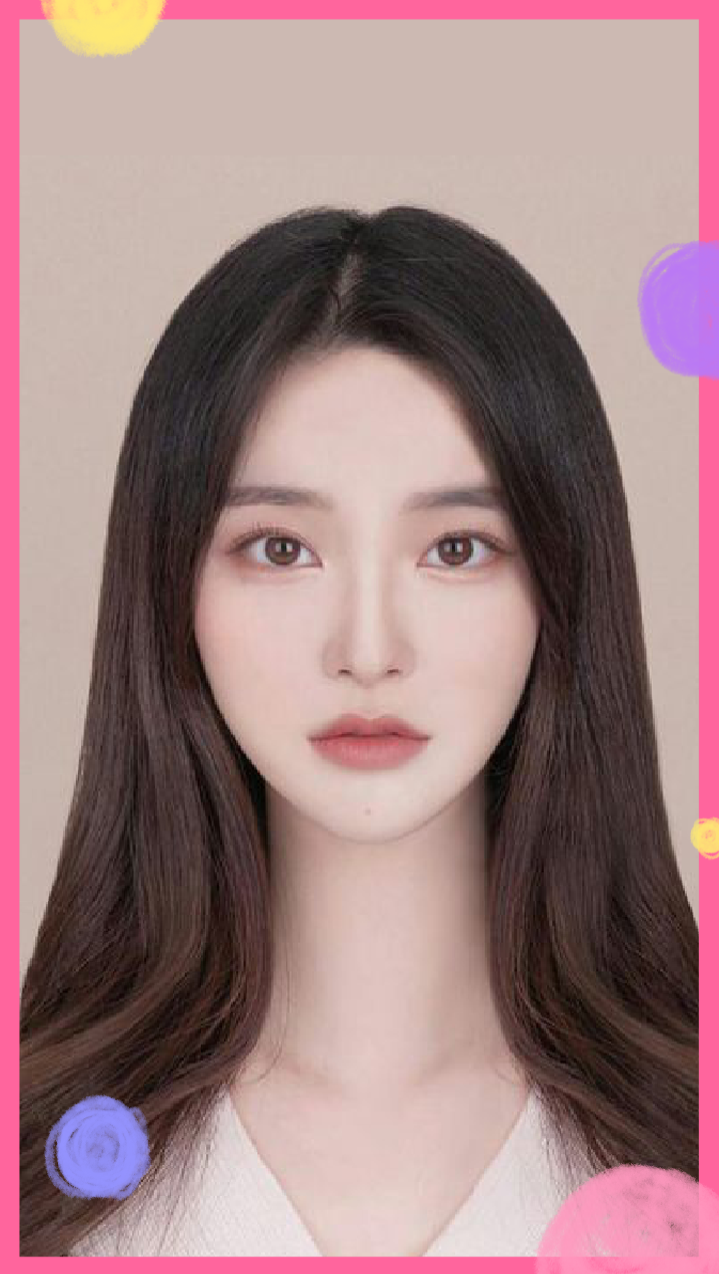
Foreground material/Keying material —— Fixed position, not following face movement.


Complete Effect Follow-up Material Foreground Material

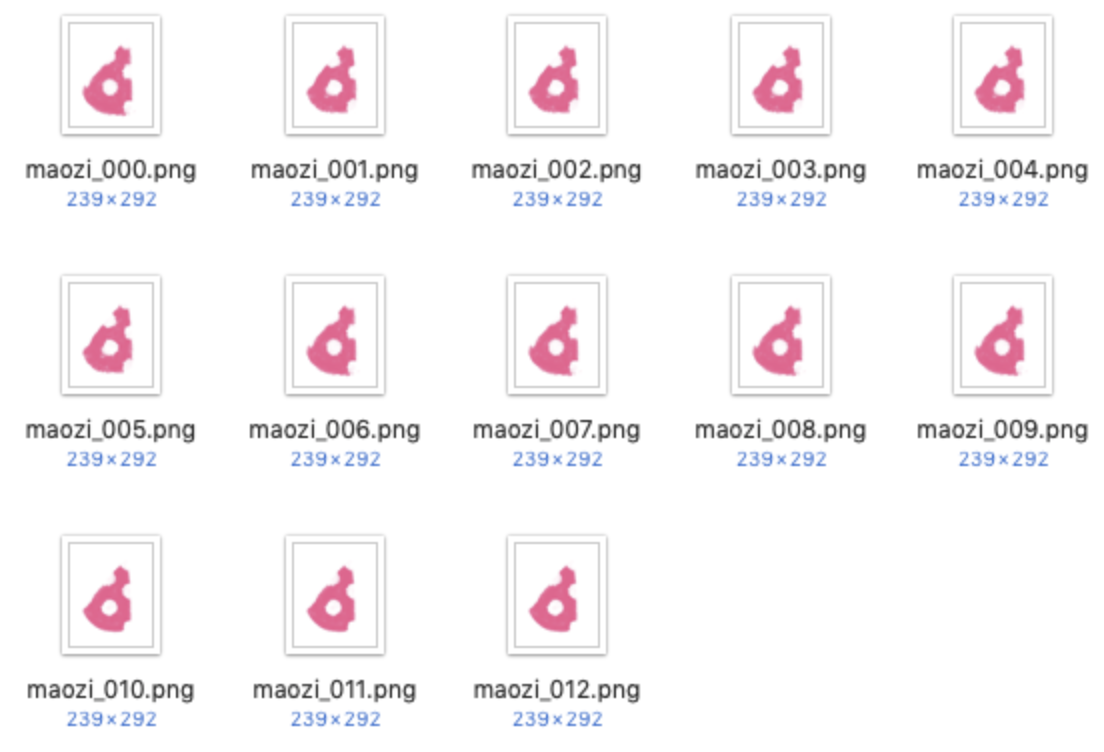
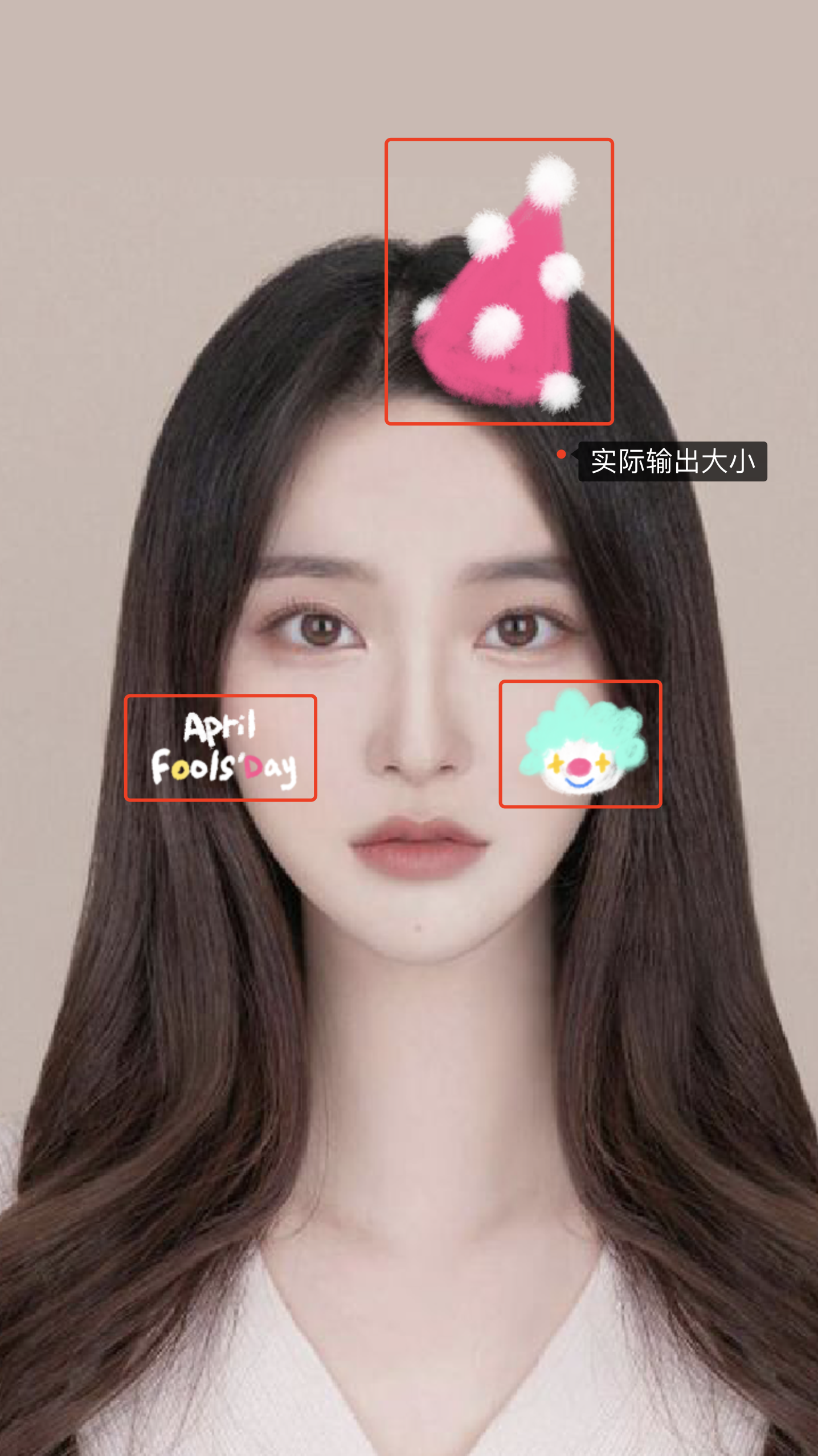
Follow Facial Material Export

Export various material parts separately, maintaining the file size as small as possible.
The animation frame rate is 24 frames/second (can be adjusted according to actual demand).
Sequence frame naming format: use english.
Package each group of sequence frames into a folder, with the name consistent with the sequence frame prefix.


Actual Output Size Folder Naming Sequence Frame Naming

Foreground Material/Cutout Background Material Export

Not following the face, fixed position, located at the top layer of the screen.
Adapt to multiple platform ratio export methods:
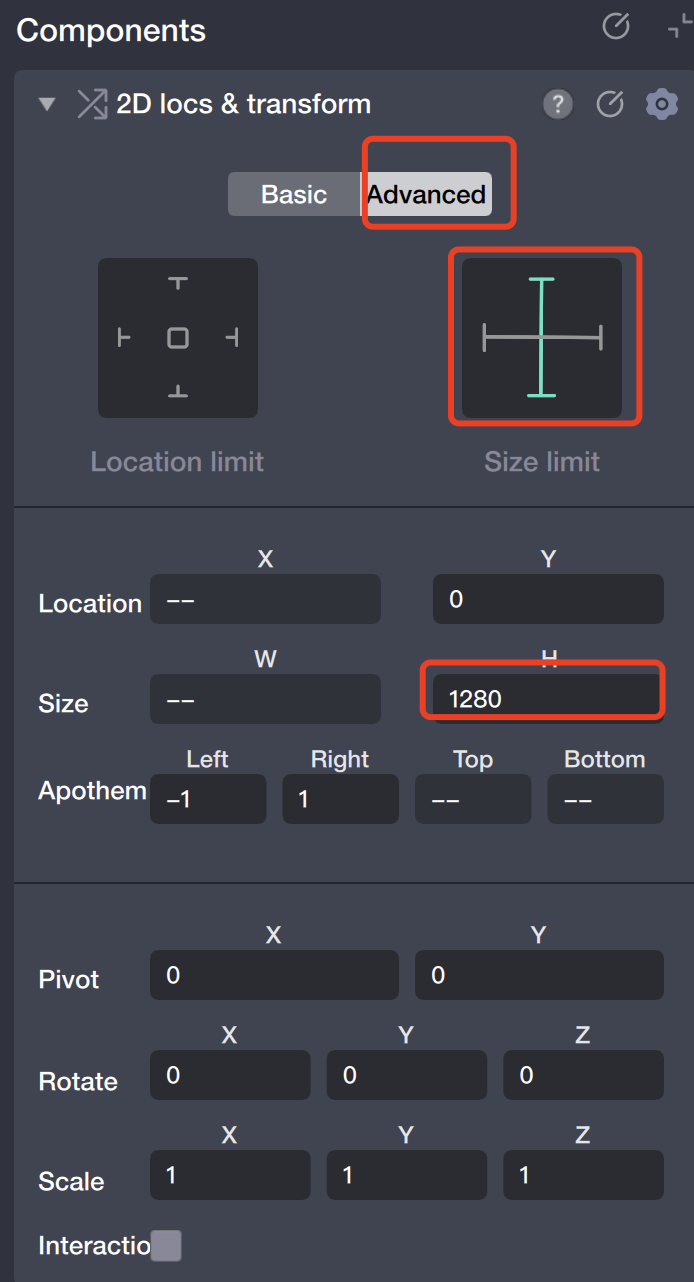
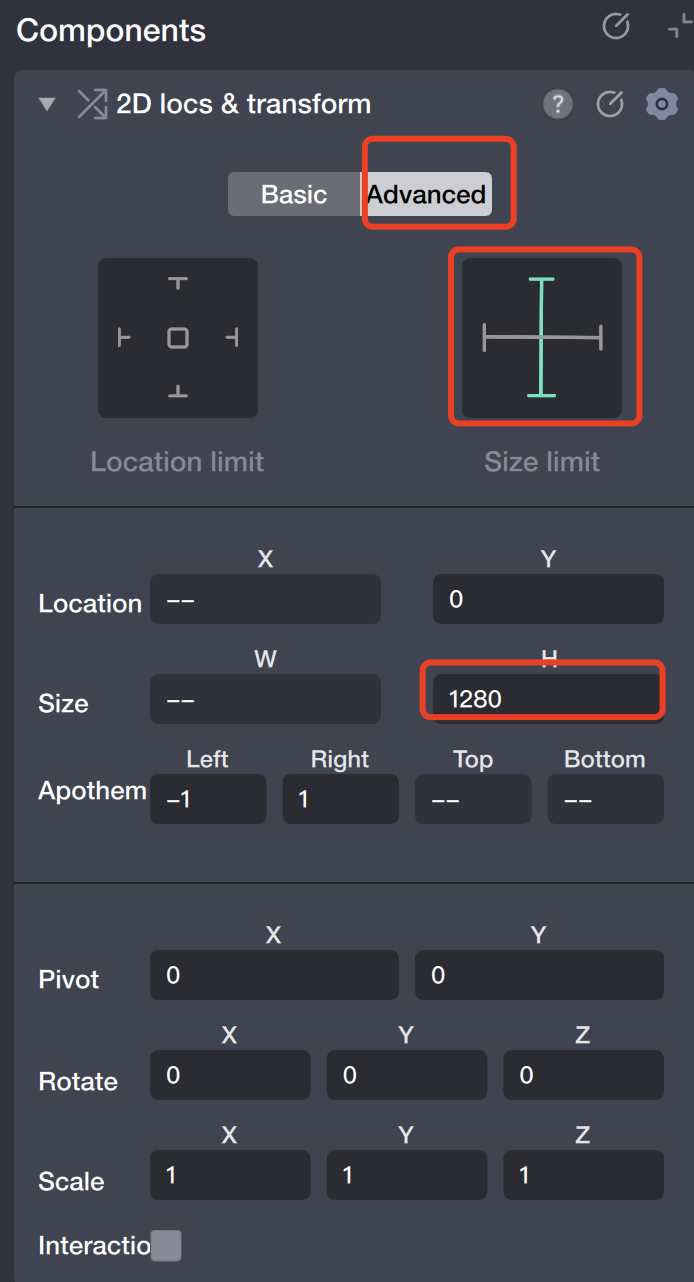
It is recommended that the foreground material export ratio is 720*1280. In order to ensure the display effect on multiple platforms, please have the creator perform a multi-ratio inspection of the preview effect, ensuring that all ratios have a complete element display and avoid cutting edges.
(Required check ratios: 9:16, 4:3, full, 1:1).
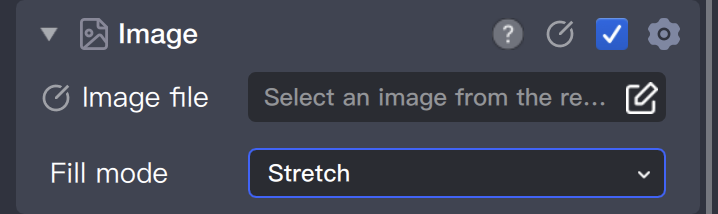
Applicable type: Do not want to be cropped, stretch material to adapt to multiple ratios.


Applicable types: By cropping to adapt multiple ratios.


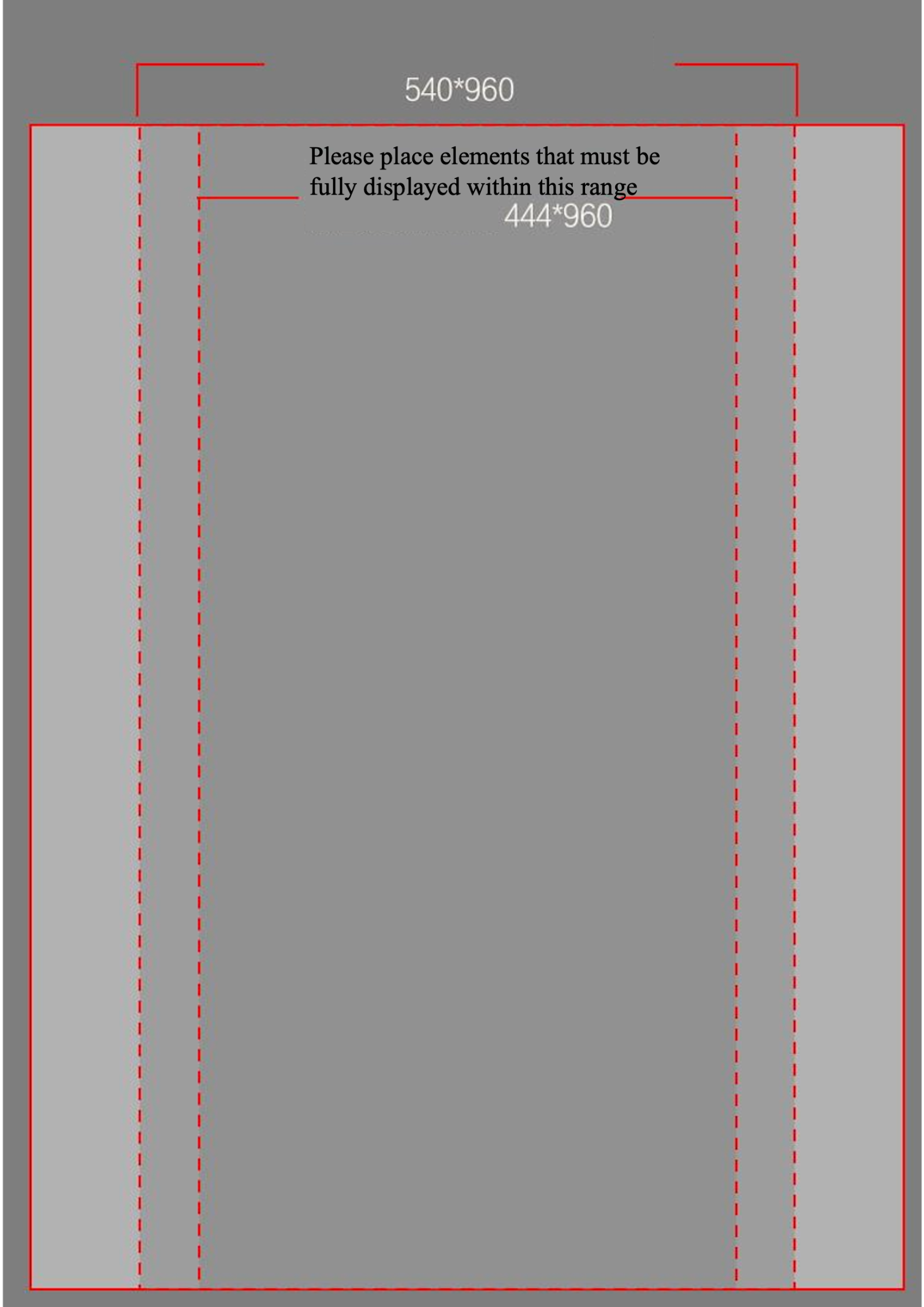
The export ratio of foreground material is 720*960. Please design the material according to the standard shown in the picture below, and adjust the effect on Tencent Effect with multi-ratio preview.

TE Engineering Package

Best control around 10M, not exceed 15M.

Help and Support

Was this page helpful?

Help us improve! Rate your documentation experience in 5 mins.

Feedback