Upgrading Virtio network card drive for Windows CVMs
Download
Focus Mode
Font Size
Last updated: 2024-01-08 09:47:10
To prevent the extreme case where Windows CVMs created between June and August of 2016 become offline and affect your business operation, we provide an upgrade program for the Virtio network driver. We strongly recommend you follow the instructions below to install the upgrade program. You can then solve the problem by simply restarting the system.
Tencent Cloud users can download the program from the private IP below and complete the upgrade with just one click. Users need to log in to Windows CVM and access the image site http://mirrors.tencentyun.com/install/windows/update_netkvm.exe. After the download, run the upgrade program directly or save it first.
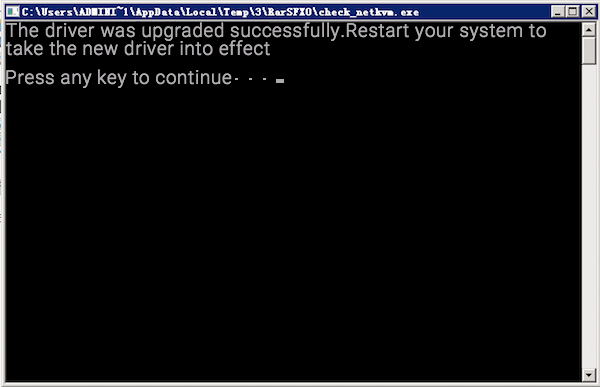
The running result may show the driver has been upgraded successfully, and the new driver will take effect after you restart the system.
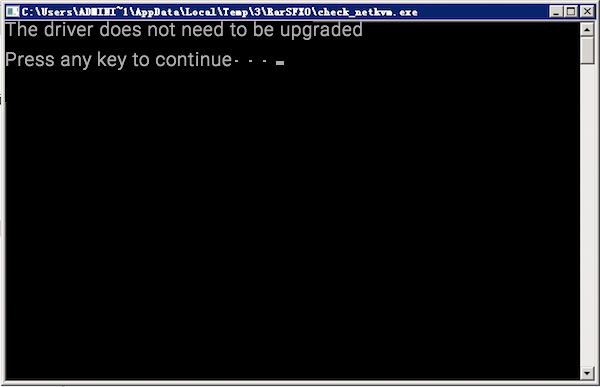
The running result may show that the existing driver does not need to be upgraded.